Explore Our Squarespace Tutorials & Grow Your Website

Expert tips and tools to help you be more productive in Business, Web Design, Social Media, and More.
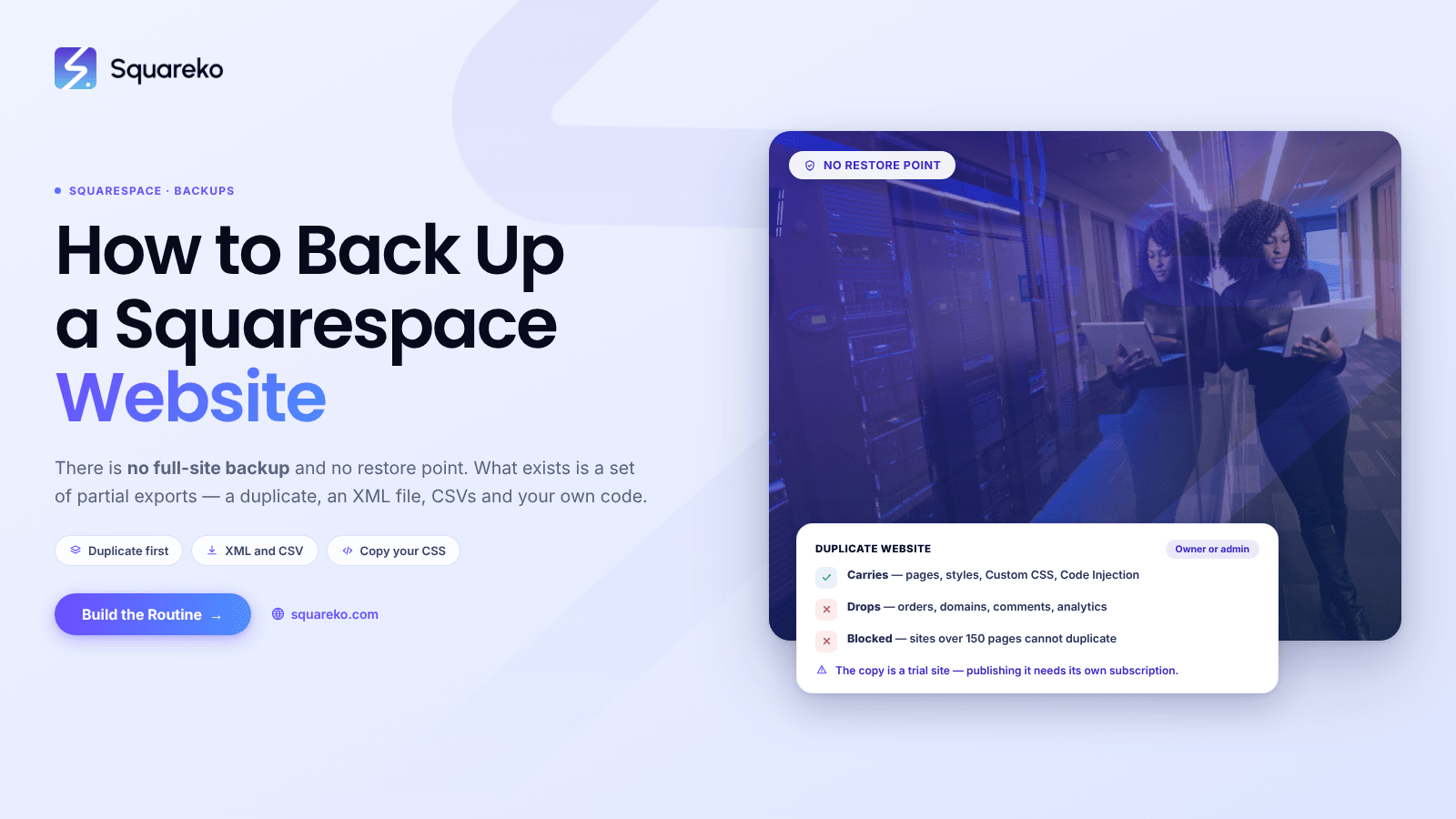
How to Back Up a Squarespace Website
There is no full-site backup on Squarespace and no restore point. No button produces a file you could use to….
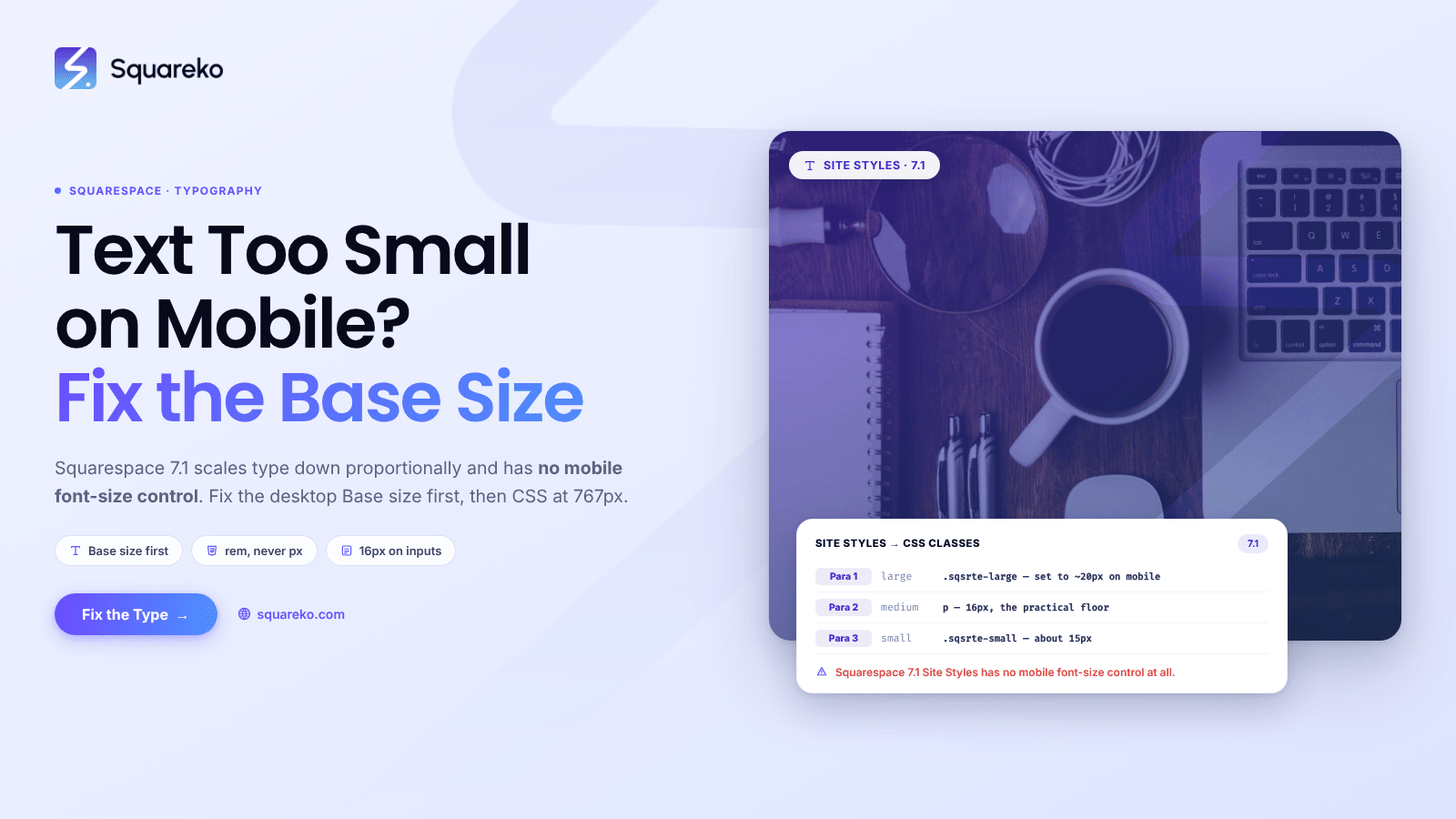
Fixing Text That's Too Small on Mobile in Squarespace
Squarespace 7.1 scales all type down proportionally on small screens, and there is no mobile font-size control…
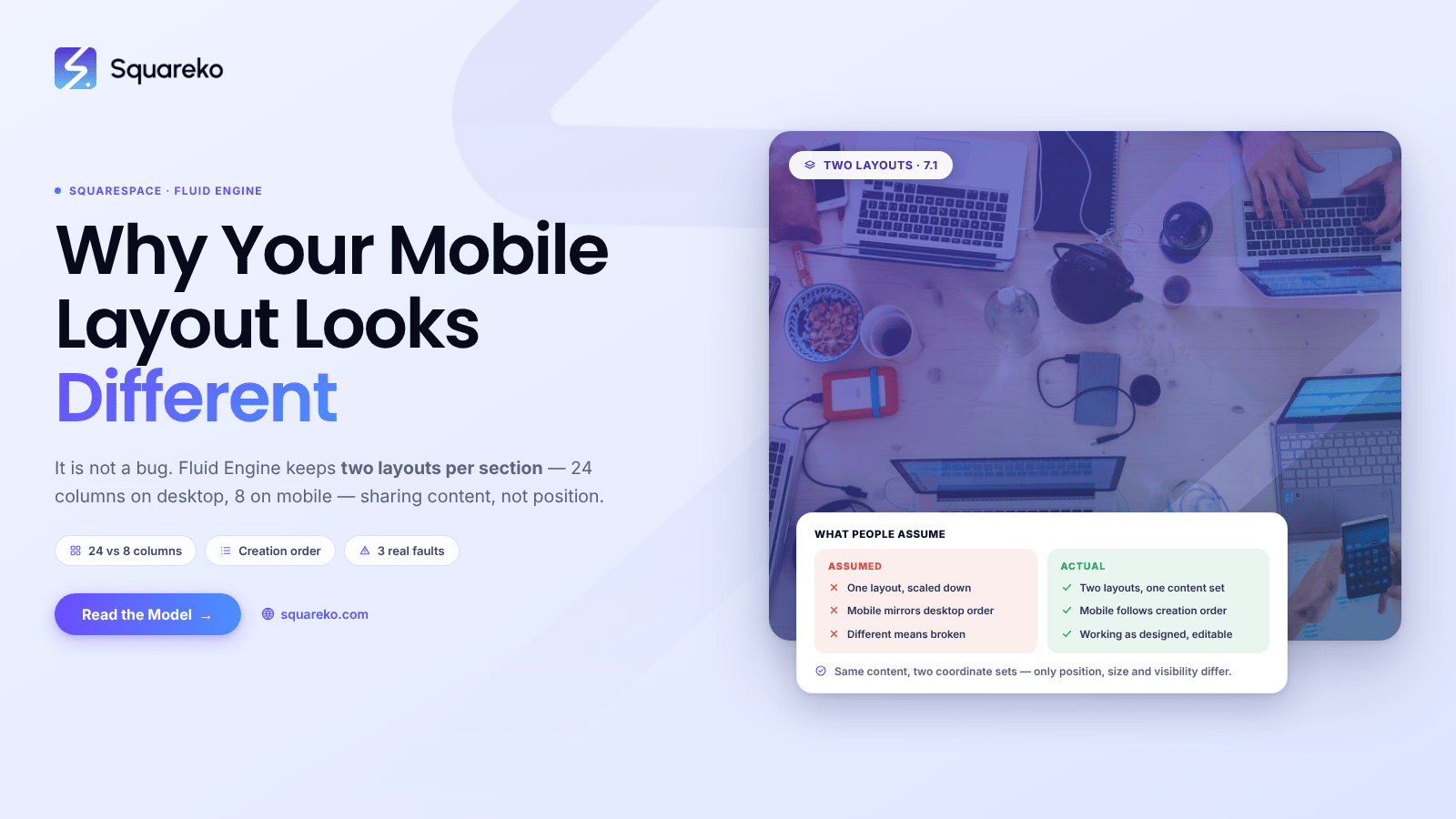
Why Your Squarespace Mobile Layout Looks Different (And How to Fix It)
This is not a bug. Squarespace 7.1's Fluid Engine deliberately maintains two separate layouts for every section…
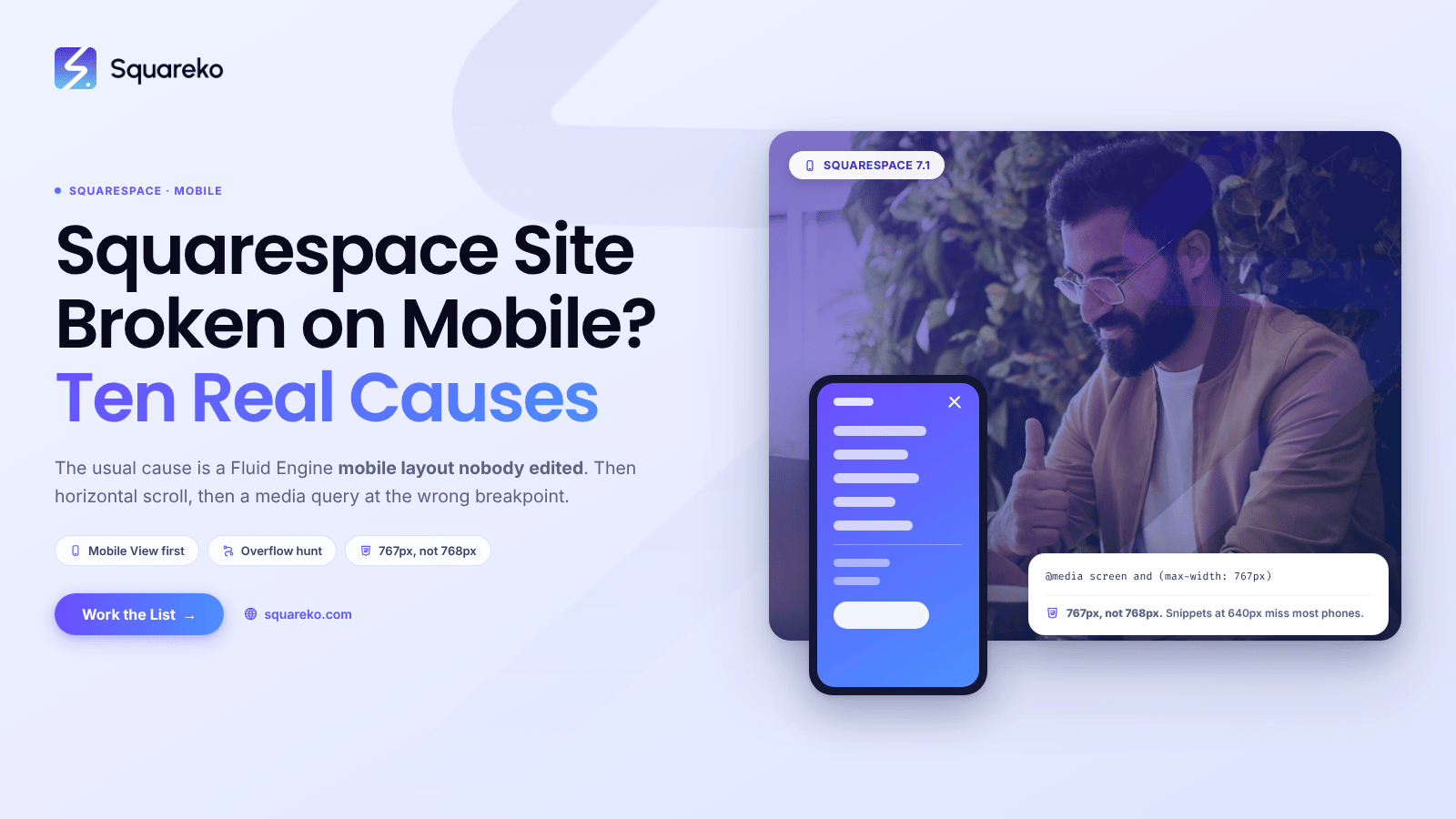
Squarespace Mobile Responsive Issues: The 10 Most Common Fixes
In Squarespace 7.1 the most common cause by a wide margin is that the Fluid Engine mobile layout was never edited.
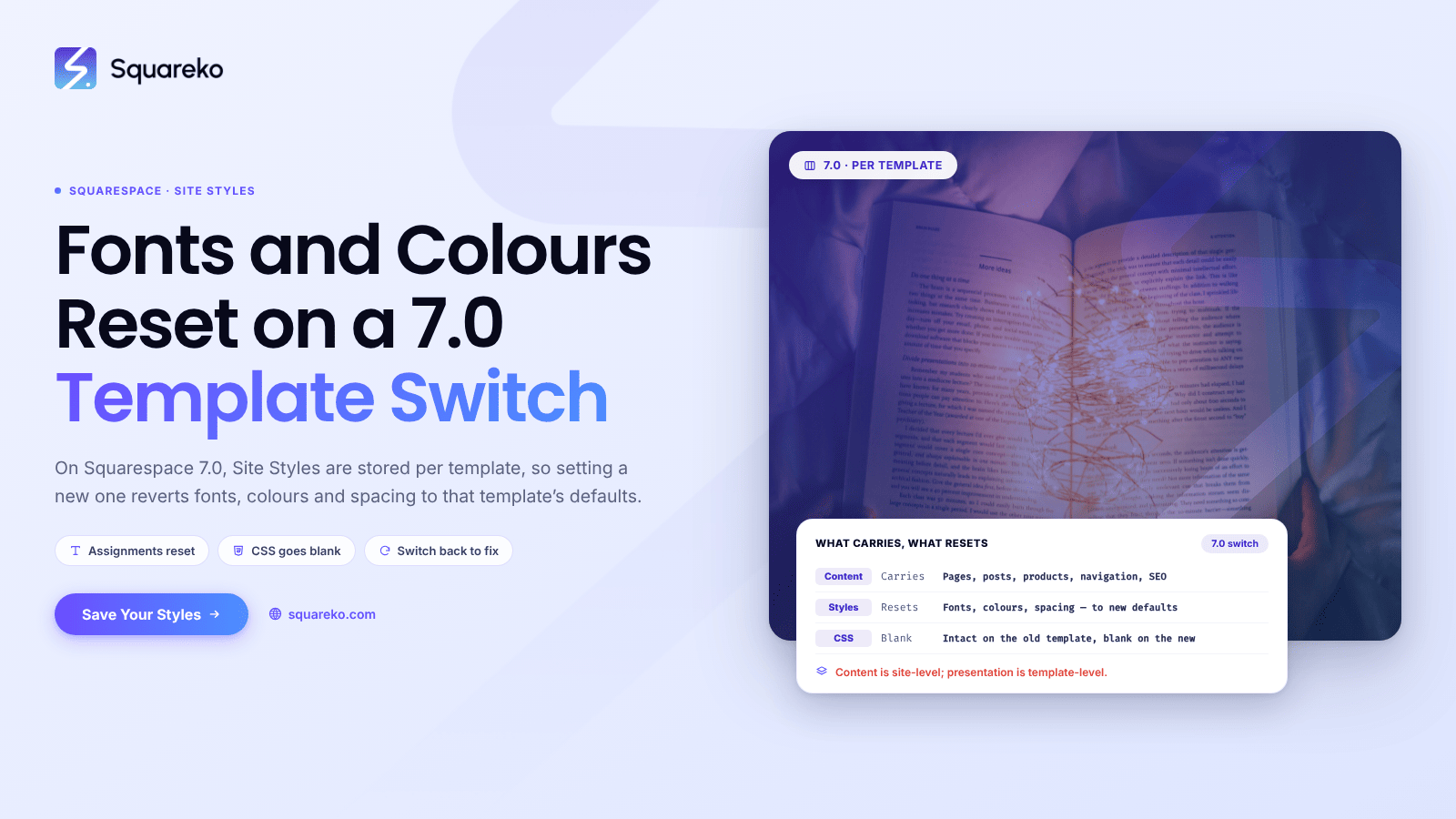
Fonts and Colours Changed After Switching Templates? Here's Why
On Squarespace 7.0, Site Styles are stored per template, not per site. Squarespace's own wording is that when you set…
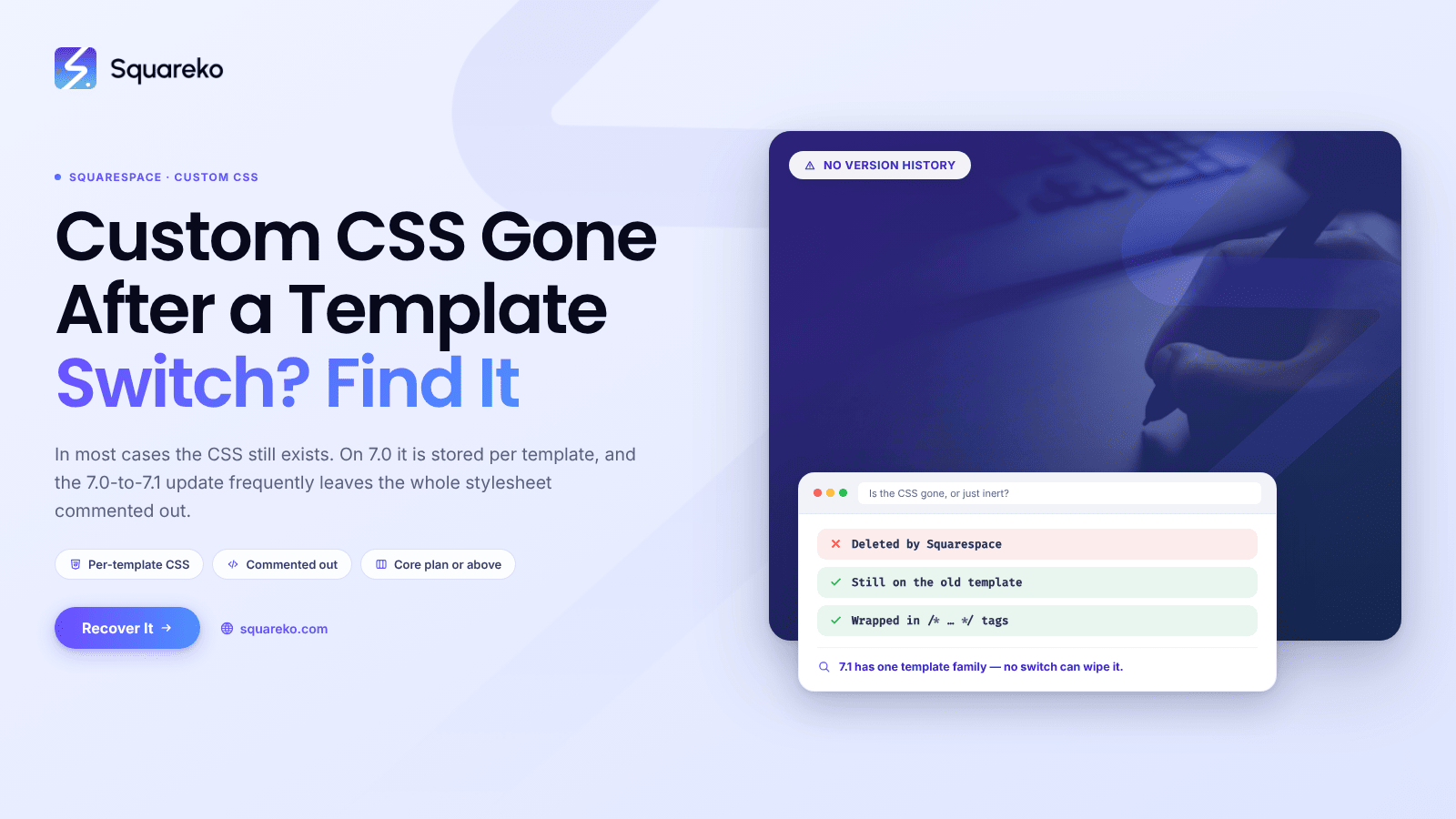
Squarespace Custom CSS Disappeared After a Template Change? Recovery
In most cases the CSS still exists and you are looking in the wrong place, or Squarespace has commented it out rather than deleted it.
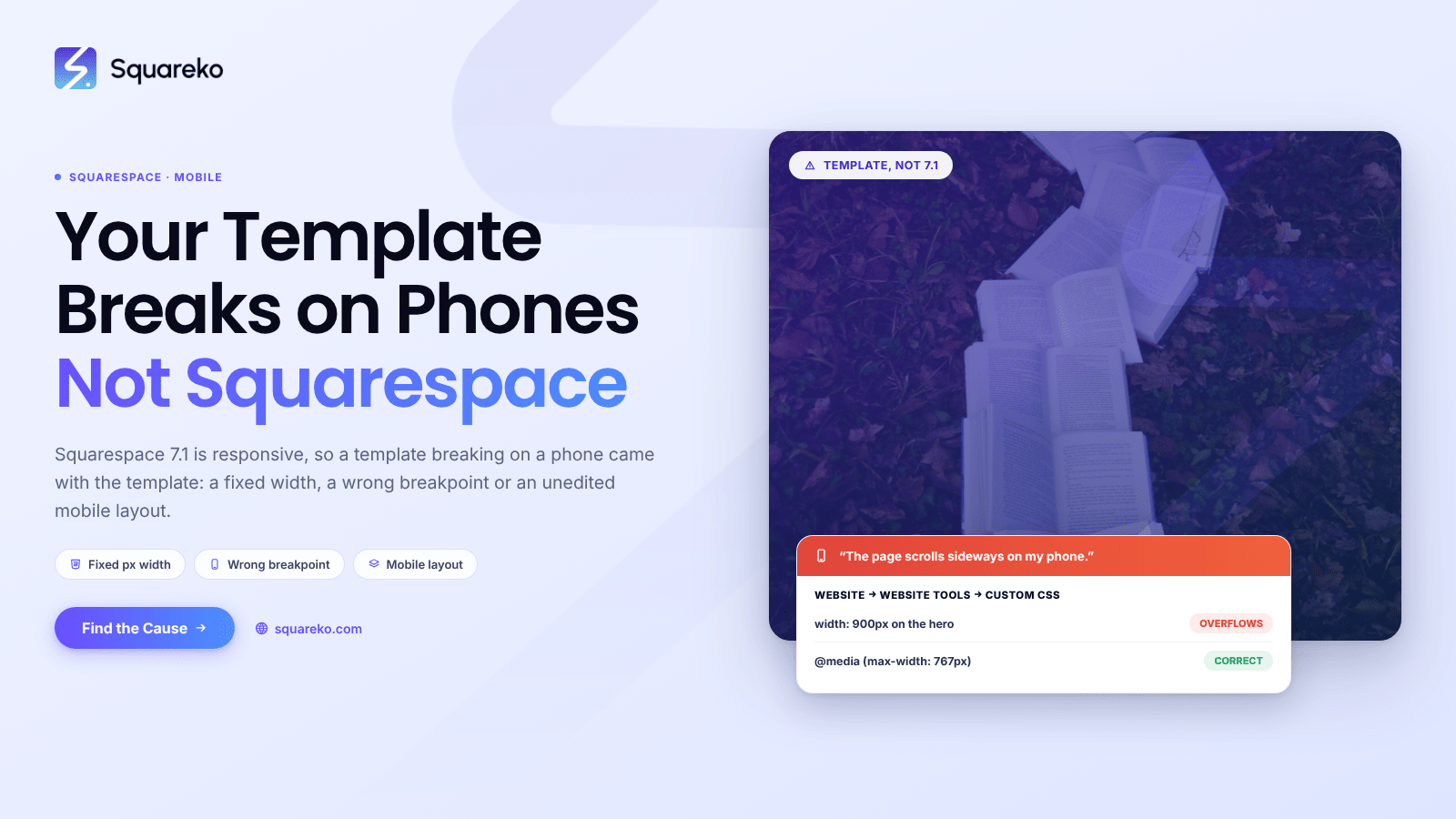
Squarespace Template Not Responsive on Mobile? Fixes
Squarespace 7.1 itself is responsive, so a purchased template breaking on mobile is not the platform failing
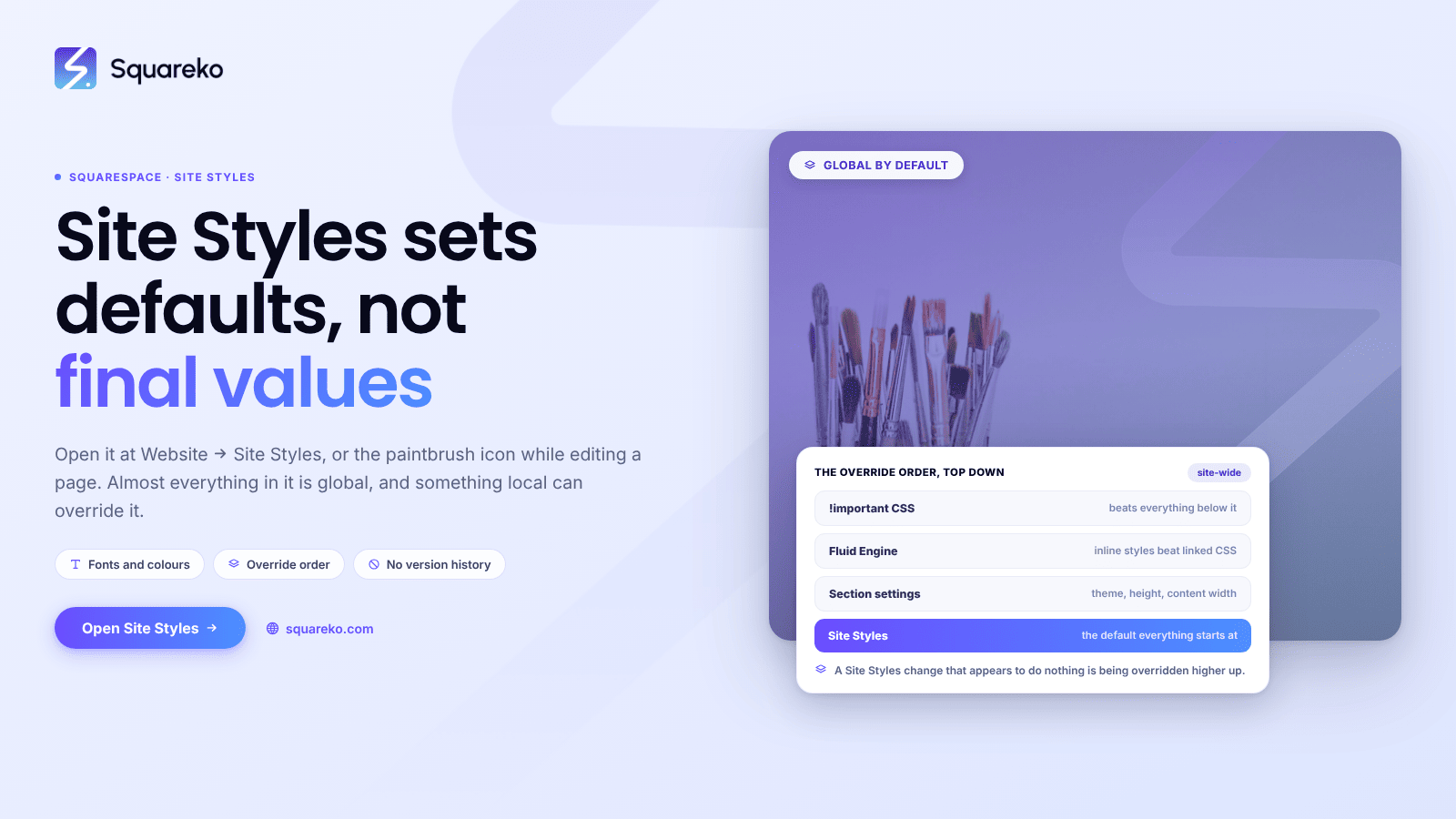
Squarespace Site Styles Explained (Every Panel and Setting)
Site Styles in Squarespace 7.1 sets site-wide defaults, not final values. Open it at Website → Site Styles,
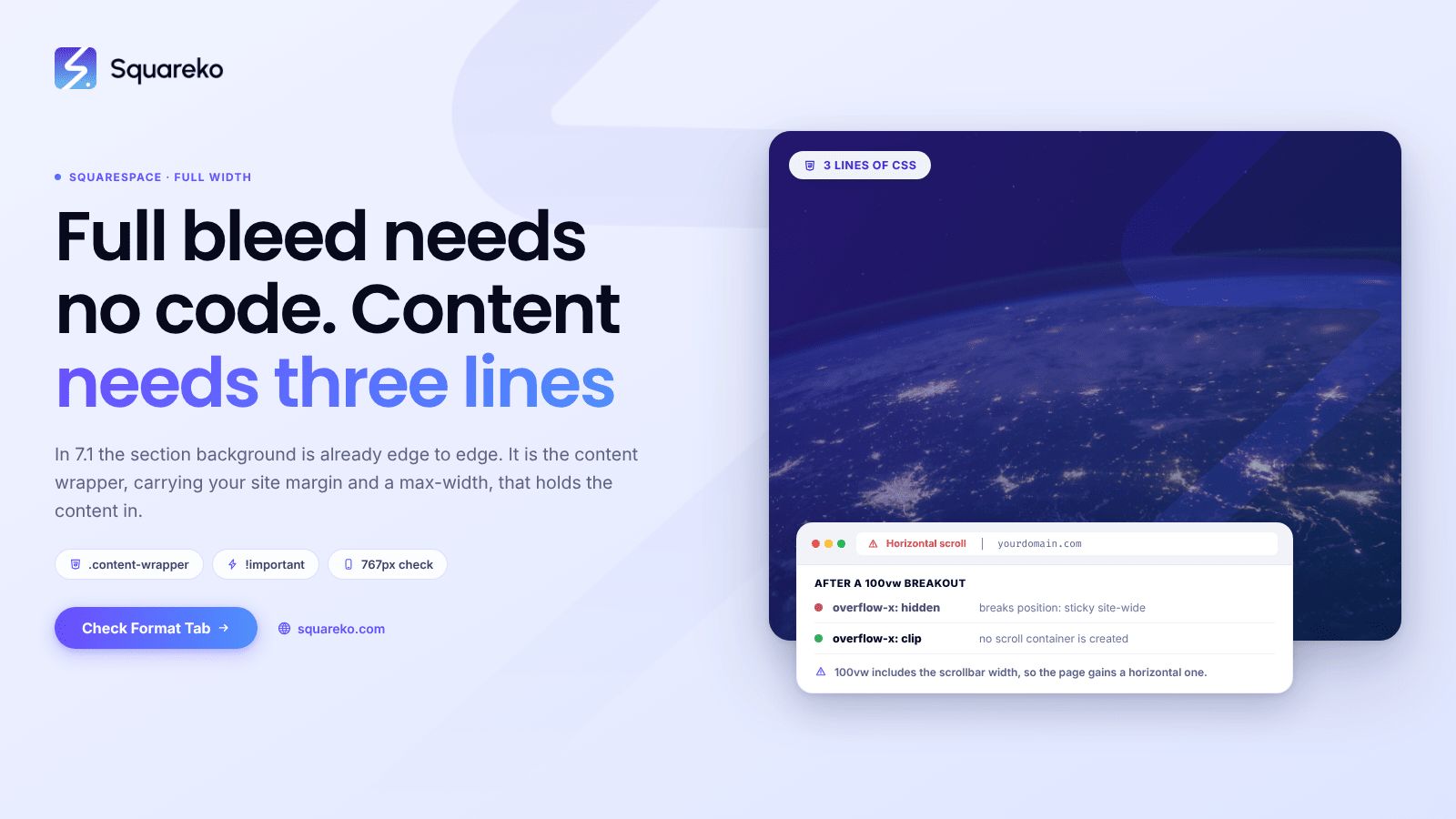
How to Create a Full-Width Section in Squarespace
In Squarespace 7.1 the section background is already edge to edge — it is the content that isn't. Content sits inside a…
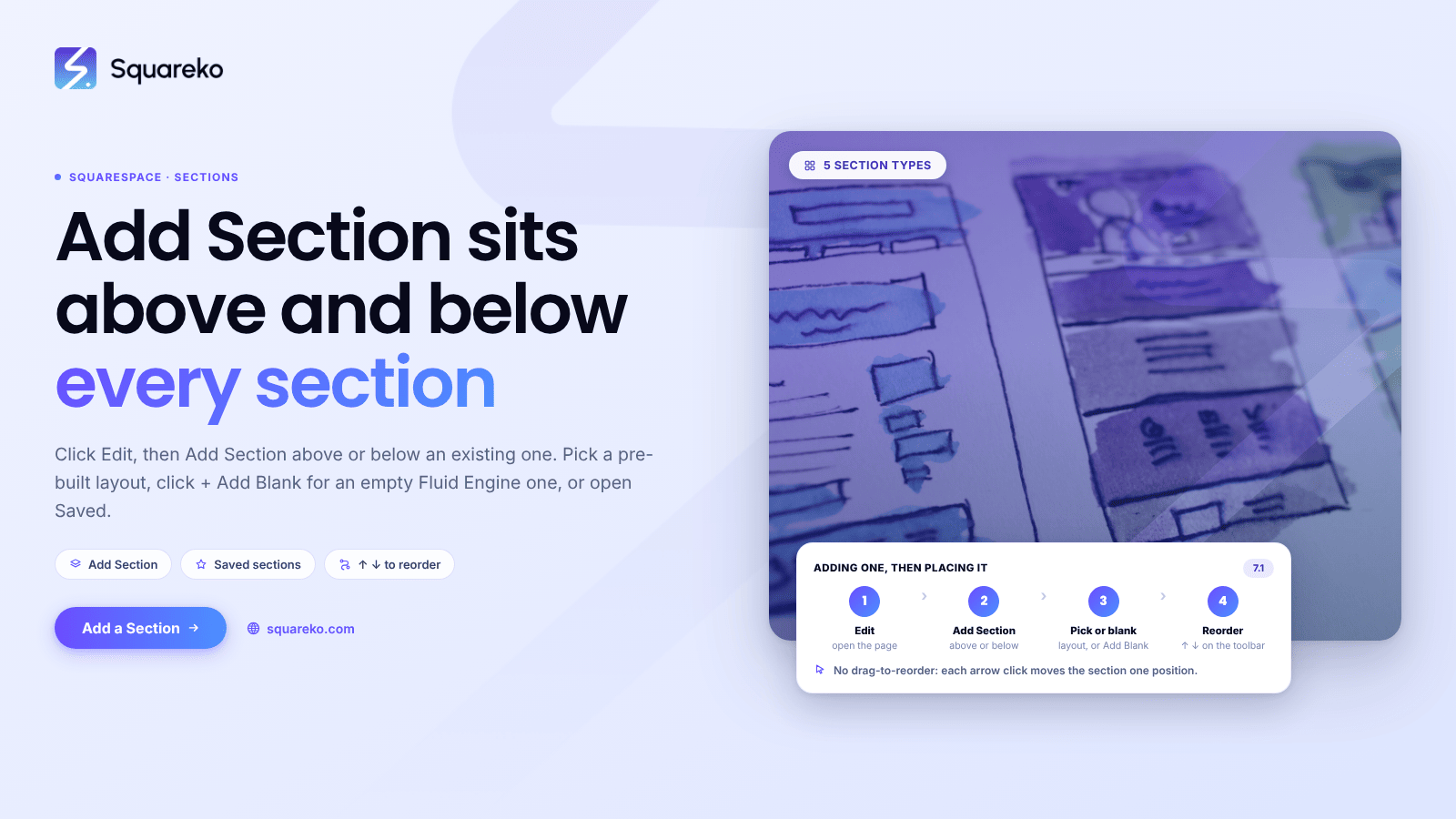
How to Add and Reorder Sections in a Squarespace Template
Click Edit on the page, then Add Section above or below an existing section. Pick a pre-built layout from the category list,
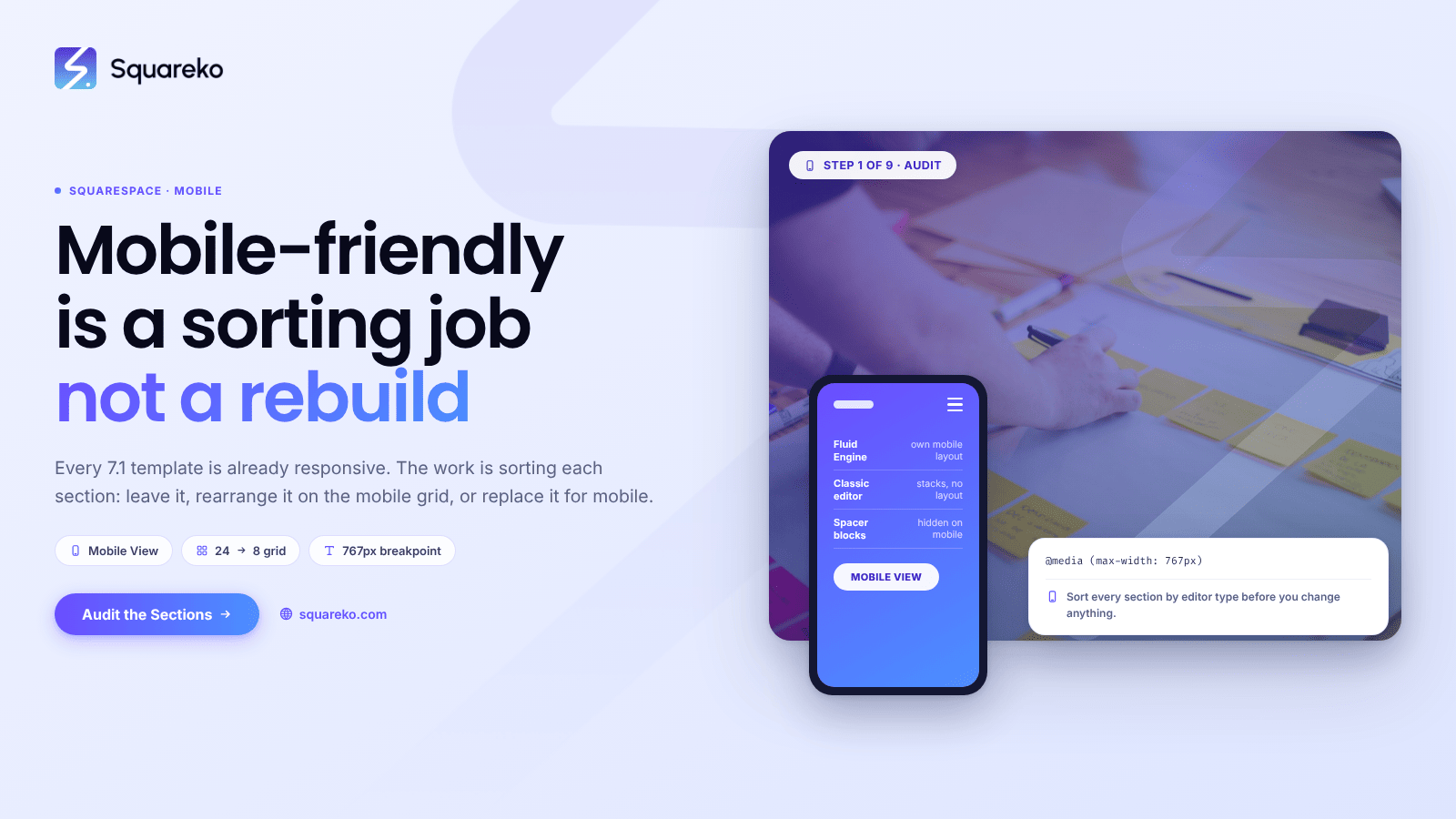
How to Make a Squarespace Template Properly Mobile-Friendly
Every Squarespace 7.1 template is already responsive, so the question is never "how do I make it responsive".
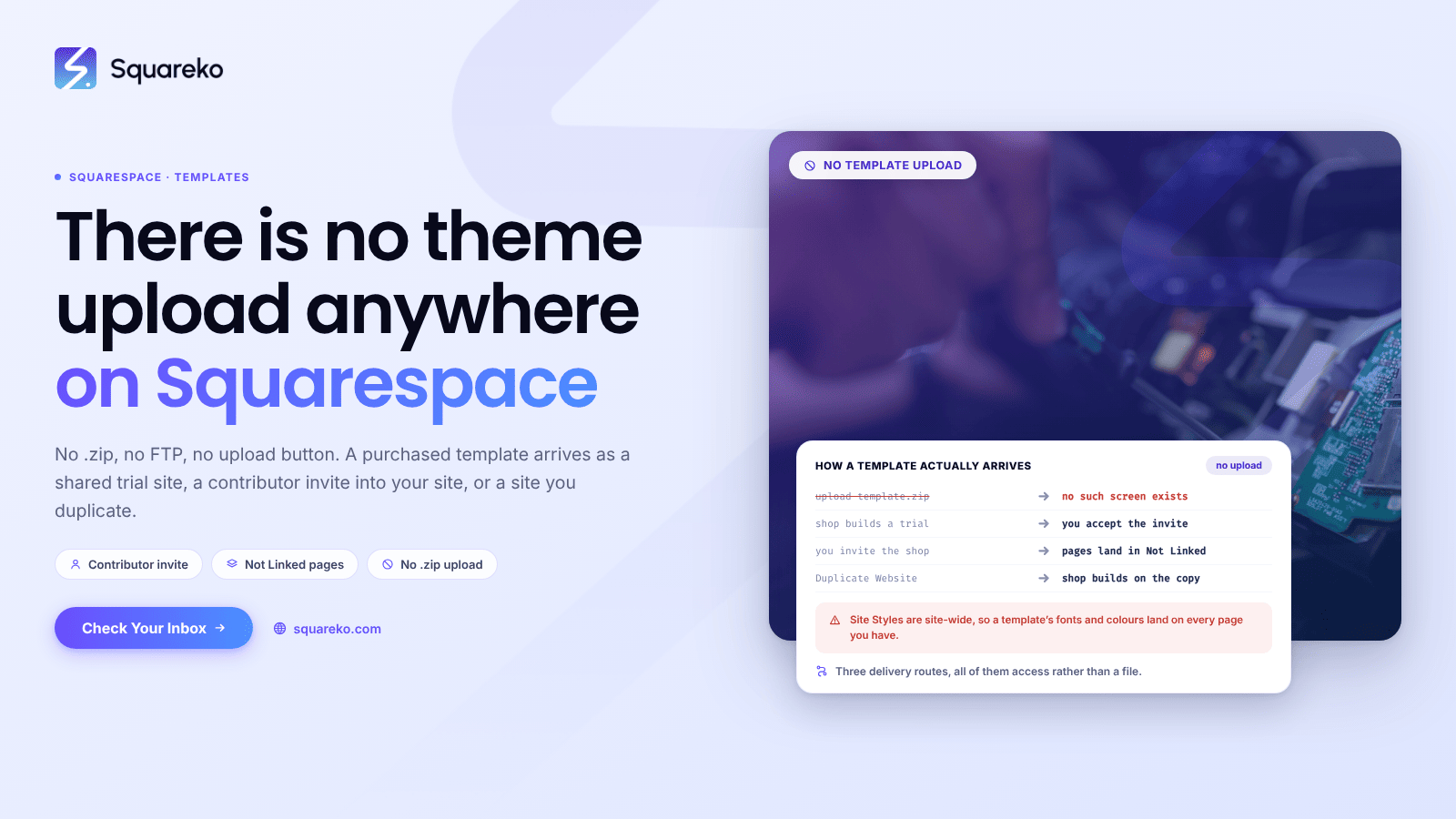
How to Install a Squarespace Template You've Purchased
You do not install it, because there is nothing to install. Squarespace has no theme upload
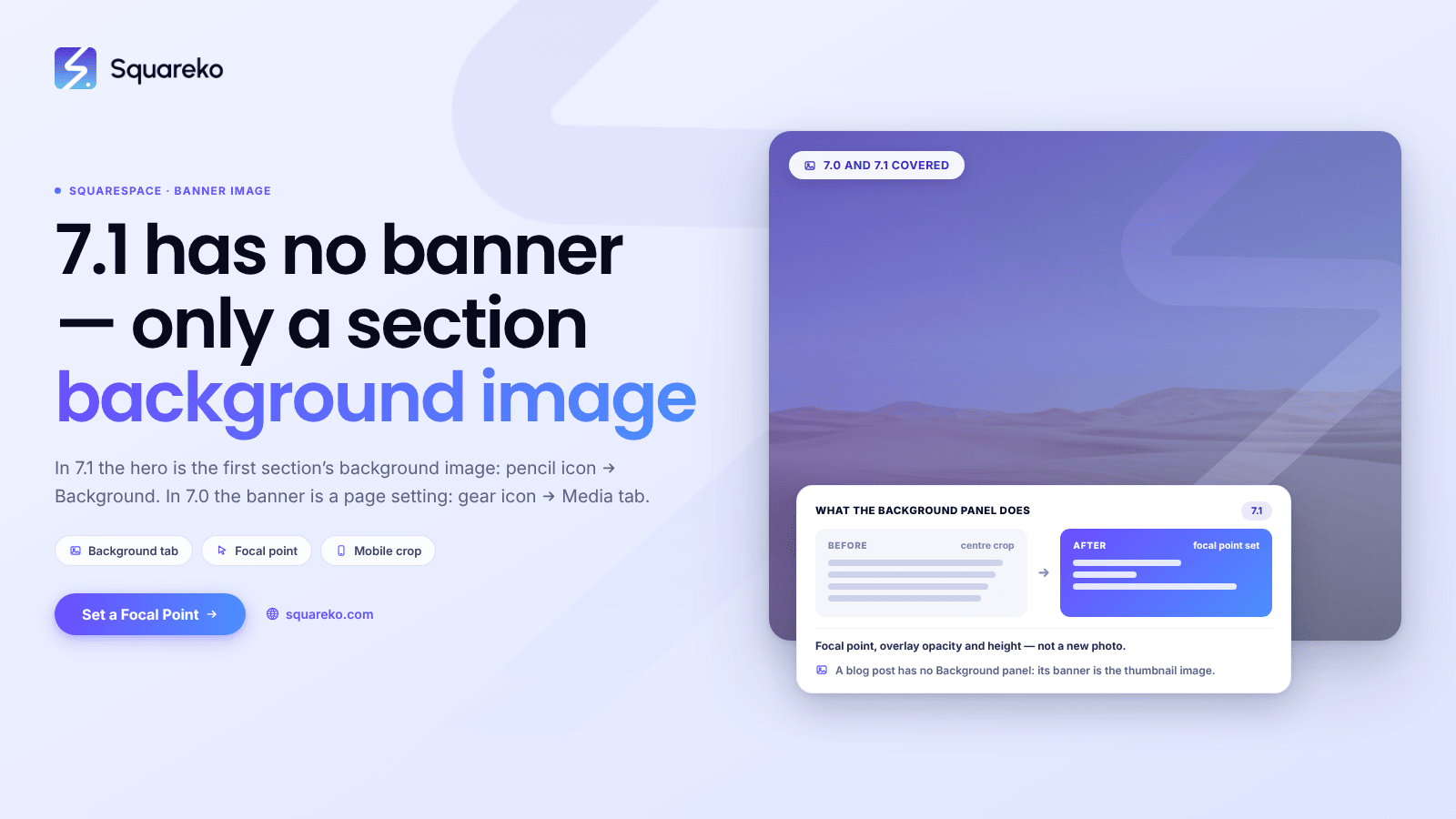
How to Change a Squarespace Banner Image (7.0 and 7.1)
It depends on your version, and the two are nothing alike. In Squarespace 7.1 there is no such thing as a banner
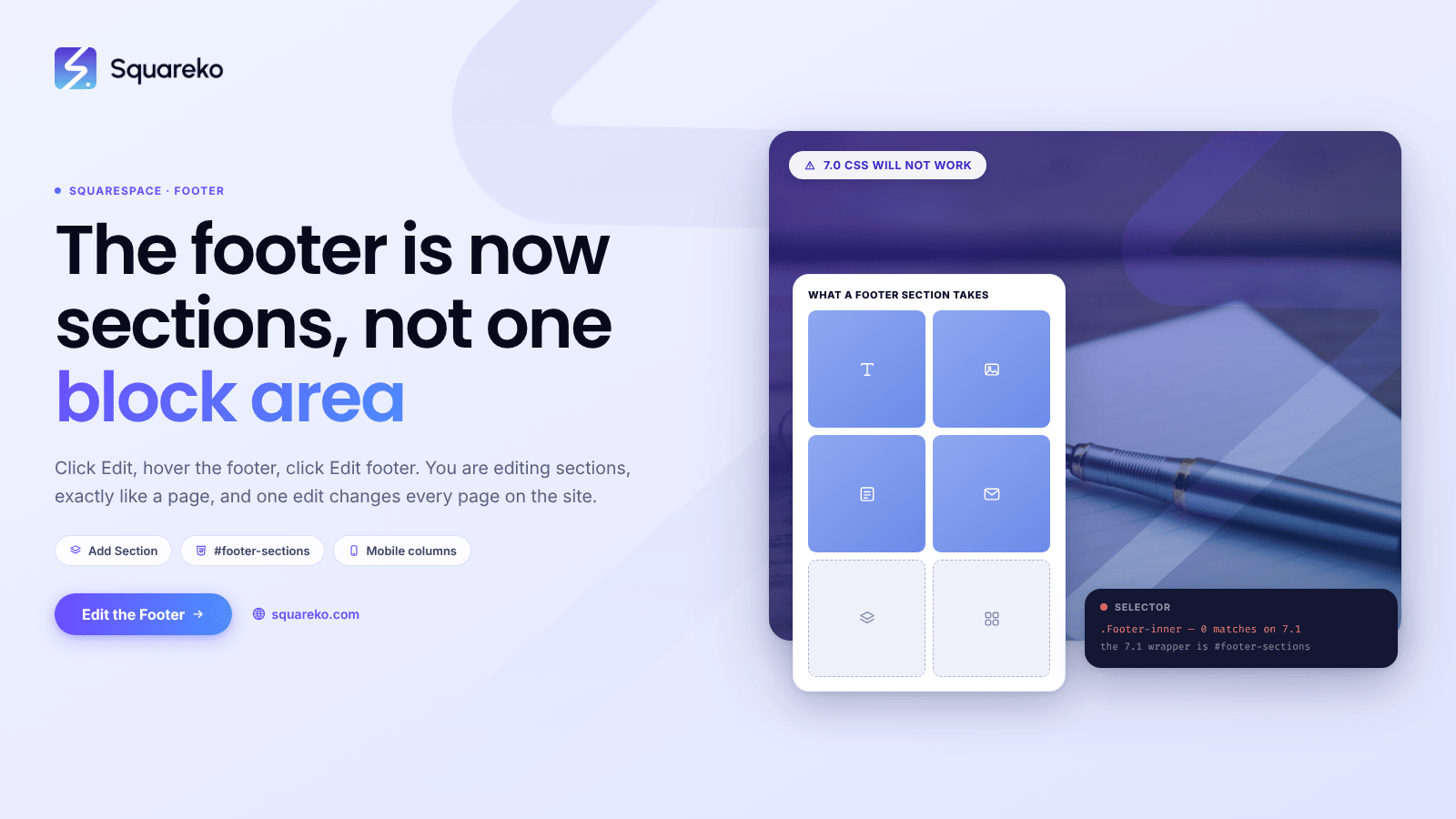
How to Customise a Squarespace Footer in 7.1
Click Edit on any page, hover over the footer, and click Edit footer. From there you are editing sections,
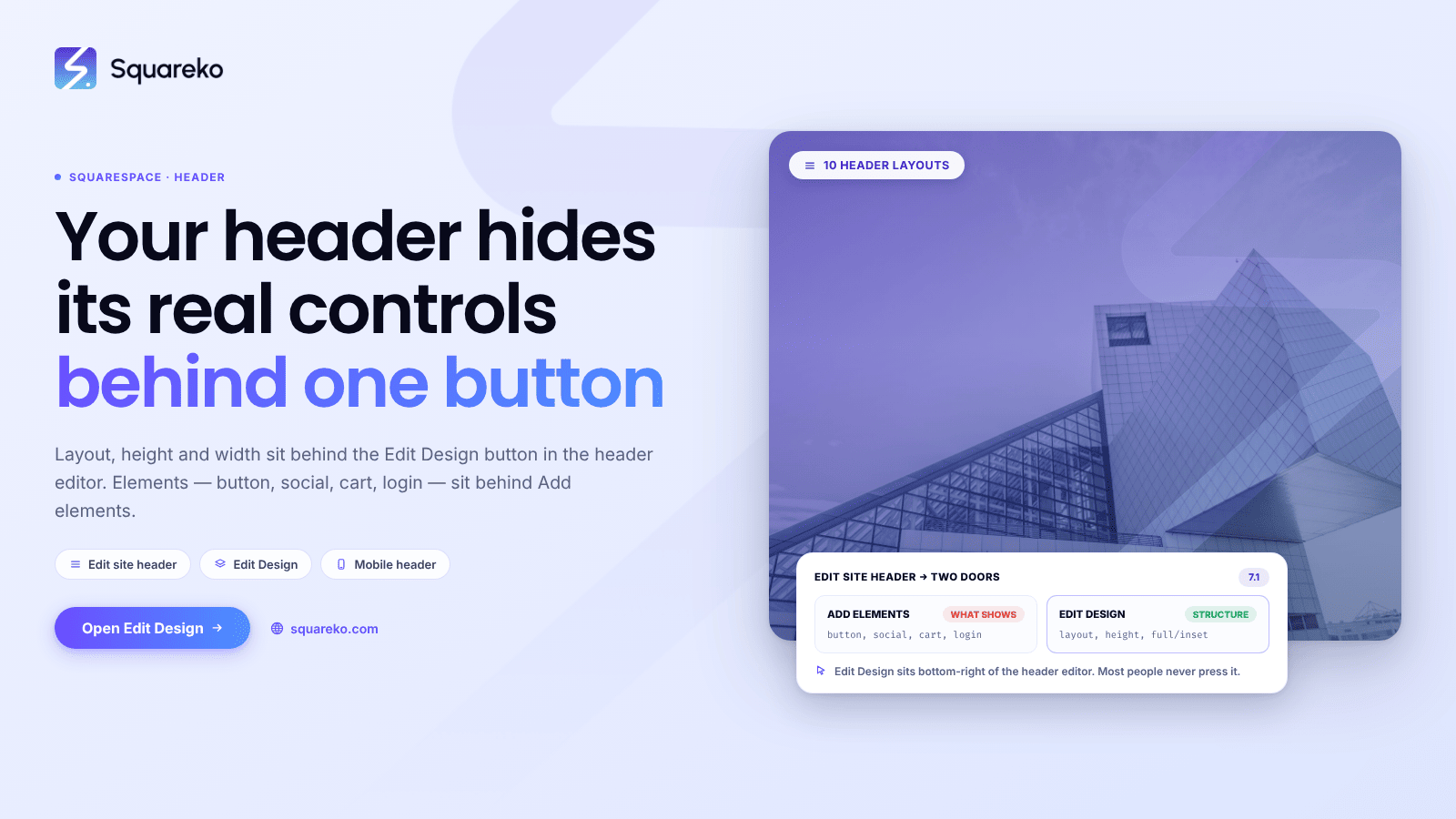
How to Edit Your Squarespace Header (10 Custom Layouts)
Click Edit in the top-left of your site preview, hover the header, then click Edit site header. Everything structural
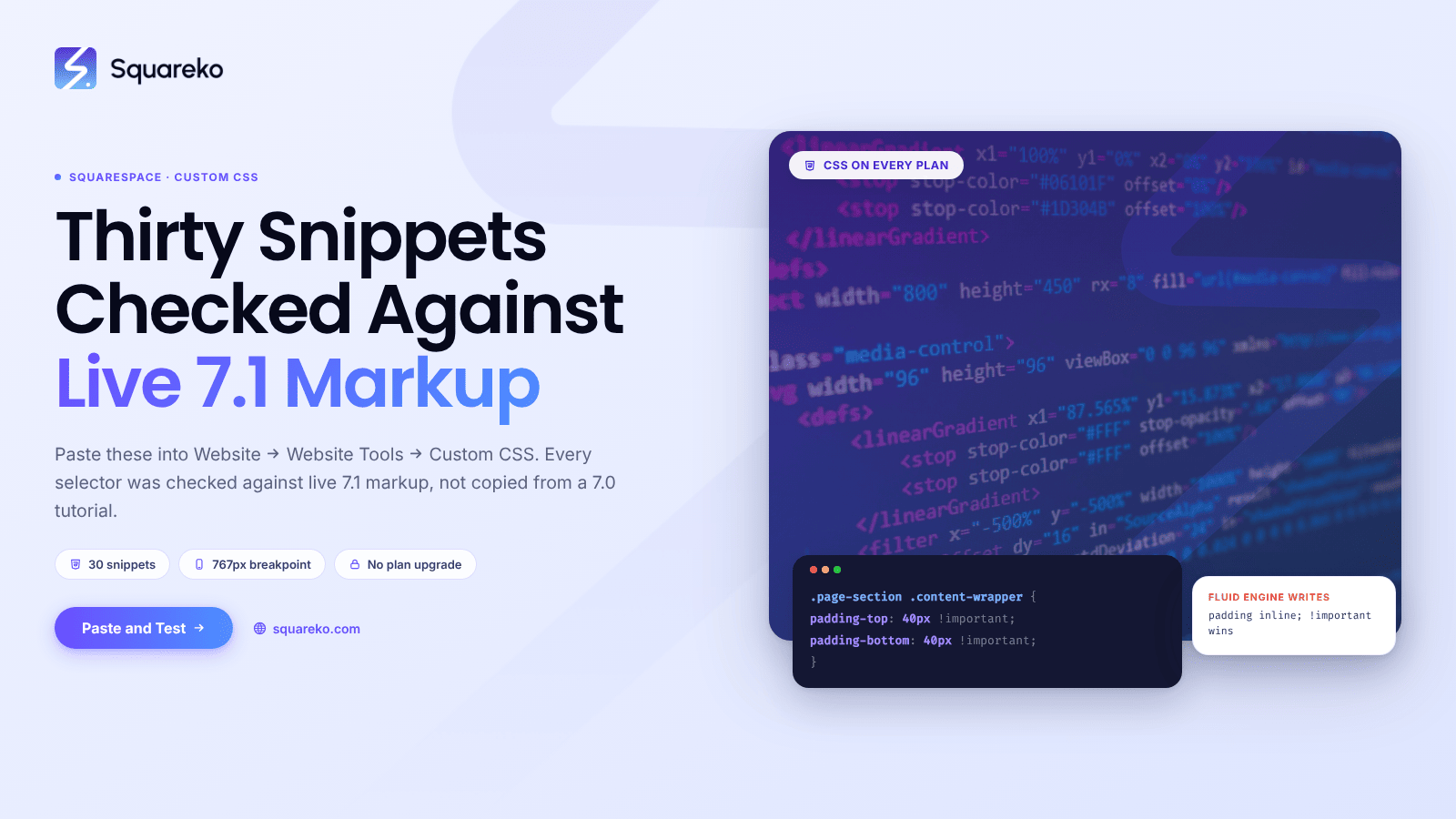
Squarespace Template CSS: 30 Snippets That Change Everything
Paste these into Website → Website Tools → Custom CSS. Every selector below was checked against live Squarespace 7.1
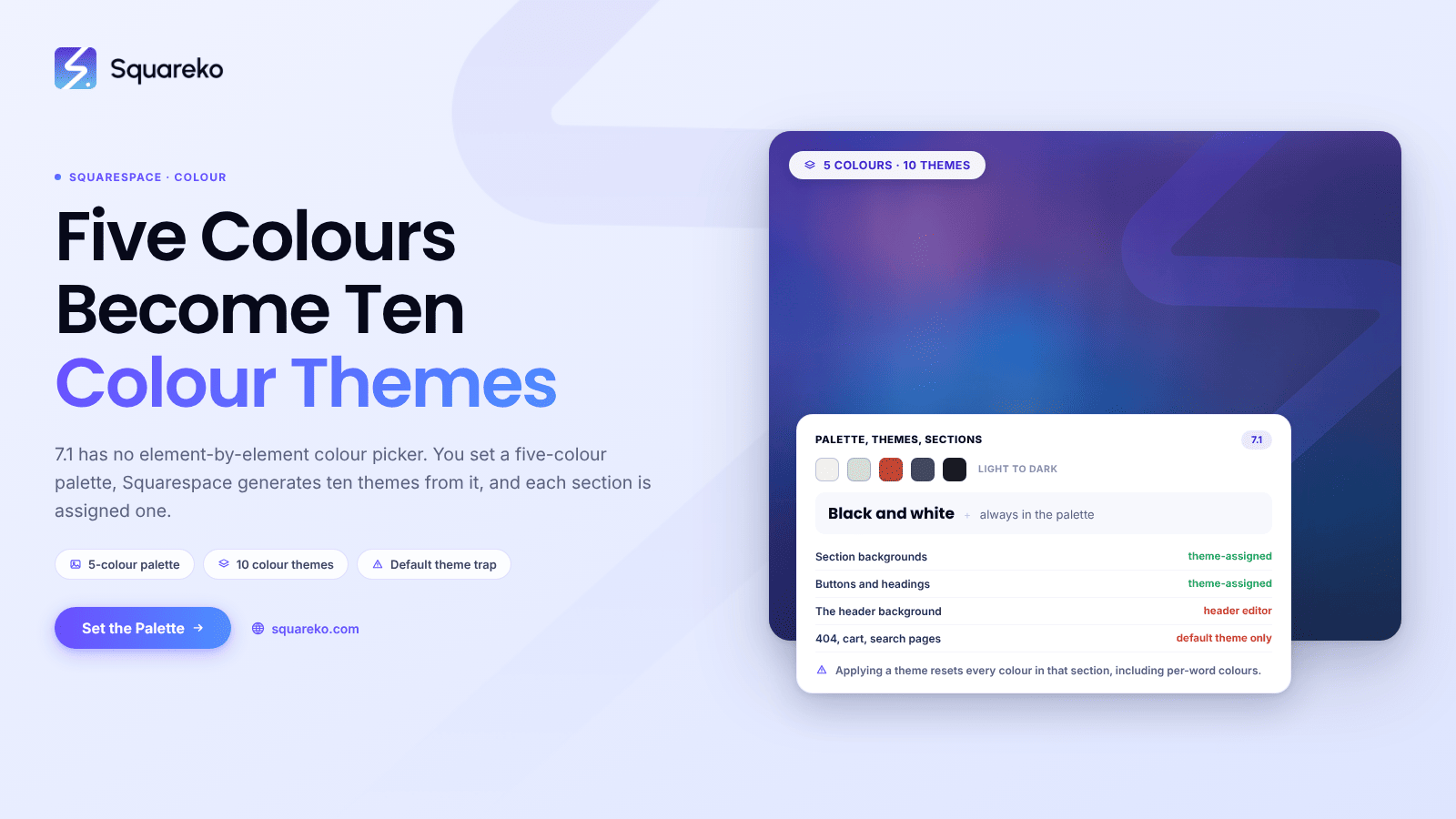
How to Change Colours in a Squarespace Template (Colour Themes)
Squarespace 7.1 does not let you set colours element by element. You set a five-colour palette in Site Styles
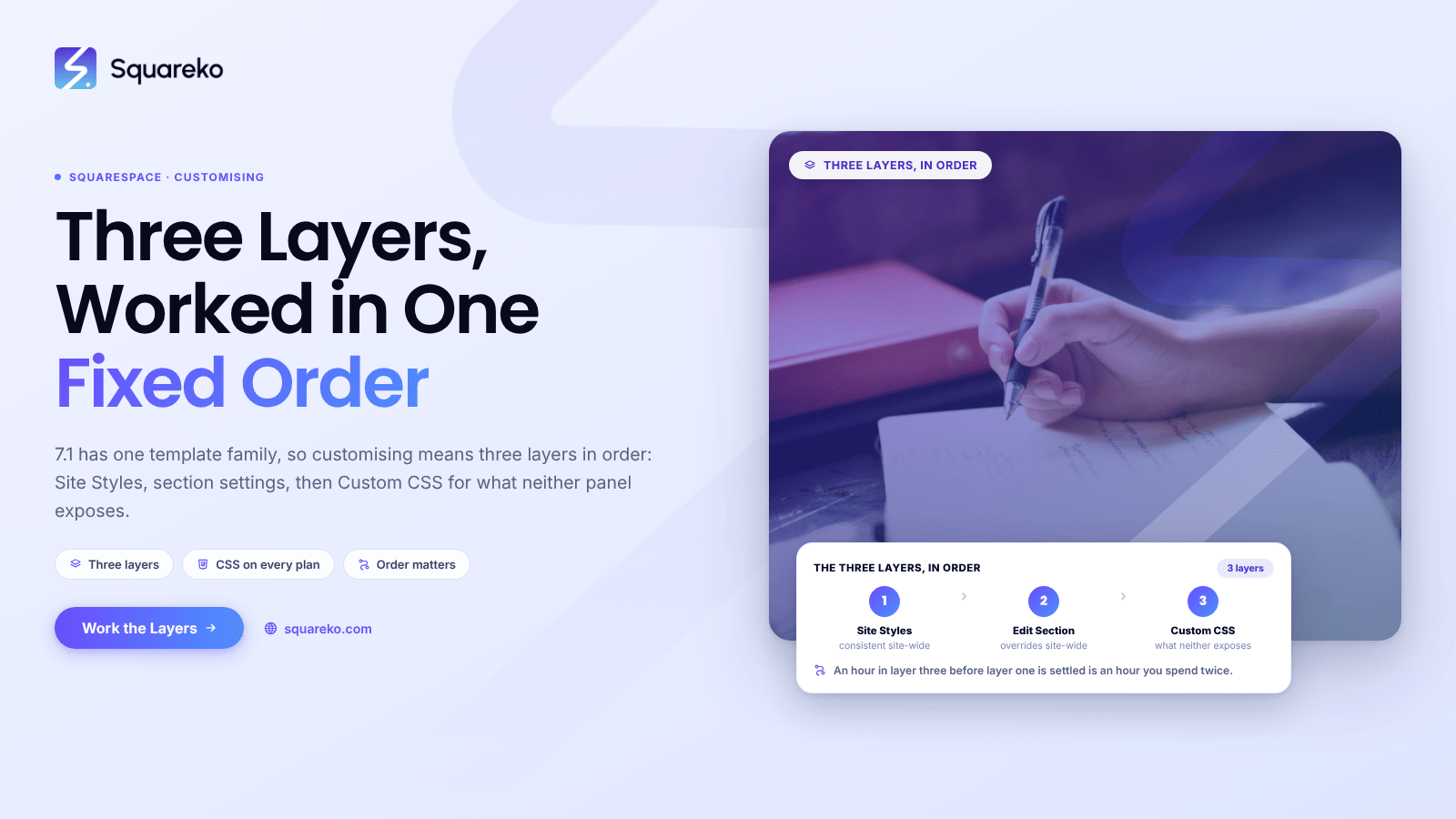
How to Customize a Squarespace Template Until It Looks Custom-Built
Squarespace 7.1 has one template family, so customising a template means working three layers in a fixed order
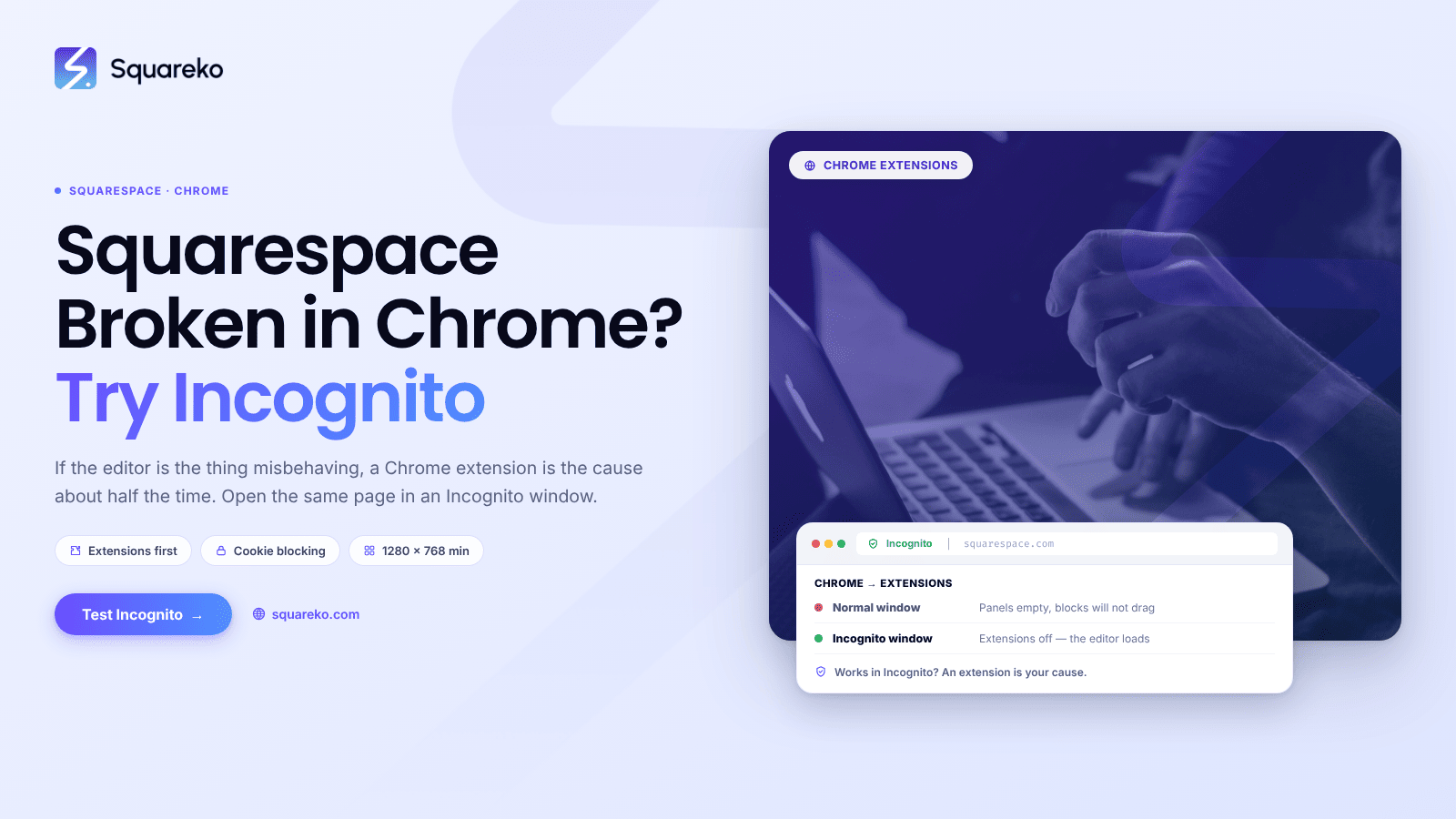
Squarespace Not Working in Chrome? Browser-Specific Fixes
If the Squarespace editor is the thing misbehaving, a Chrome extension is the cause about half the time
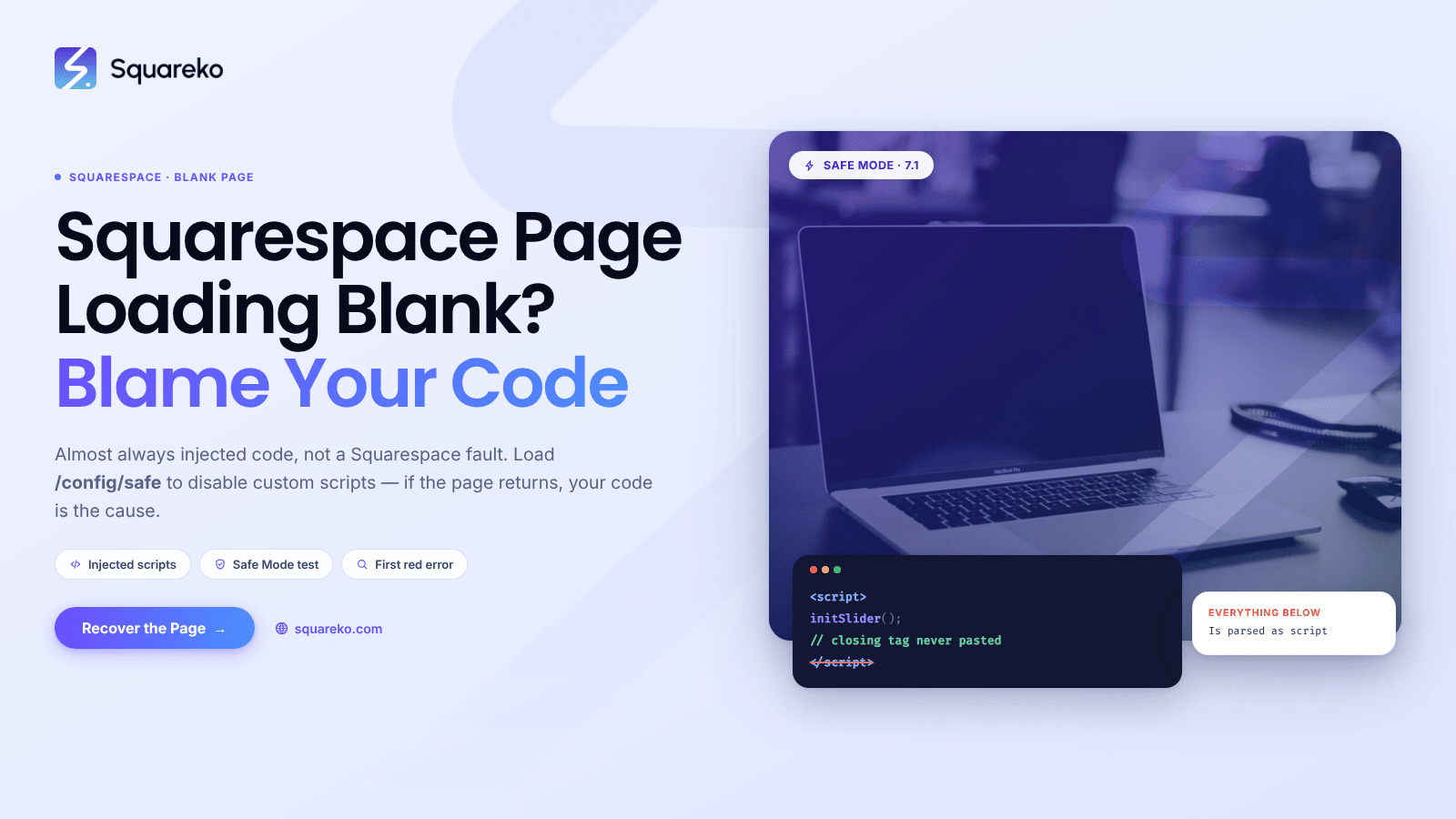
Squarespace Page Loading Blank? Recovery Steps
A blank Squarespace page is almost always custom code you added, not a Squarespace fault, and almost always fully recoverable.

See If Squareko Is Right For You.
Schedule a call with us to discuss your project in detail and receive a tailored solution. Let's turn your vision into reality - book your FREE consultation today!