Explore Our Squarespace Tutorials & Grow Your Website

Expert tips and tools to help you be more productive in Business, Web Design, Social Media, and More.
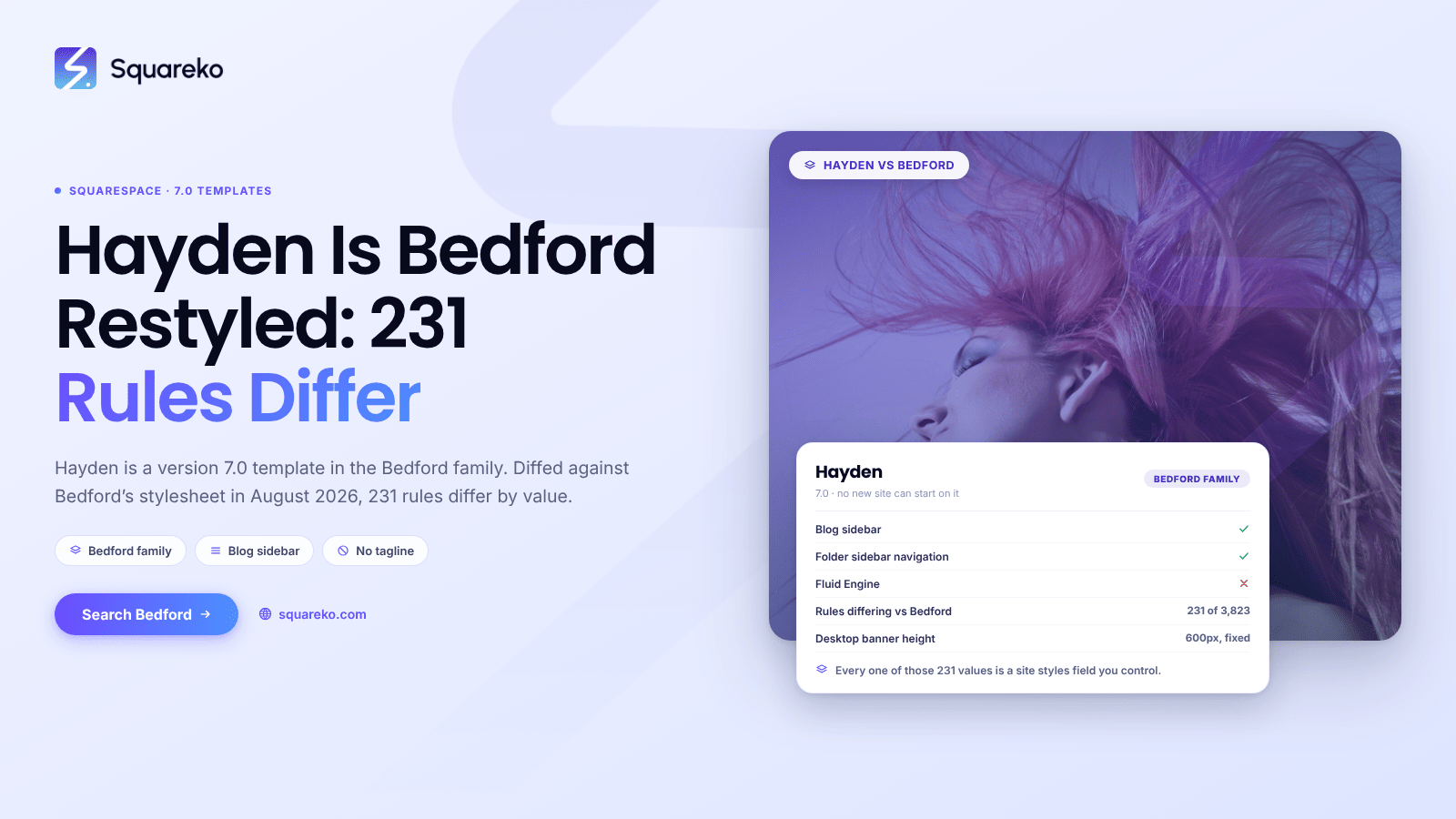
Squarespace Hayden Template: It's Bedford, and What That Means
Hayden is a Squarespace version 7.0 template in the Bedford family, alongside Anya, Bedford and Bryant.
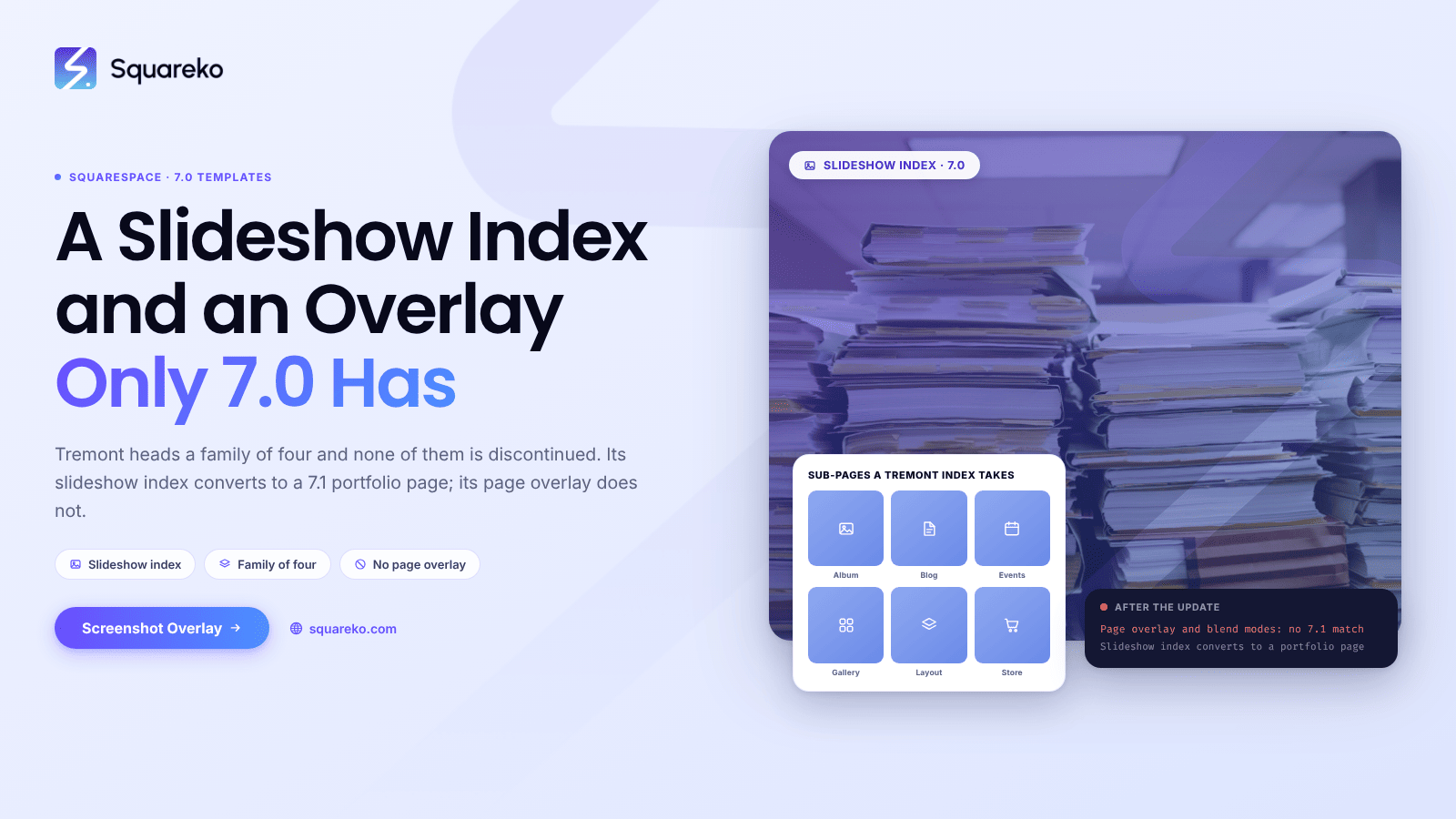
Squarespace Tremont Template: Family of Four, Limits and the 7.1 Path
Tremont is a Squarespace version 7.0 template and it heads a family of four. Camino, Carson, Henson and Tremont….
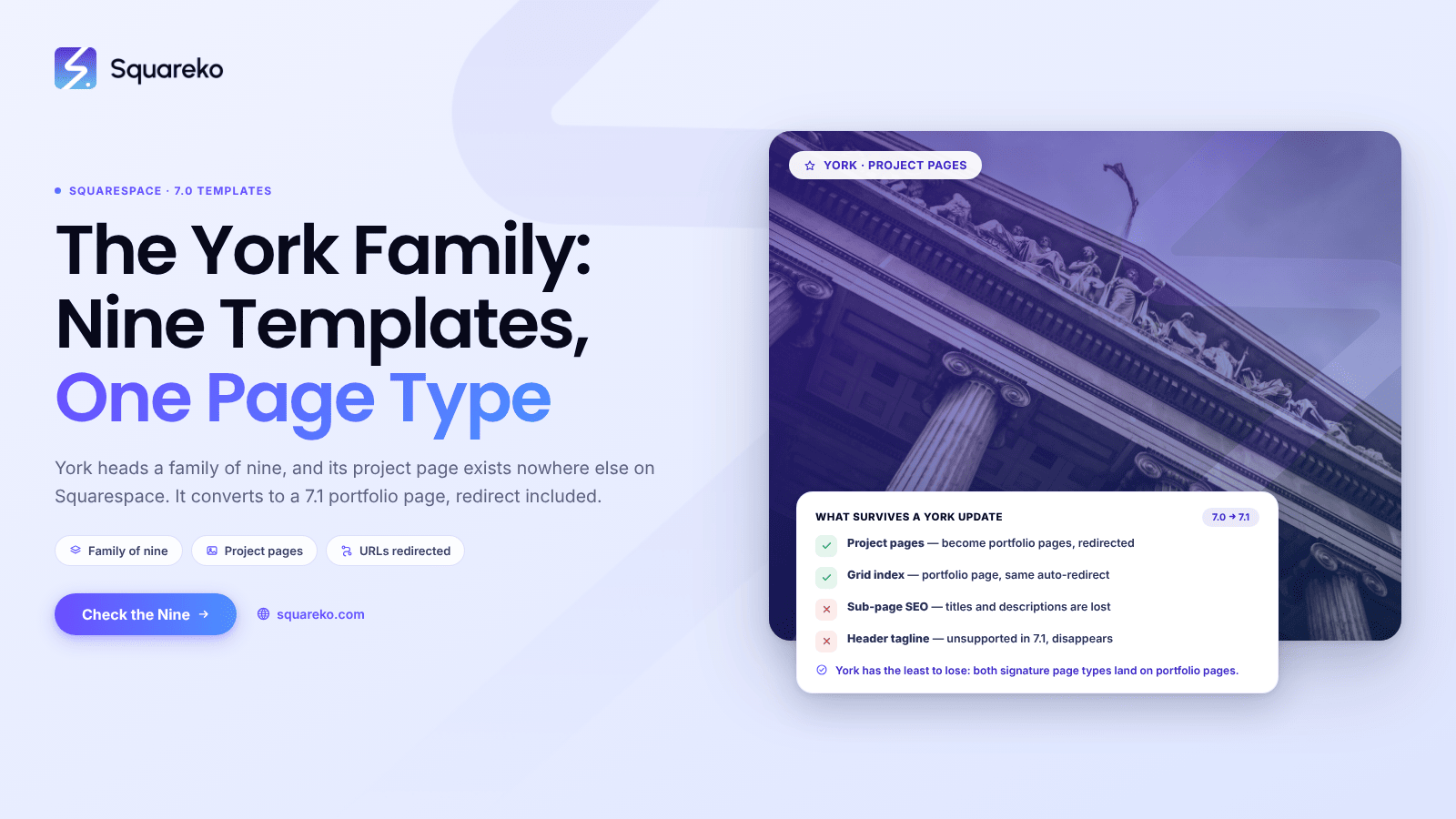
Squarespace York Template: Family of Nine, Limits and the 7.1 Path
York is a Squarespace version 7.0 template and it heads a family of nine. Artesia, Flores, Harris, Jasper…
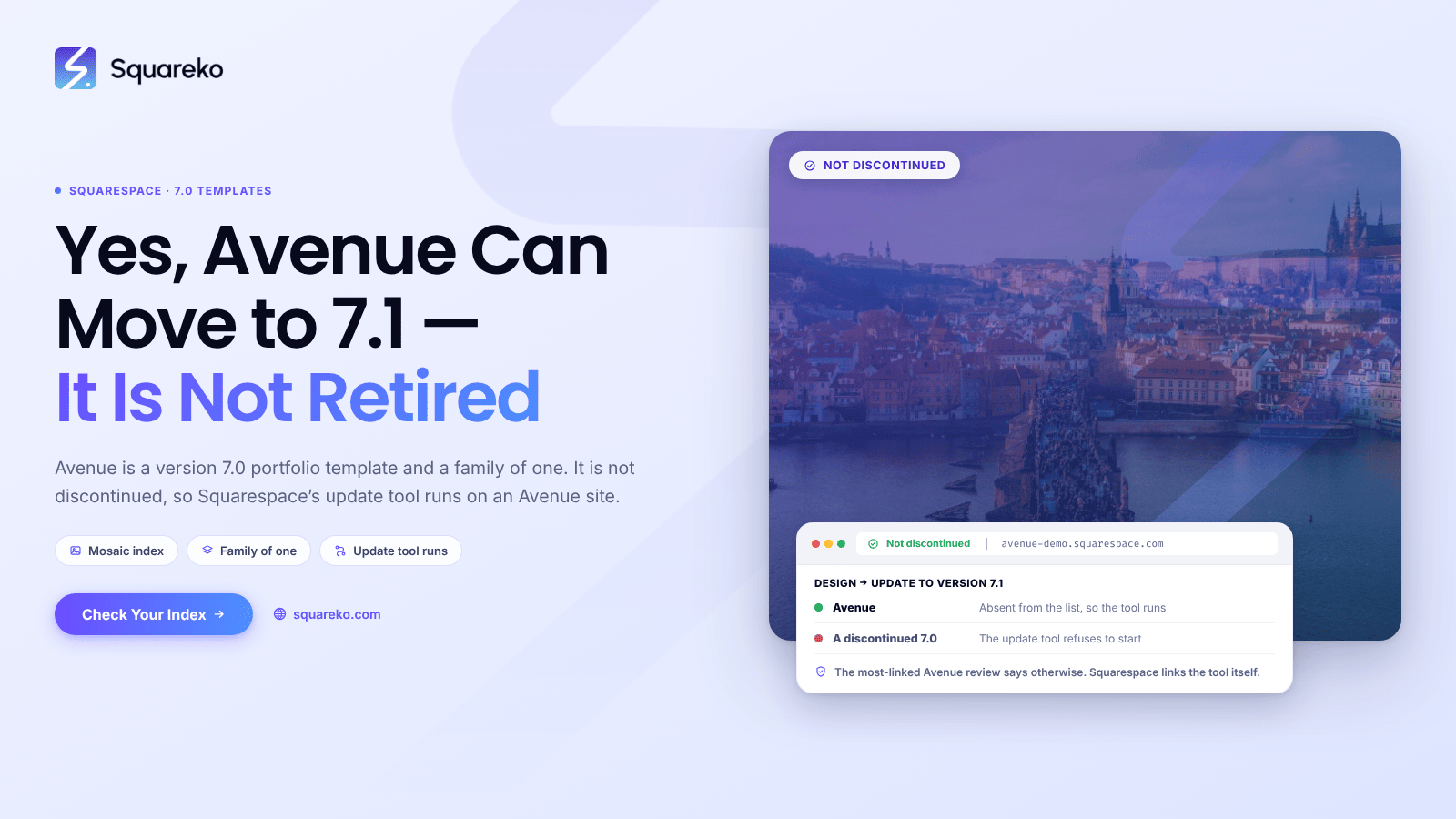
Squarespace Avenue Template: Index, Limits and the 7.1 Path
Avenue is a Squarespace version 7.0 portfolio template, it is the only member of its own family,
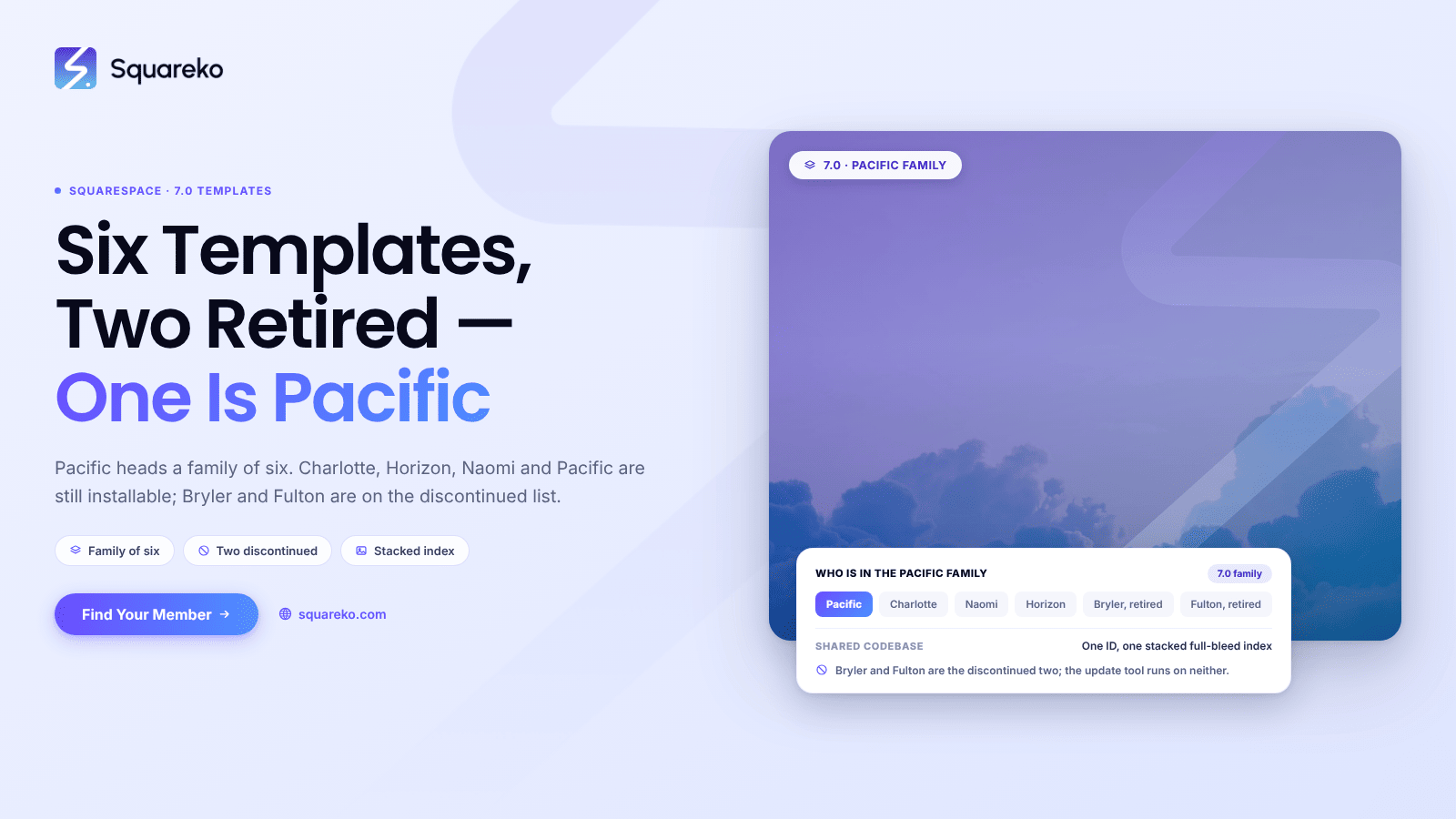
Squarespace Pacific Template: Family, Limits and the 7.1 Path
Pacific is a Squarespace version 7.0 template and it heads a family of six — two of which are discontinued.
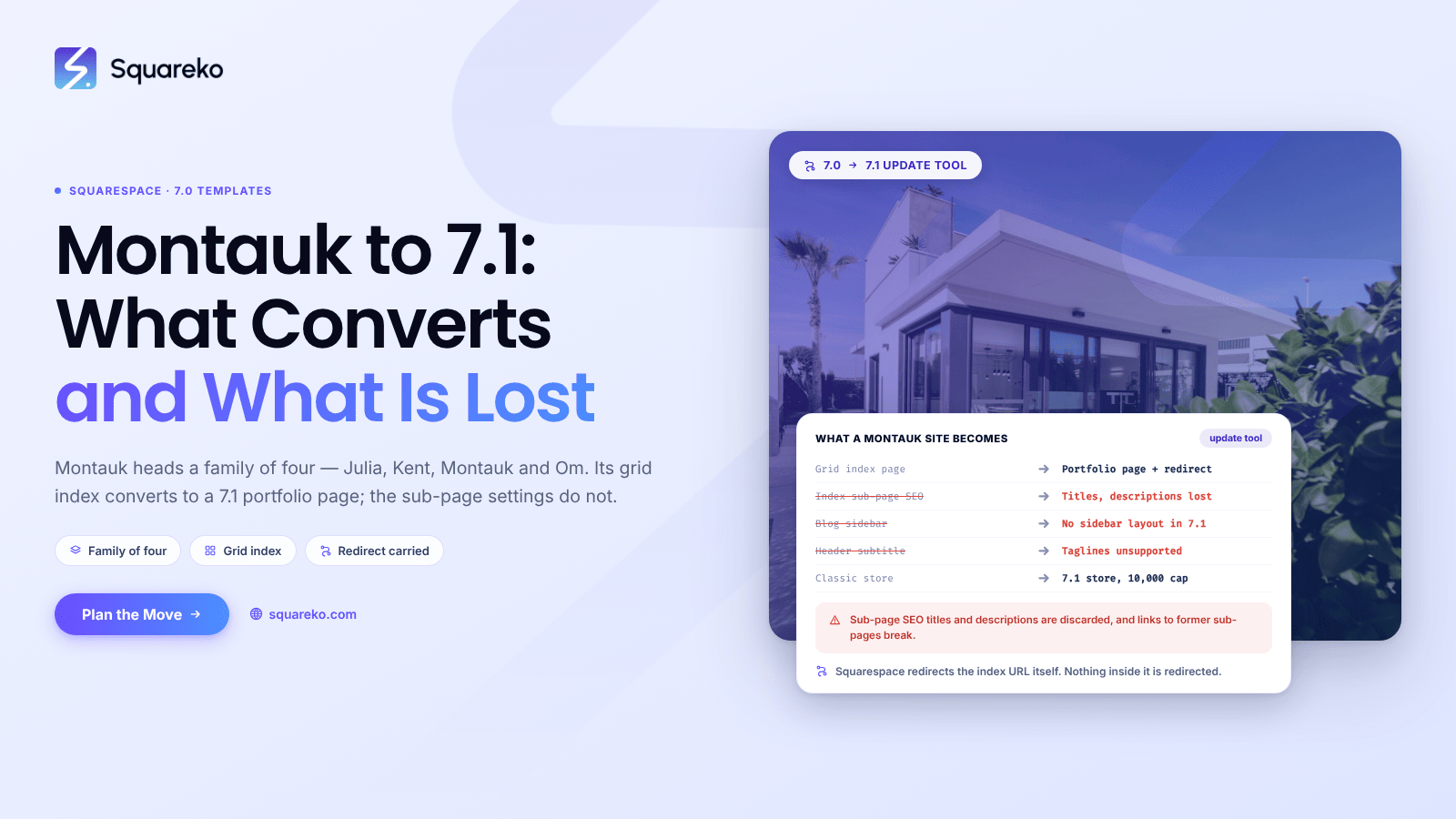
Squarespace Montauk Template: Family, Limits and the 7.1 Path
Montauk is a Squarespace version 7.0 template and it heads its own family of four. Julia, Kent, Montauk….
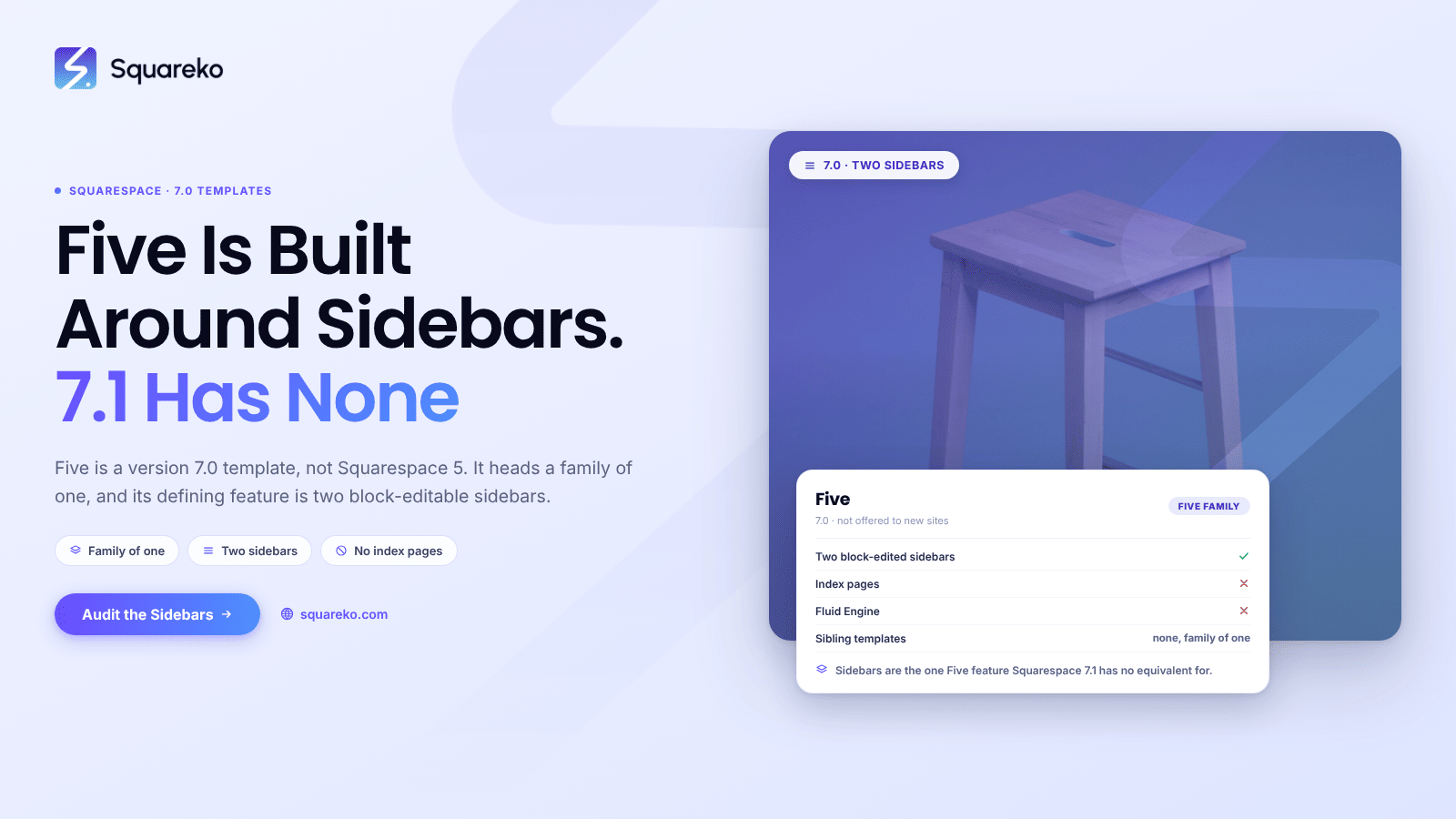
Squarespace Five Template: Sidebars, Limits and the 7.1 Path
The Squarespace Five template is a version 7.0 template, and it is not Squarespace 5. Squarespace 5 is the separate 2008…
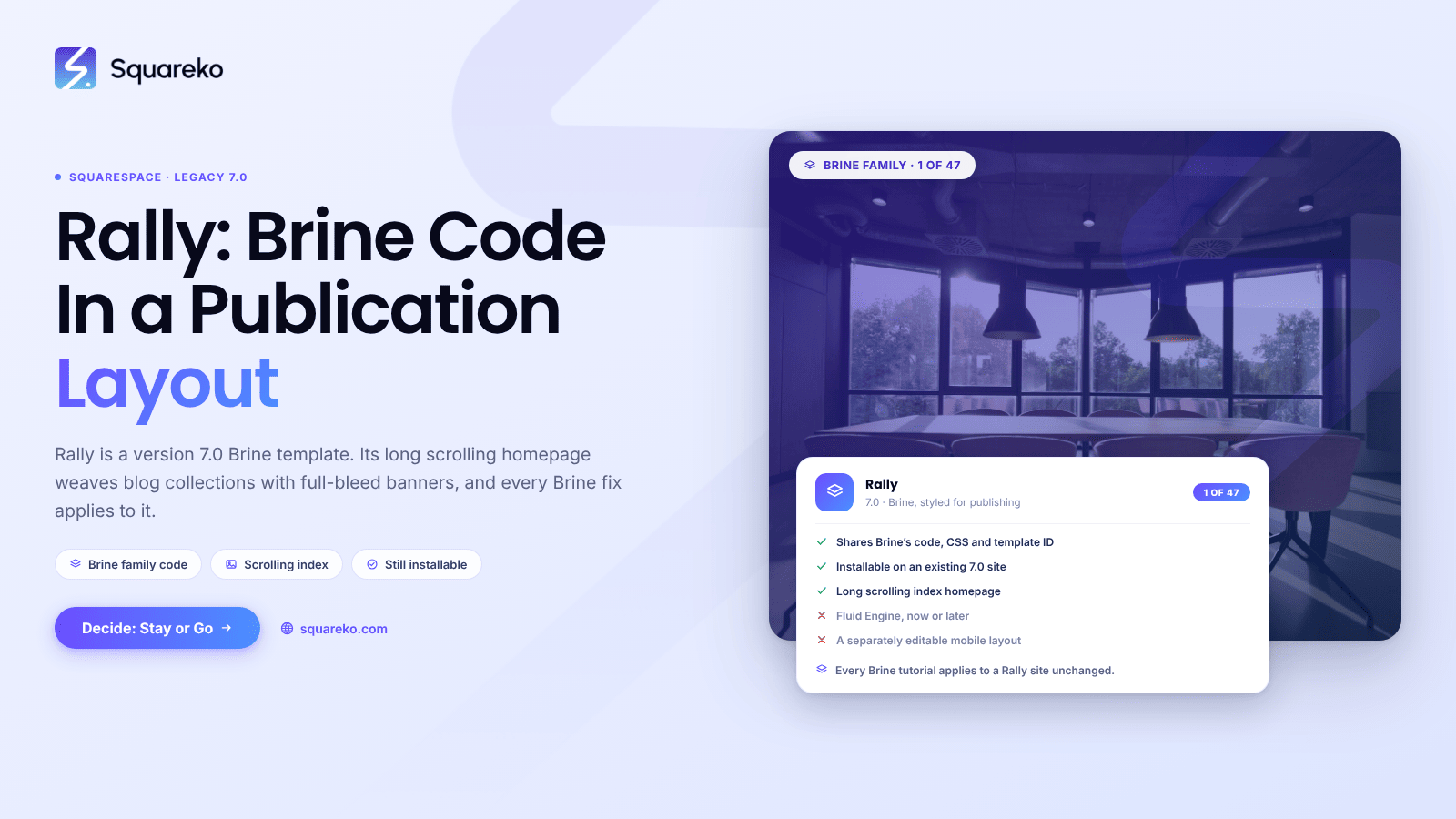
Rally Template Squarespace: Features, Limits and Upgrades
Rally is a Squarespace version 7.0 template, and it is a member of the Brine family. That one fact answers most Rally questions.
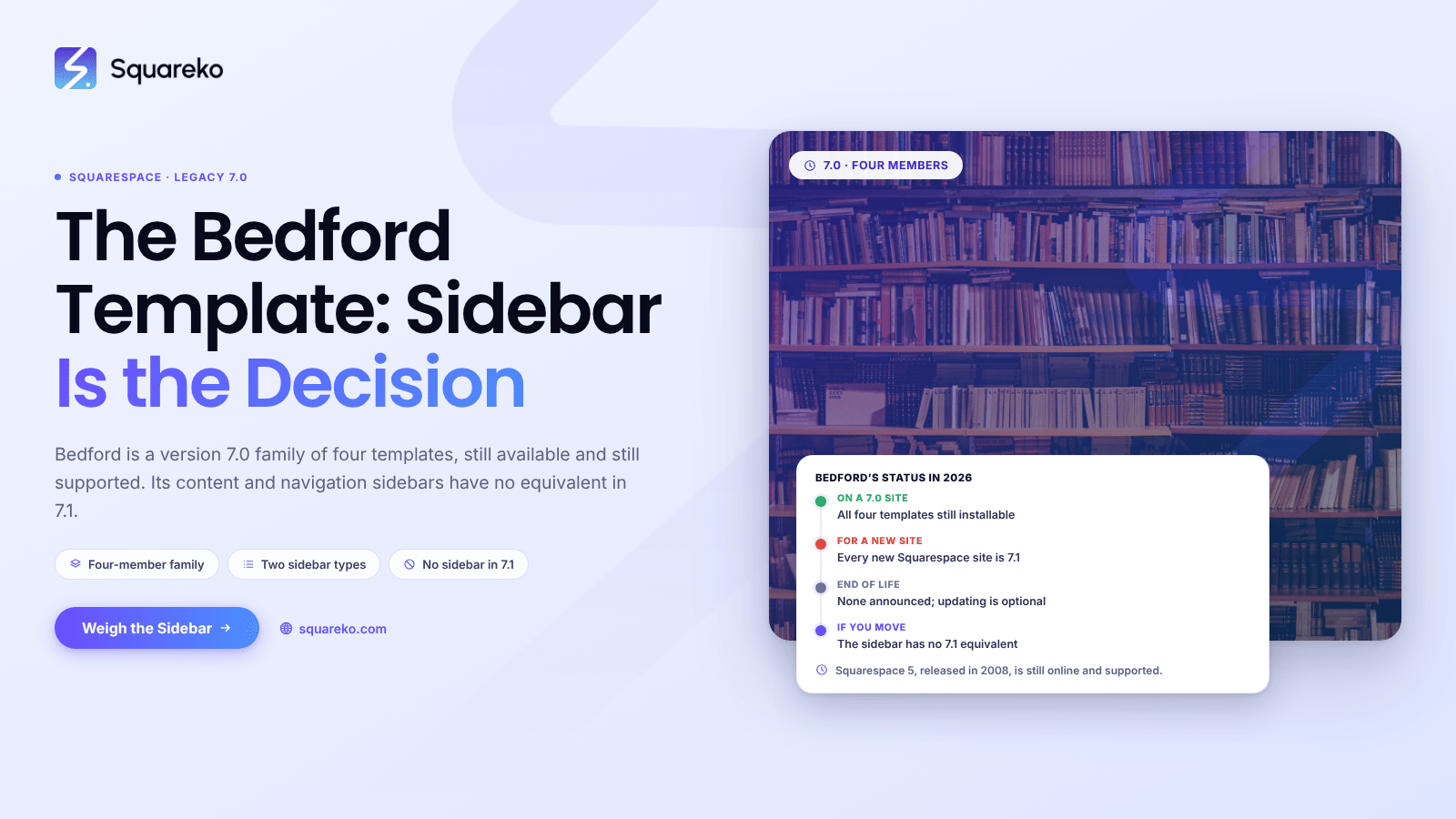
The Squarespace Bedford Template: What to Do With It in 2026
Bedford is a Squarespace version 7.0 template family with four members, and it is still available and still supported.
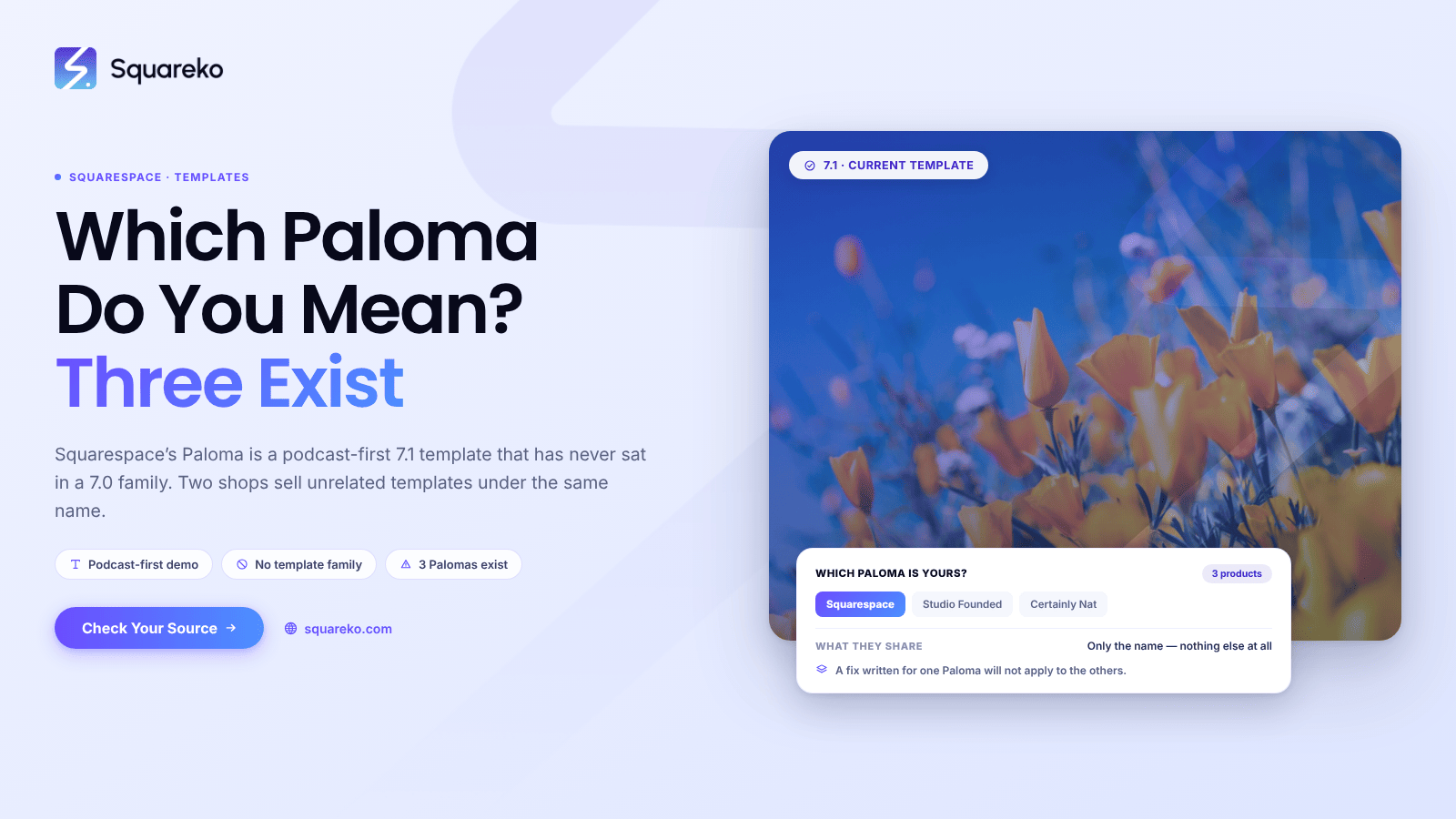
The Squarespace Paloma Template: What It Is, and What It Isn't
Paloma is a Squarespace 7.1 template, not a version 7.0 one. It is a podcast-first design — the demo homepage leads on episodes,
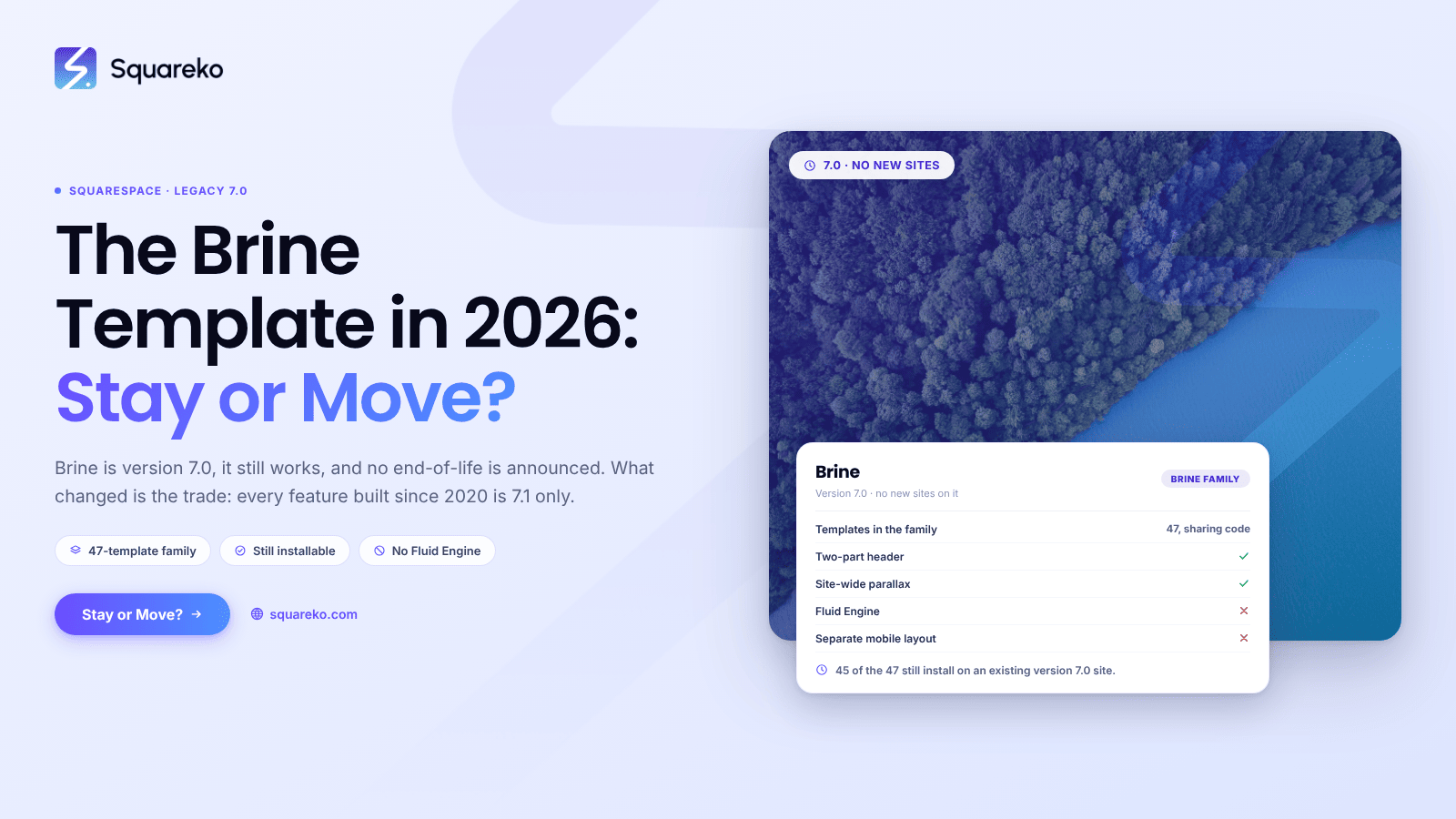
The Squarespace Brine Template in 2026: Stay or Move?
The Squarespace Brine template is version 7.0, it still works, and Squarespace has announced no end-of-life date for it.
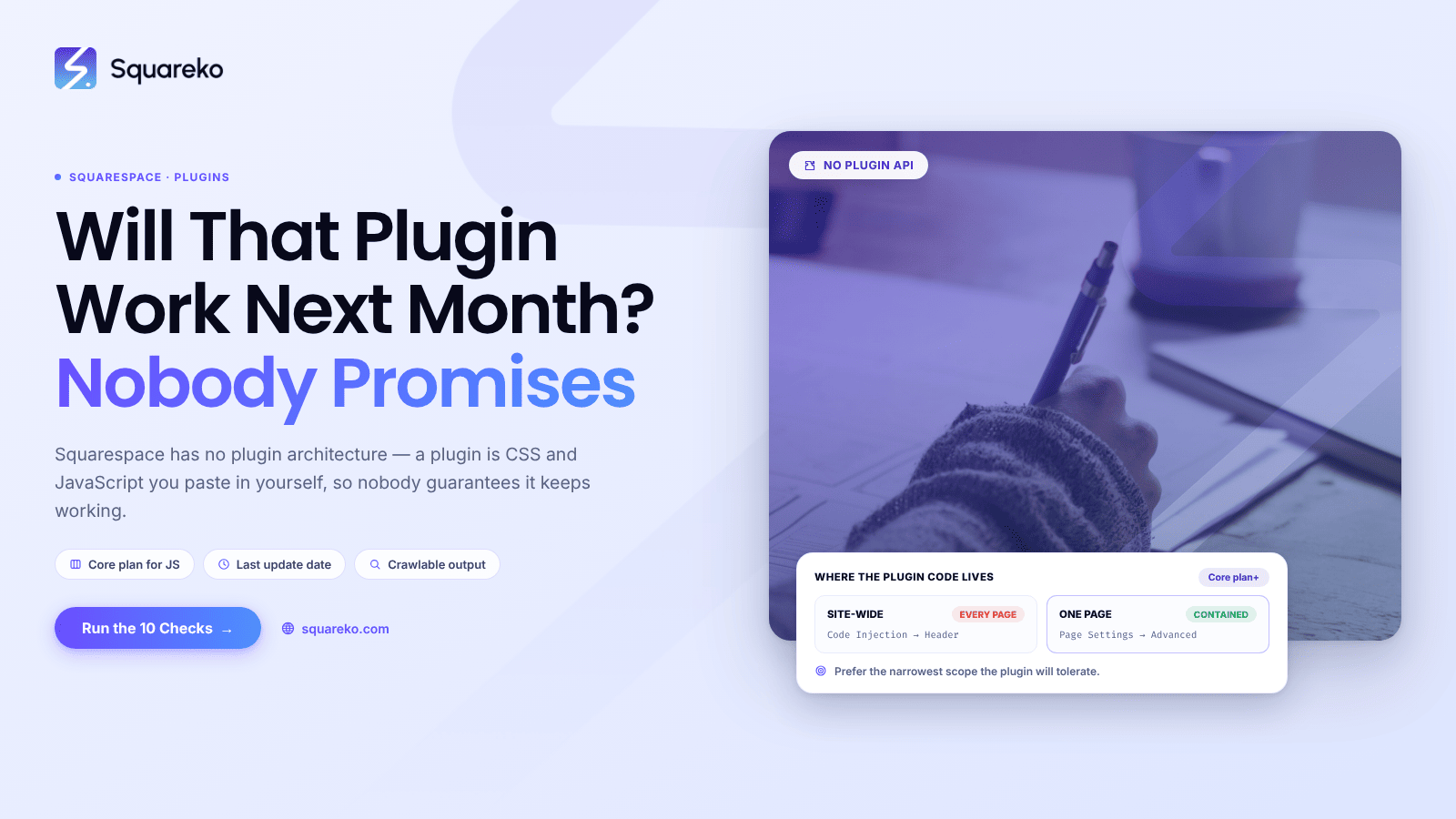
Will That Plugin Work with Squarespace? A Compatibility Checklist
Squarespace has no plugin architecture. What the market calls a "Squarespace plugin" is CSS and JavaScript…
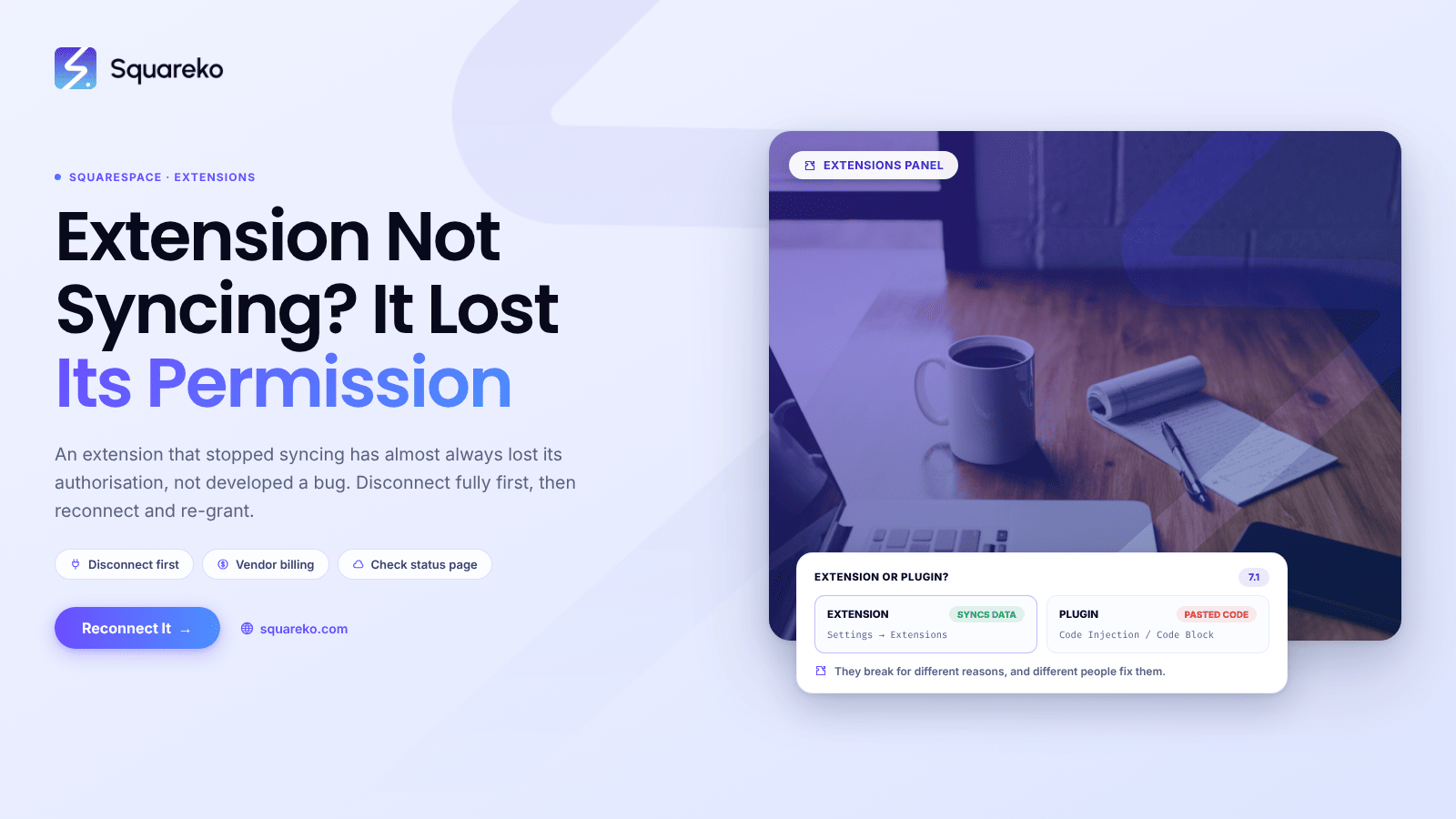
Squarespace Extension Not Working? Permissions and Reinstall
An extension that has stopped syncing has almost always lost its authorisation rather than developed a bug.
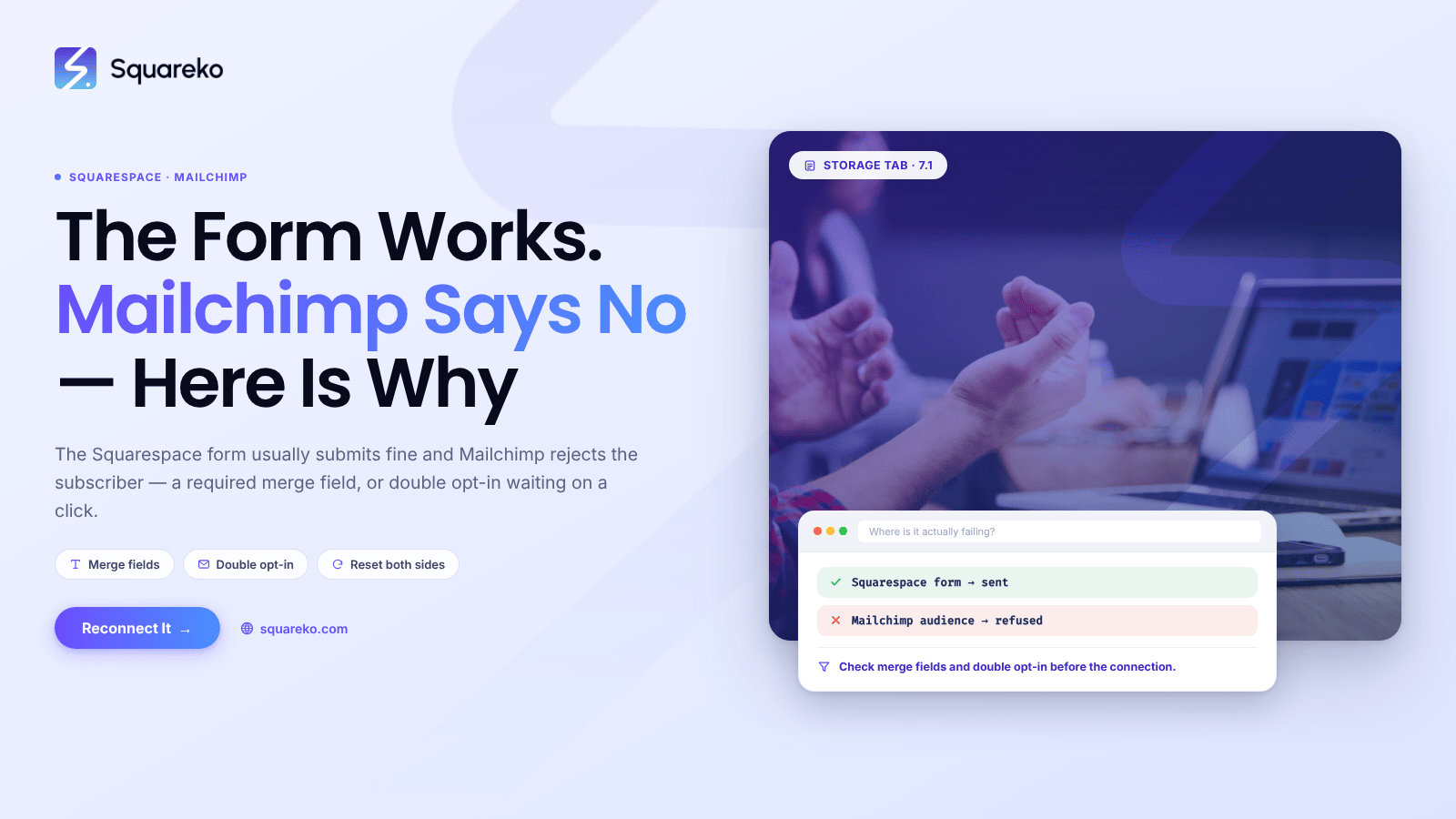
Squarespace Mailchimp Integration Not Working? Reconnection Guide
in most cases the Squarespace form is submitting fine and Mailchimp is refusing the subscriber.

Acuity Scheduling Embed Not Working on Squarespace? Fixes
The short answer: work out which of the two embed methods you're using first, because they fail differently.
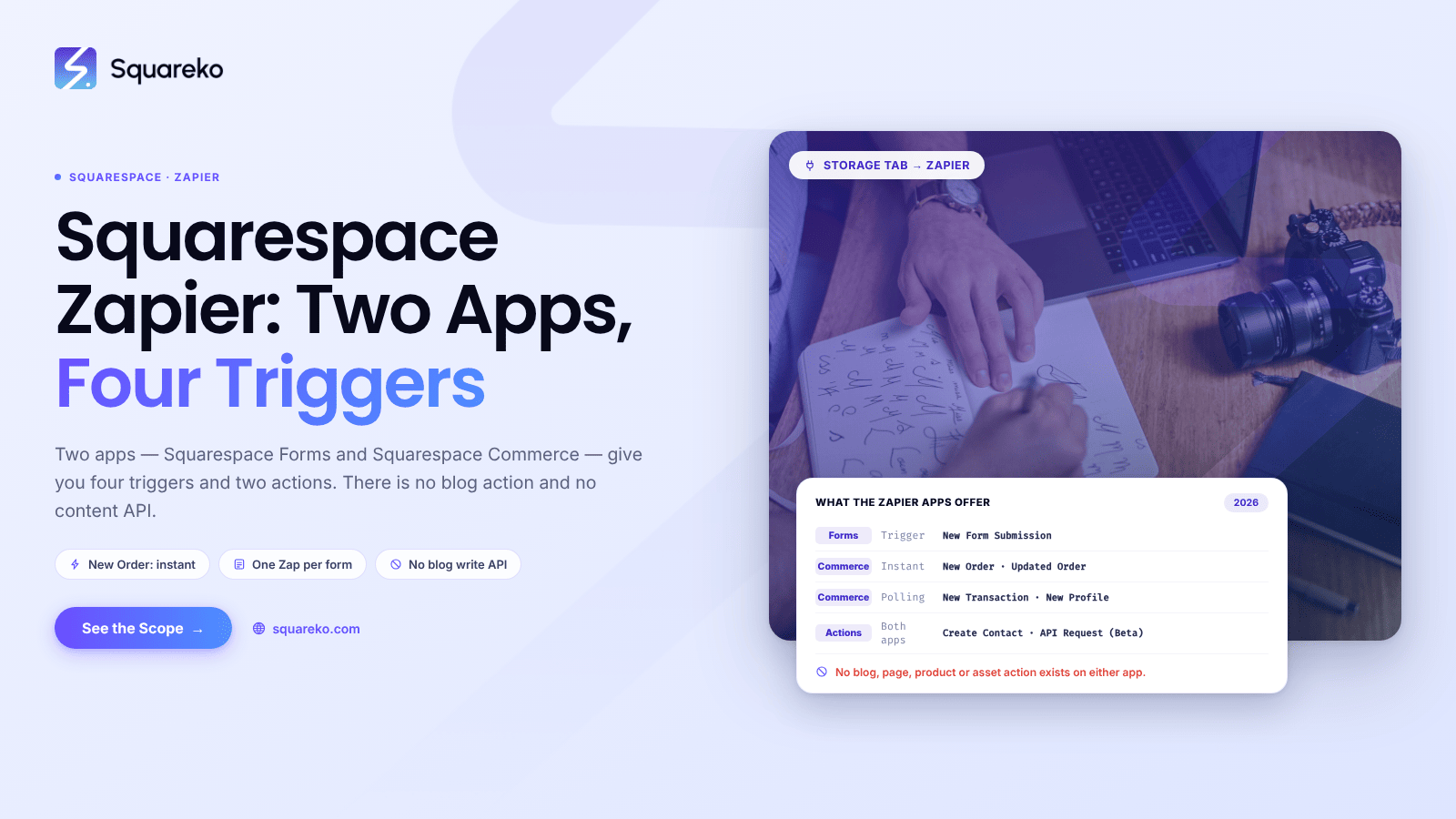
Connecting Squarespace to Zapier: Automations That Save Hours
Squarespace's Zapier integration is narrower than most guides suggest. There are two separate Zapier apps….
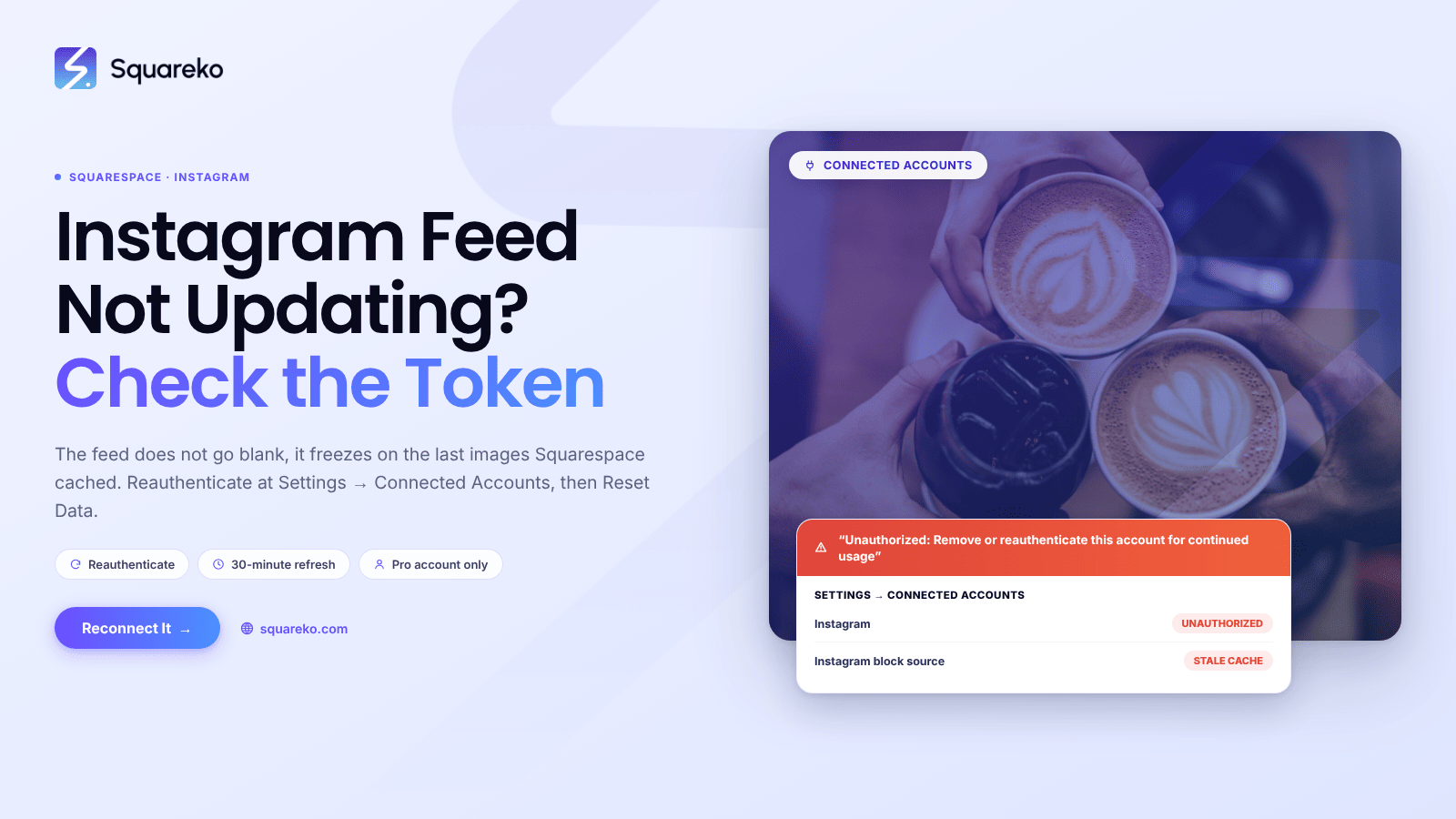
Squarespace Instagram Feed Not Updating? The Token Fix
The authorisation between Squarespace and Instagram has lapsed, and the Instagram block is serving the last…
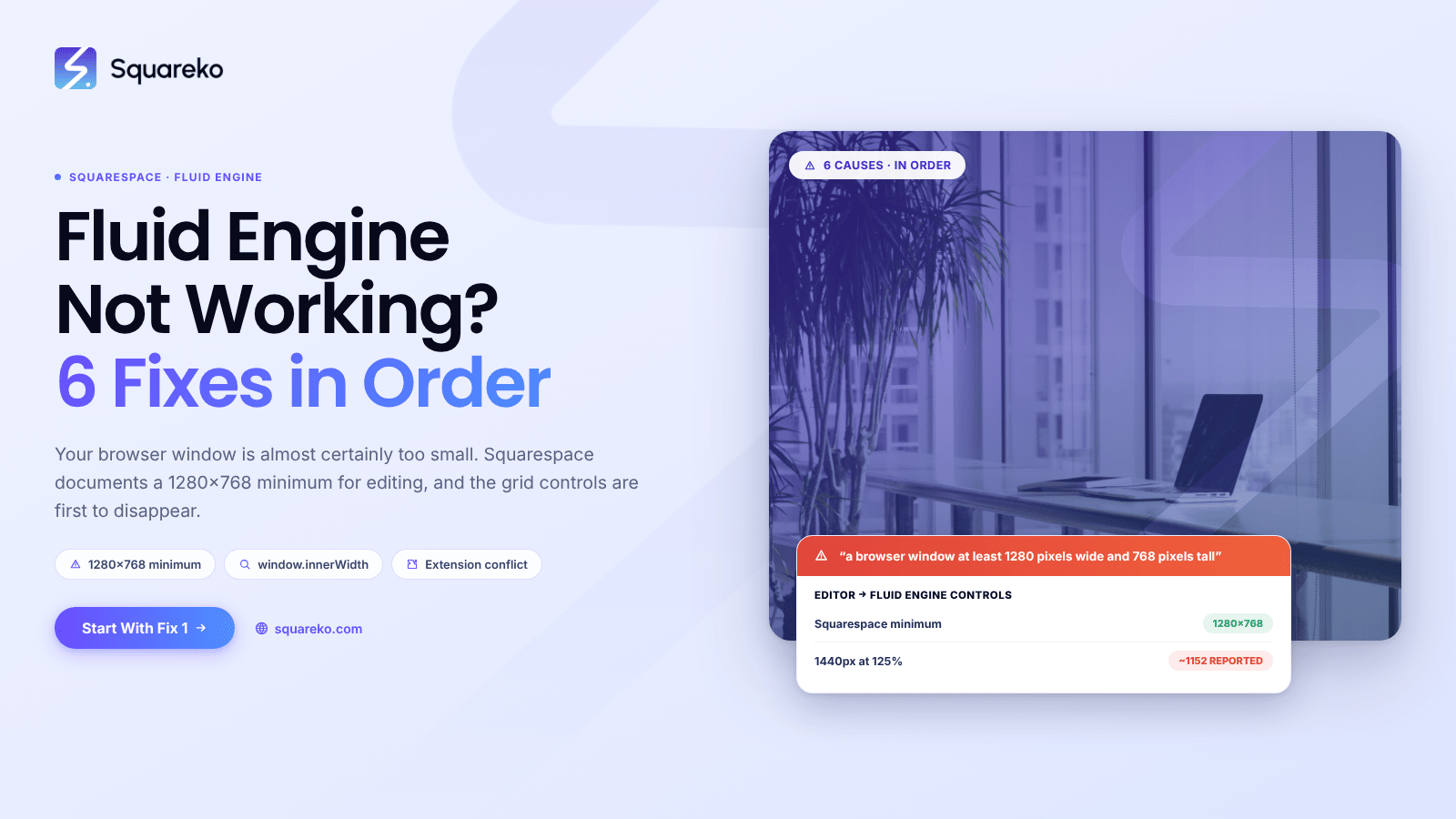
Fluid Engine Not Working in Squarespace? 6 Fixes
Your browser window is almost certainly too small. Squarespace documents a minimum of "a browser window at least…
Is Fluid Engine Available on Squarespace 7.0?
No. Fluid Engine is a Squarespace 7.1 feature and does not run on 7.0 sites. Squarespace's own documentation is unambiguous:

Classic Editor or Fluid Engine: Which Is Better for Your Site?
For most sites, Fluid Engine — but not for every section, and not because it is objectively better. Fluid Engine wins where….

See If Squareko Is Right For You.
Schedule a call with us to discuss your project in detail and receive a tailored solution. Let's turn your vision into reality - book your FREE consultation today!