Explore Our Squarespace Tutorials & Grow Your Website

Expert tips and tools to help you be more productive in Business, Web Design, Social Media, and More.
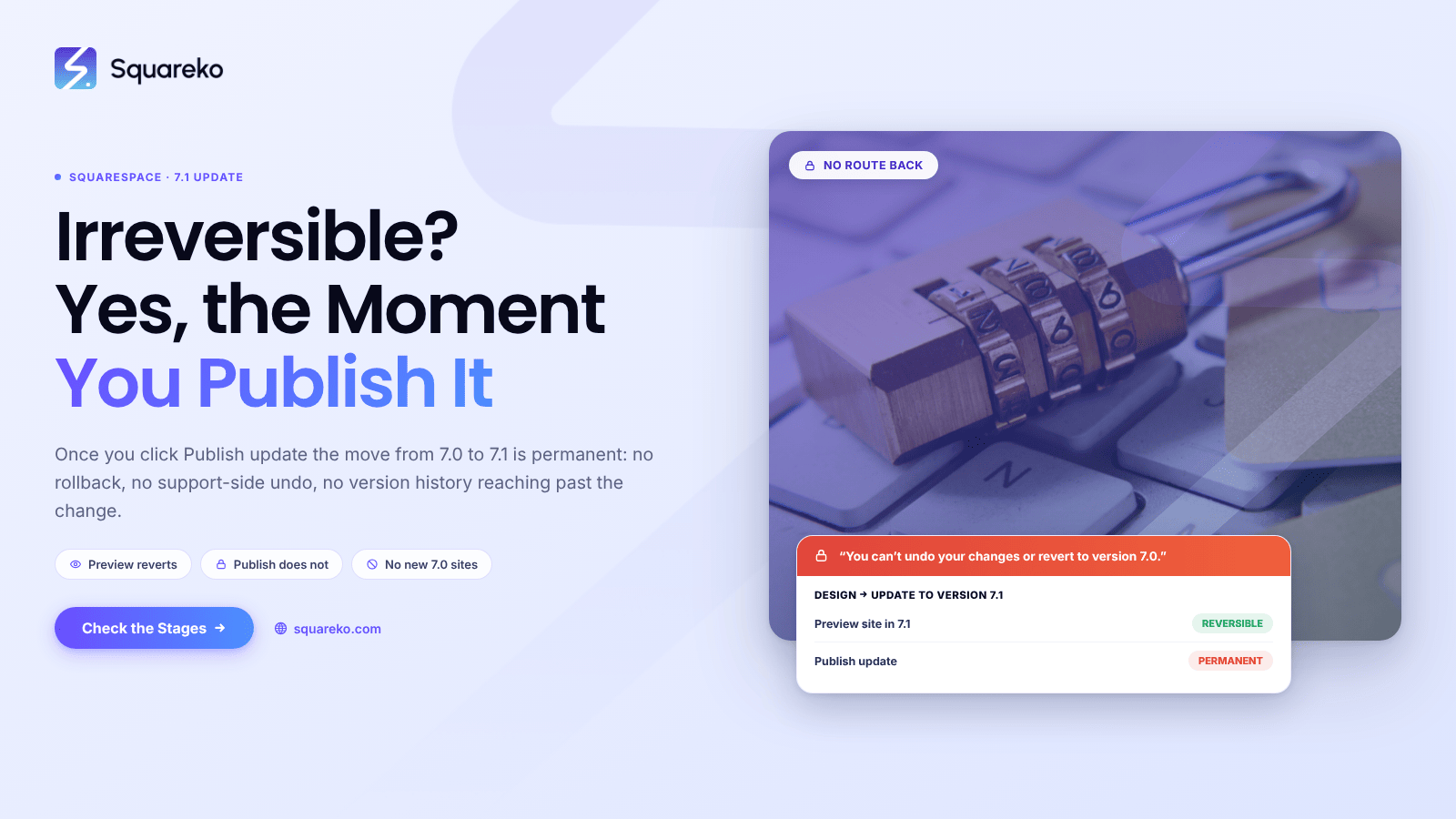
Is the Squarespace 7.1 Upgrade Irreversible?
Yes. Once you click Publish update, the move from Squarespace 7.0 to 7.1 is permanent and there is no way back.
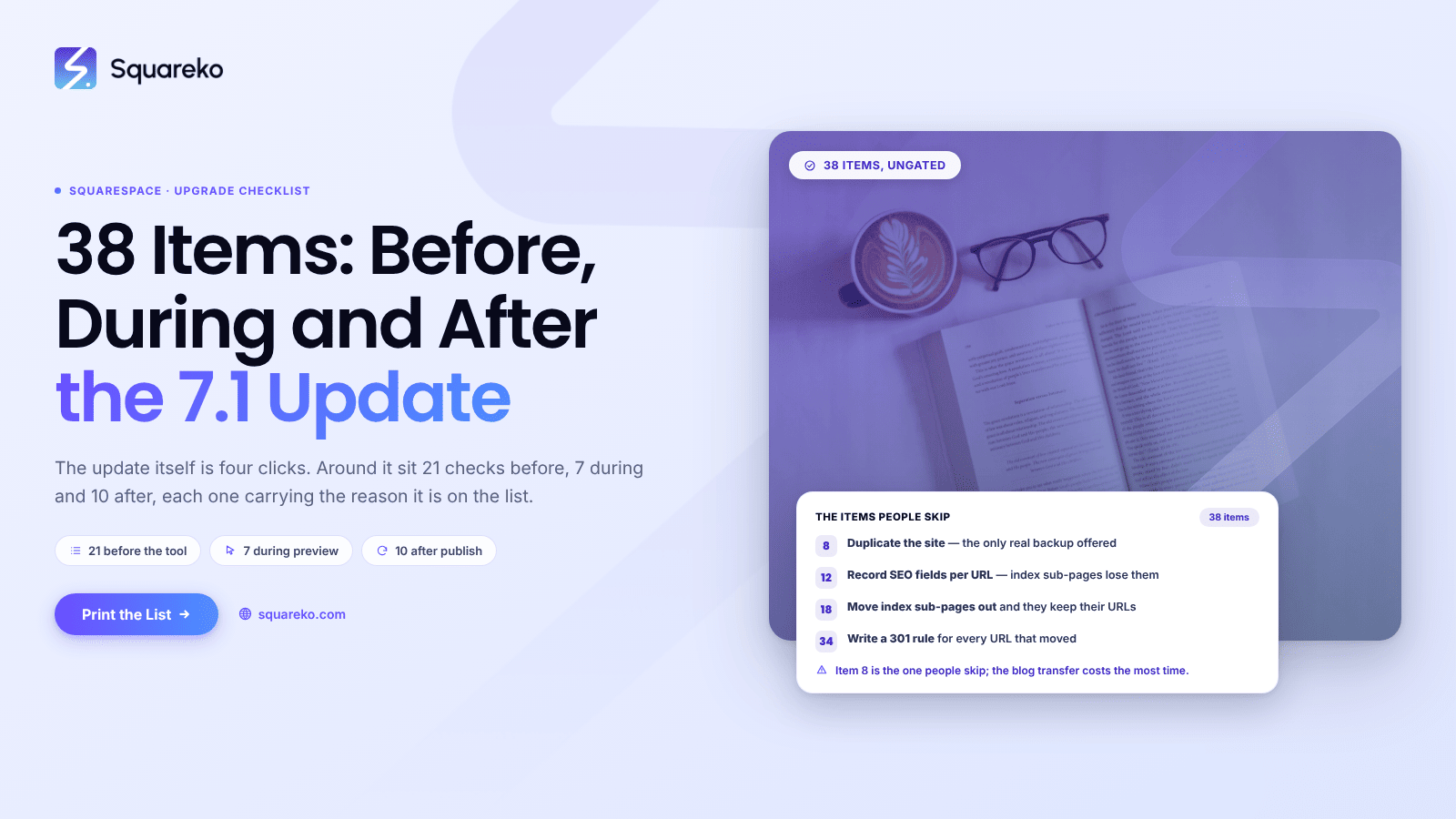
The Squarespace 7.0 to 7.1 Checklist: 38 Items
Most of the work in a Squarespace 7.0 to 7.1 update happens before you click anything and after you finish.
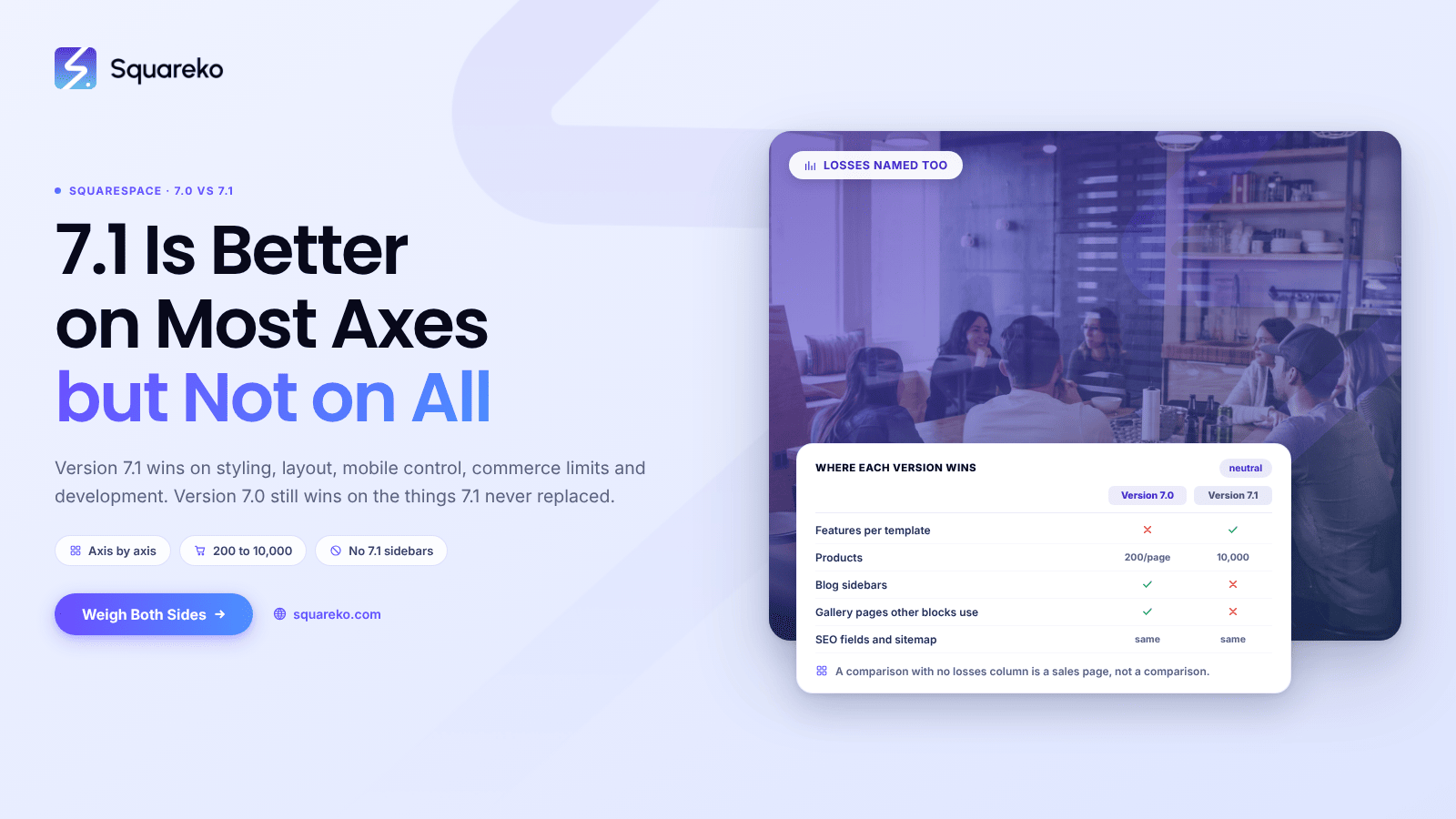
Is Squarespace 7.1 Better Than 7.0? The Honest Verdict
Yes — Squarespace 7.1 is the better platform on most axes that matter, and it is the only one being developed.
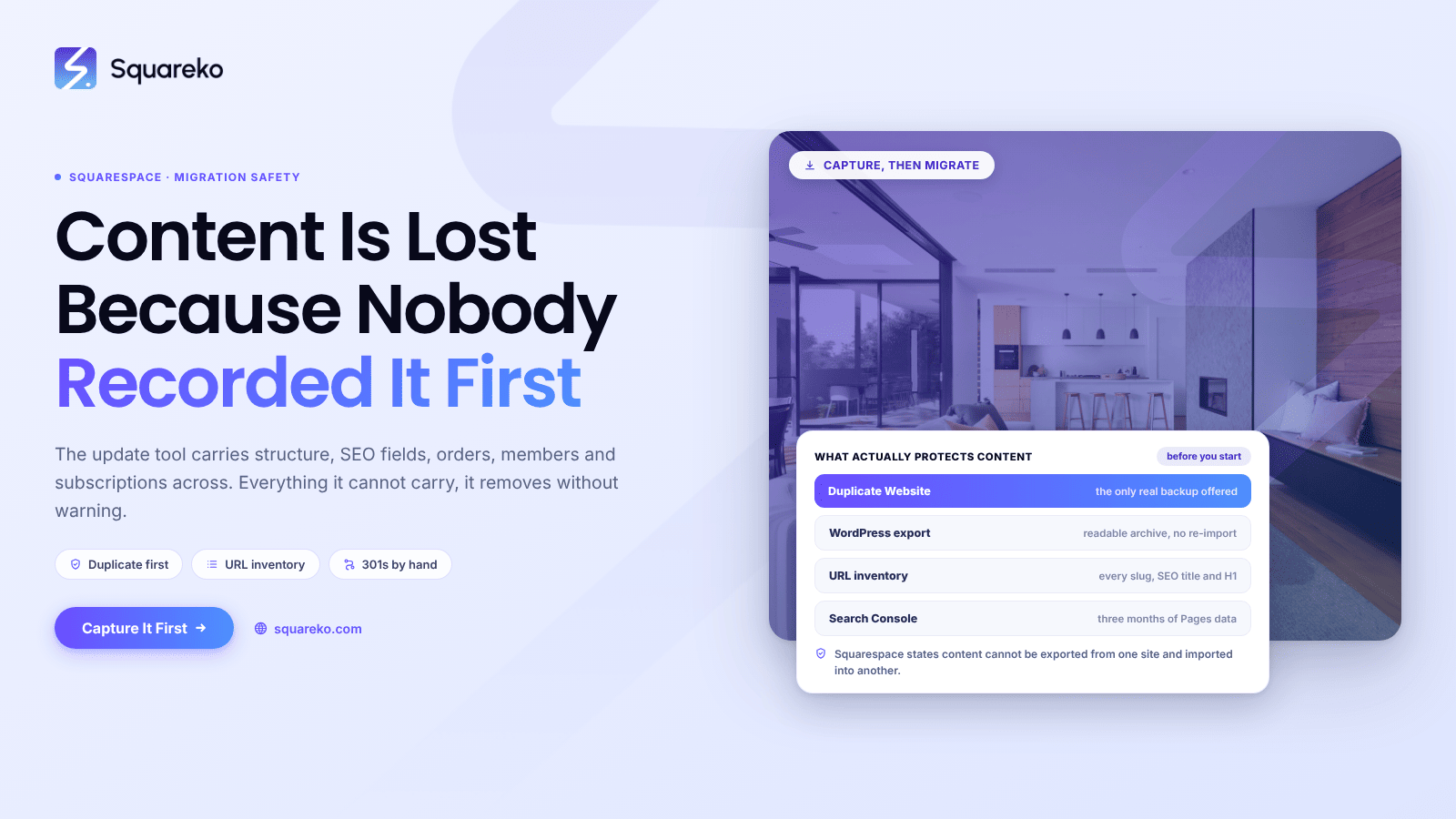
How to Migrate Squarespace 7.0 to 7.1 Without Losing Content
Content is almost never lost by accident during a Squarespace 7.0 to 7.1 migration — it is lost because nobody recorded it beforehand.
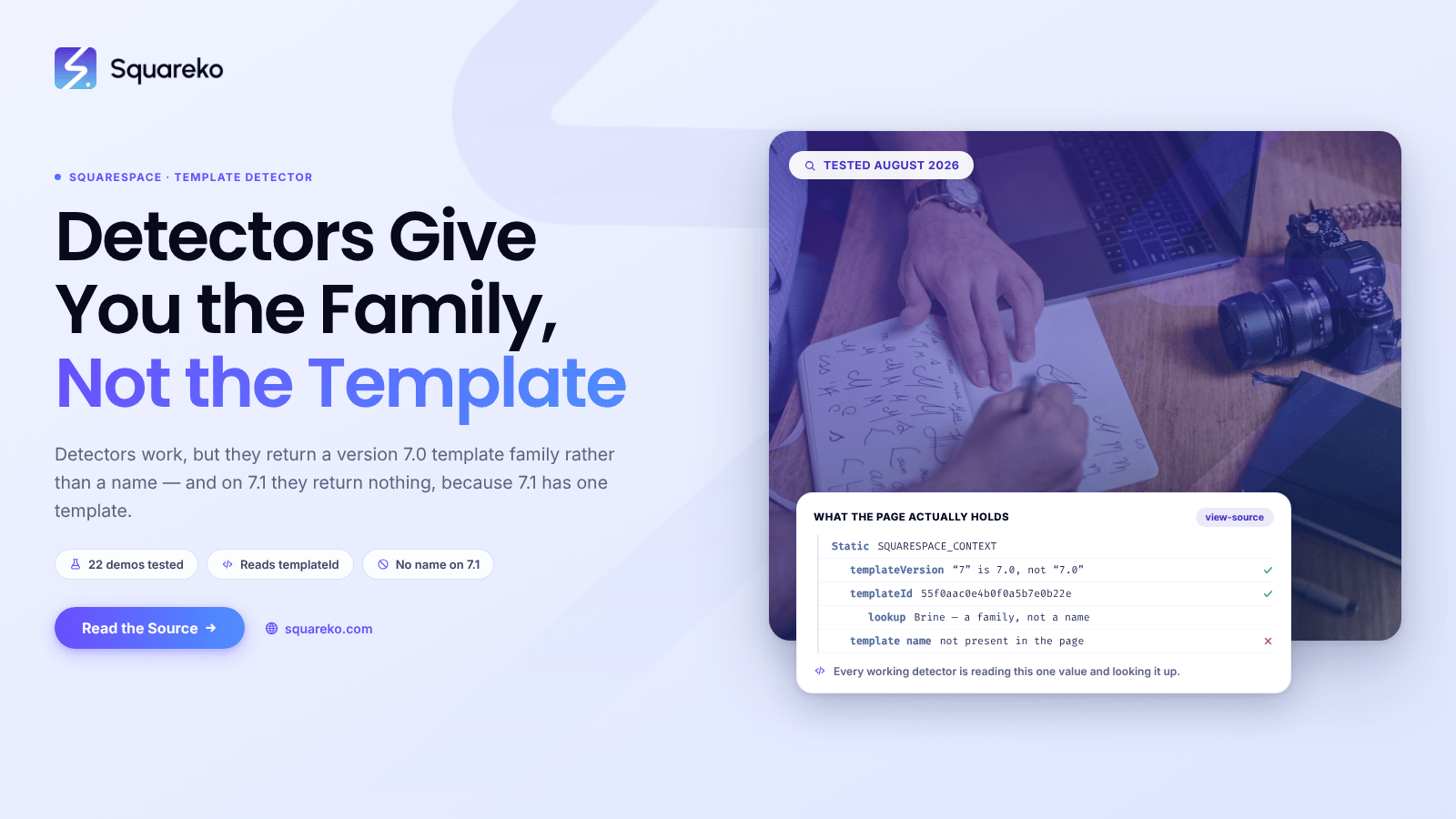
Squarespace Template Detector: What Works in 2026
Squarespace template detectors work, but they return a template family, not a template name — and on Squarespace 7.1
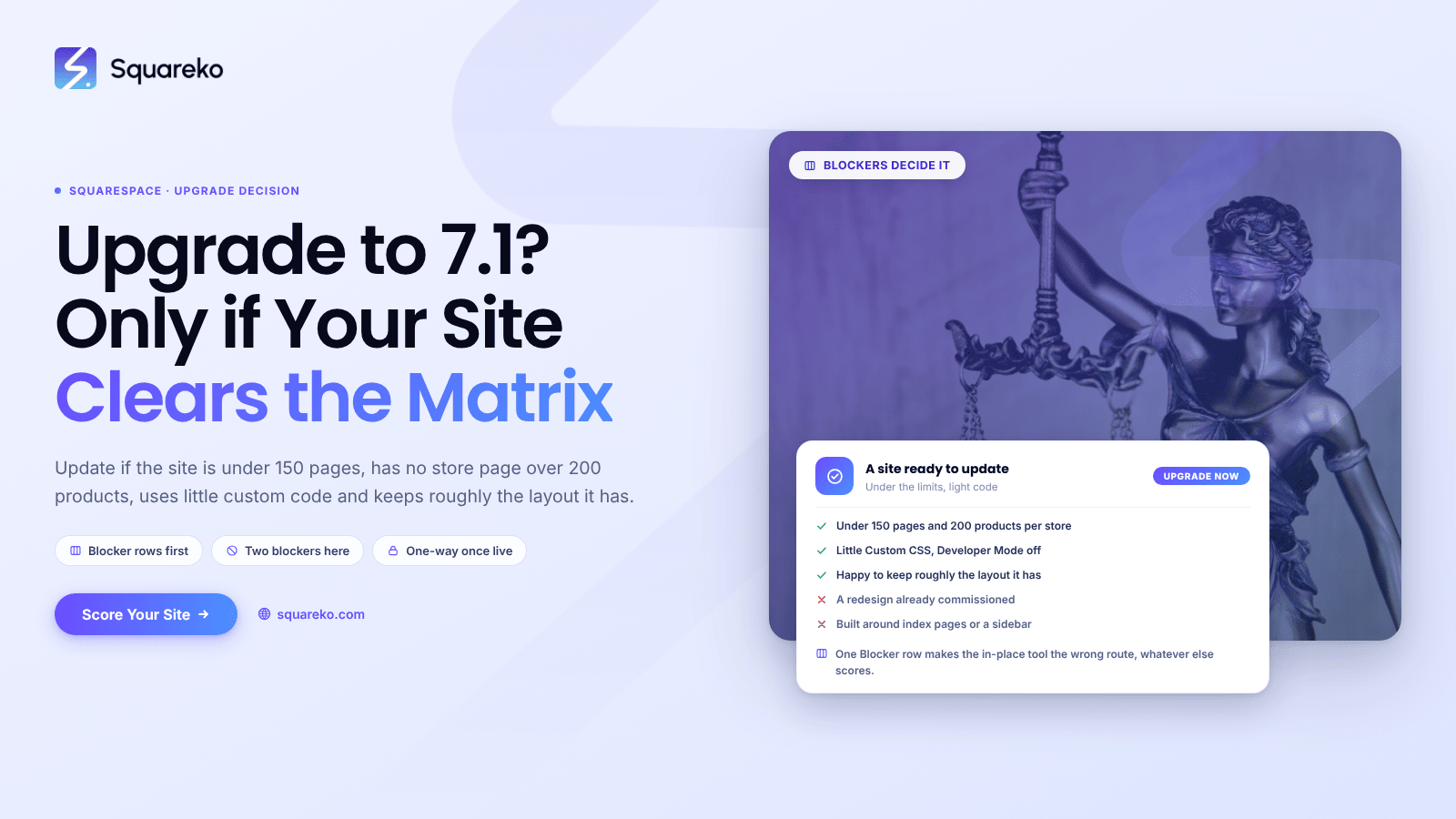
Should I Upgrade to Squarespace 7.1? An Honest Decision Matrix
Upgrade if your Squarespace 7.0 site is under 150 pages, has no store page over 200 products, uses little custom code,
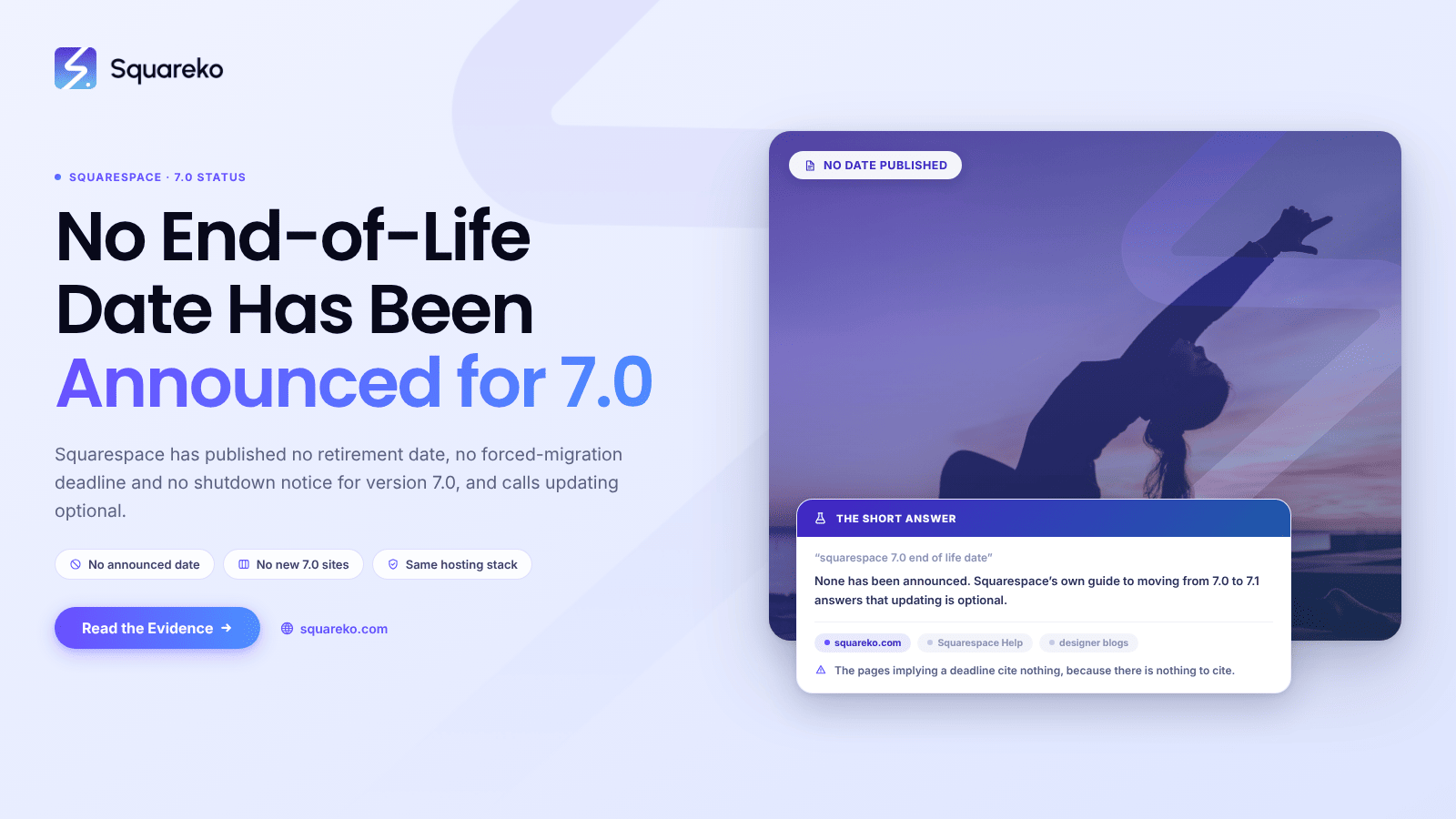
Squarespace 7.0 End of Life: What's Announced and What Isn't
Squarespace has not announced an end-of-life date for version 7.0. There is no published retirement date,

How to Tell What Squarespace Template You're Using
Check your version first, because on Squarespace 7.1 this question has no meaningful answer. Every 7.1 site
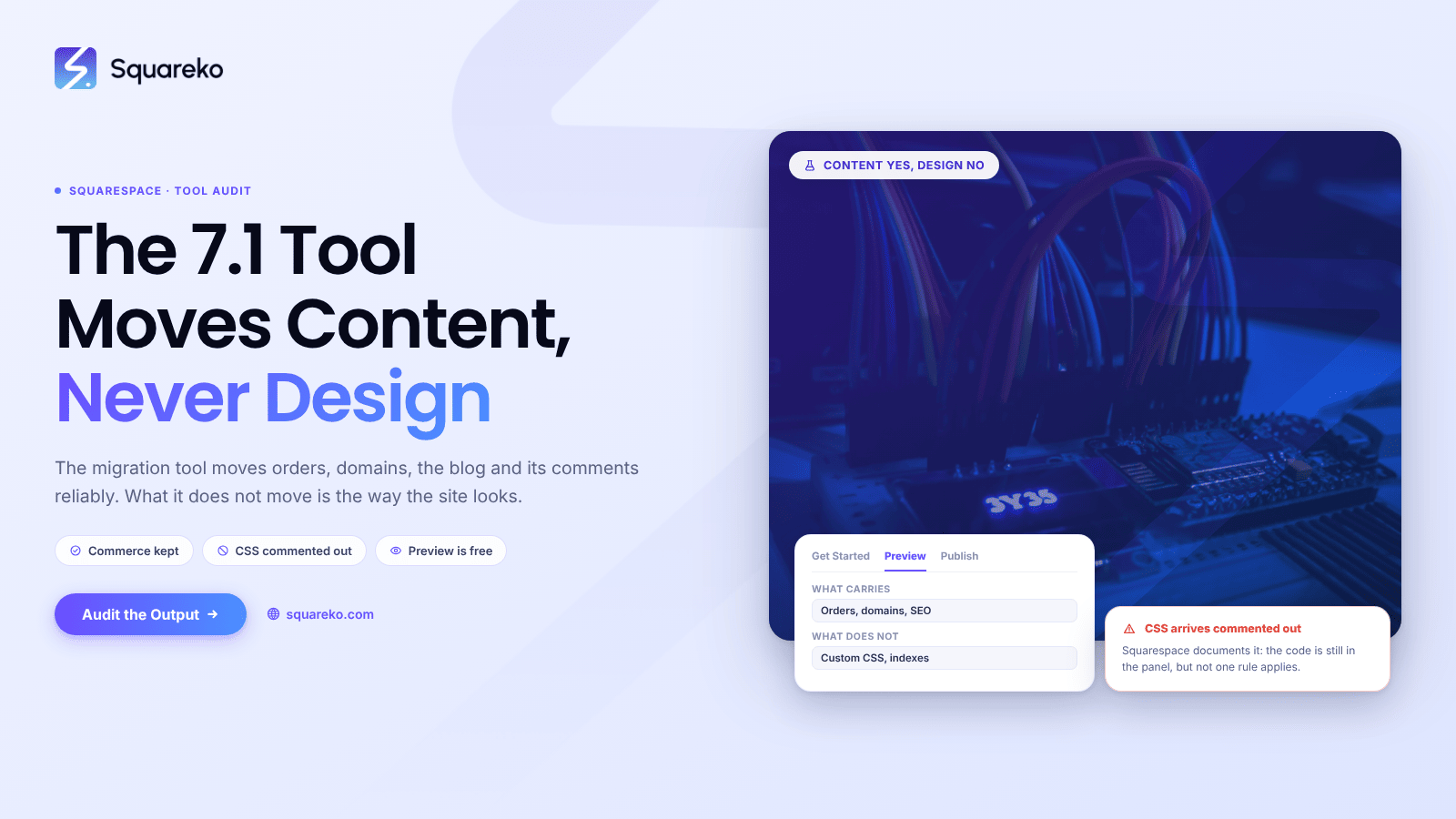
The Squarespace 7.1 Migration Tool: What It Does and What It Misses
The Squarespace 7.1 migration tool is genuinely good at the hard part and quietly bad at the visible part.
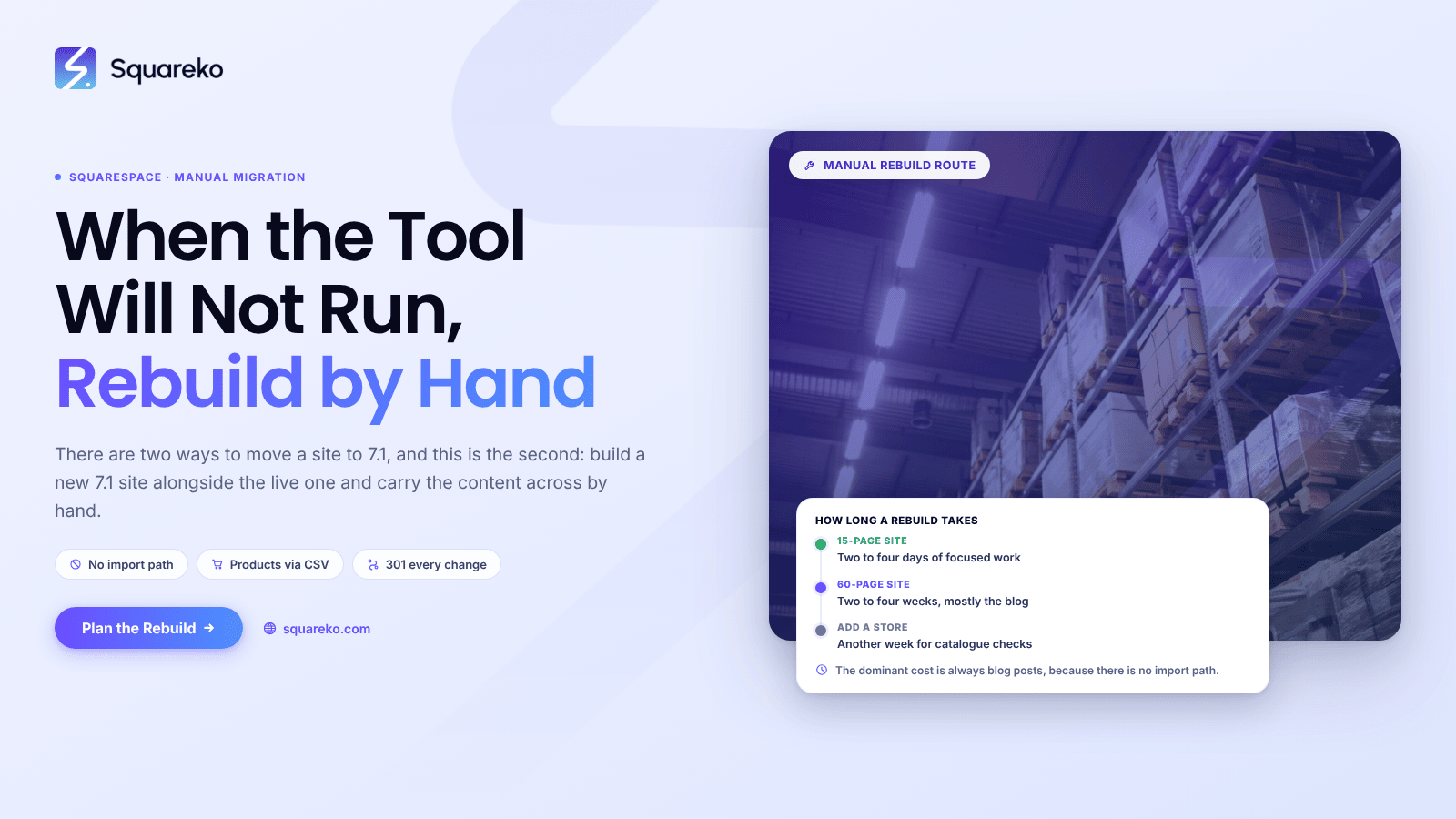
How to Migrate Squarespace 7.0 to 7.1 Manually
There are two ways to migrate a Squarespace 7.0 site to 7.1, and this is the second one. The built-in tool converts your site in place,
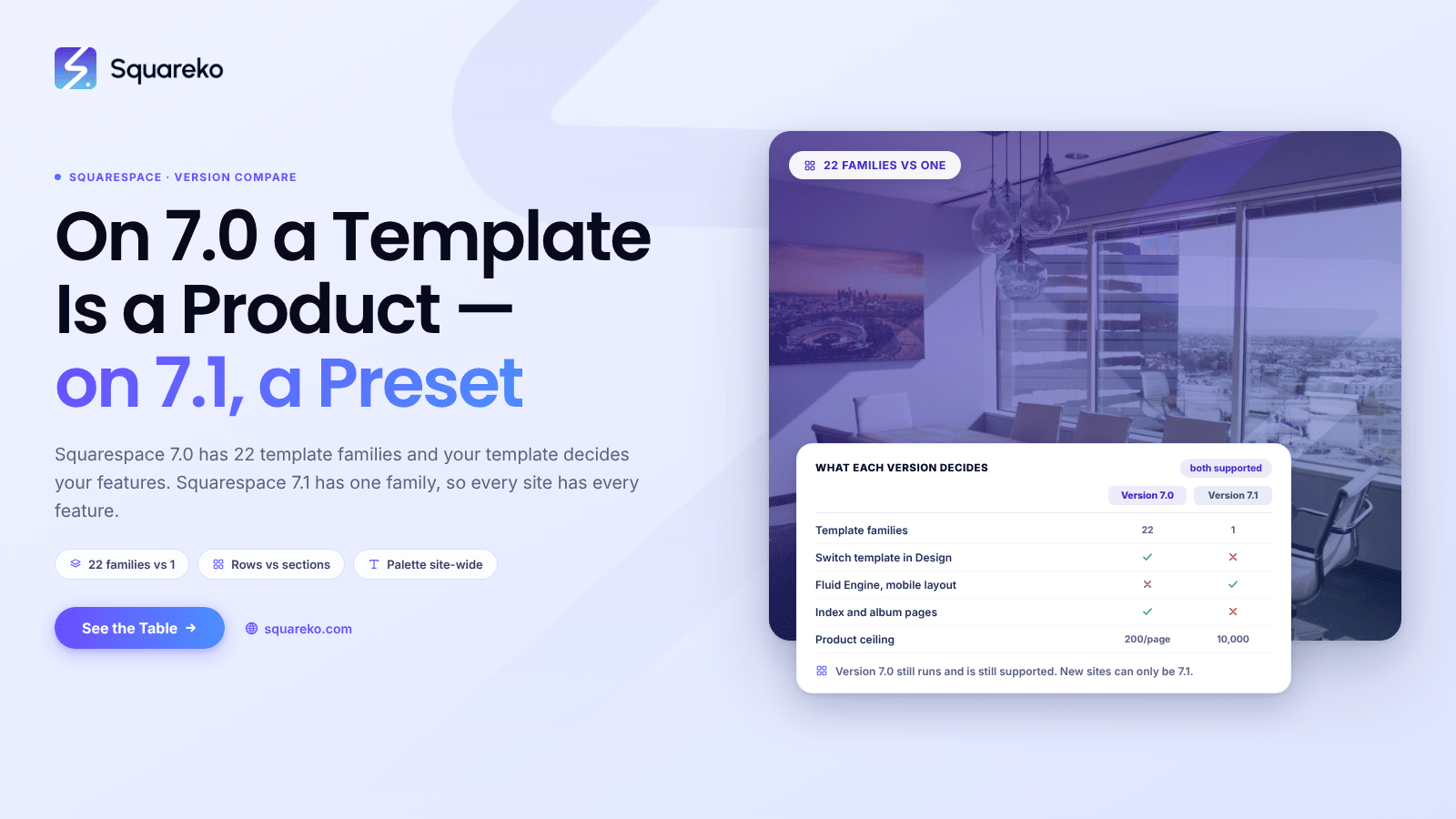
The Difference Between Squarespace 7.0 and 7.1, Explained Simply
Squarespace 7.0 and 7.1 are two generations of the same website builder, and the difference comes down to one thing:
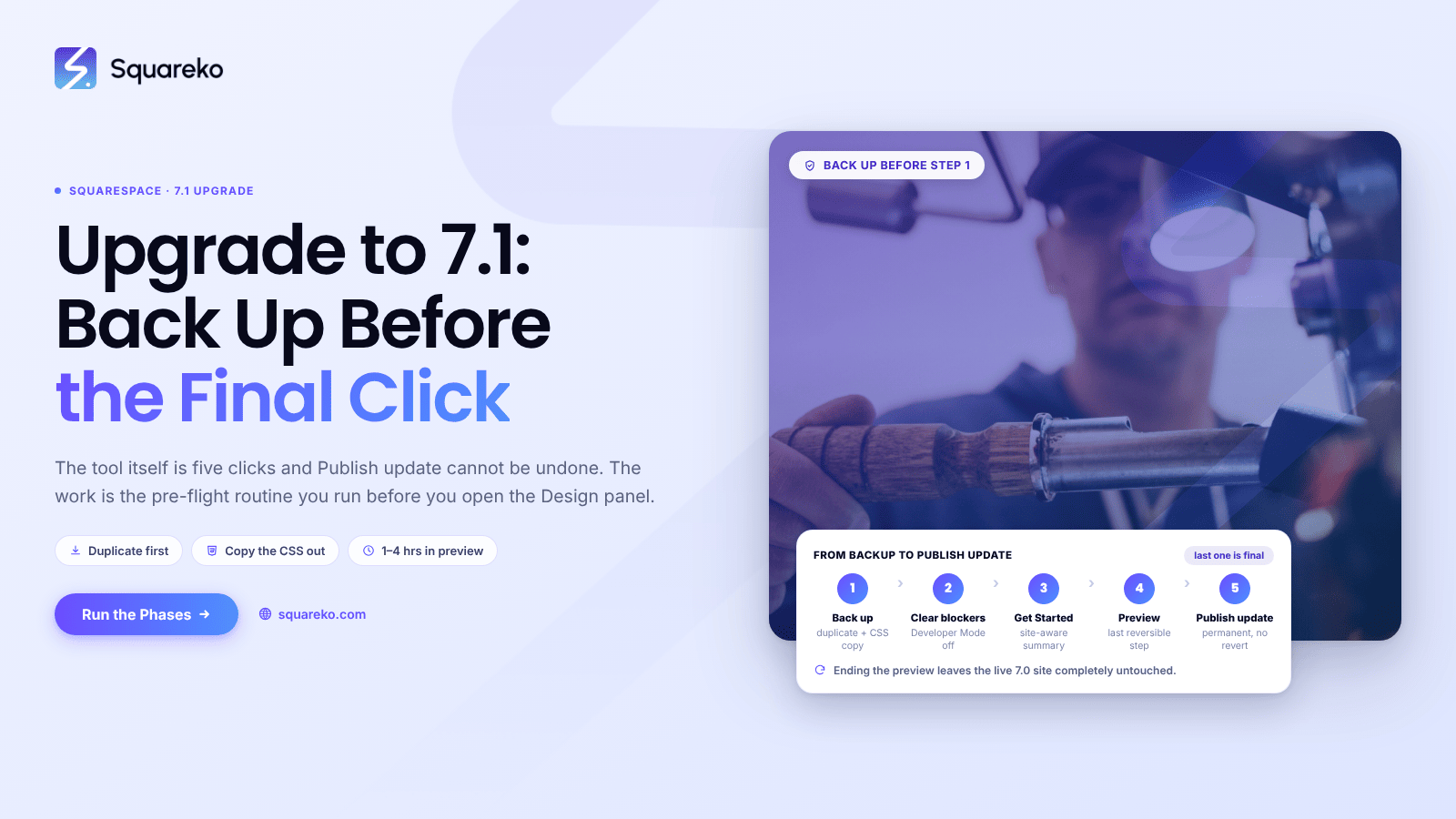
How to Upgrade Squarespace 7.0 to 7.1
The Squarespace upgrade to 7.1 runs from Design → Update to Version 7.1, and the tool itself is five clicks.
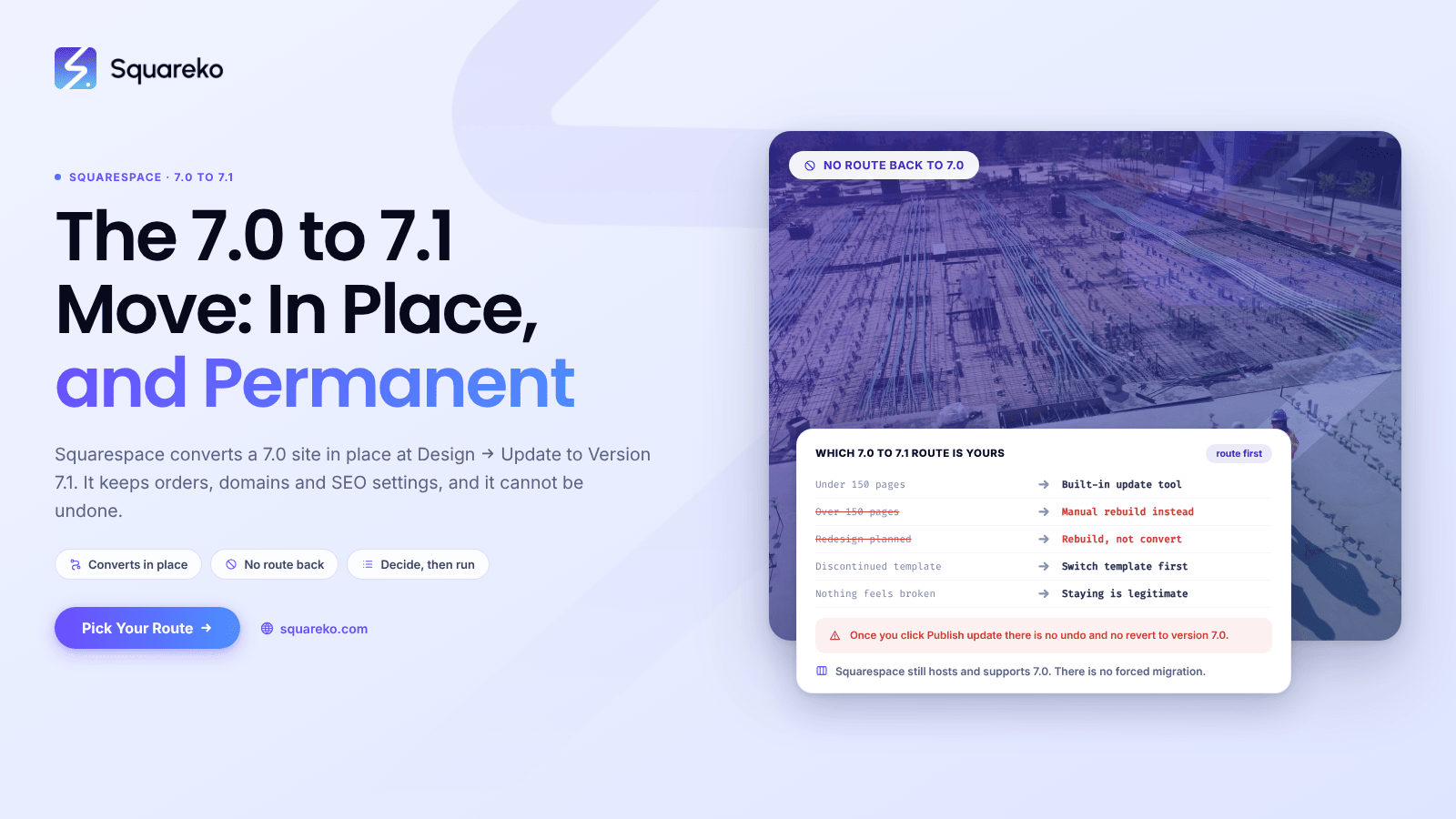
Squarespace 7.0 to 7.1: The Complete Upgrade Guide
Squarespace has a built-in tool that converts a 7.0 site to 7.1 in place, at Design → Update to Version 7.1.
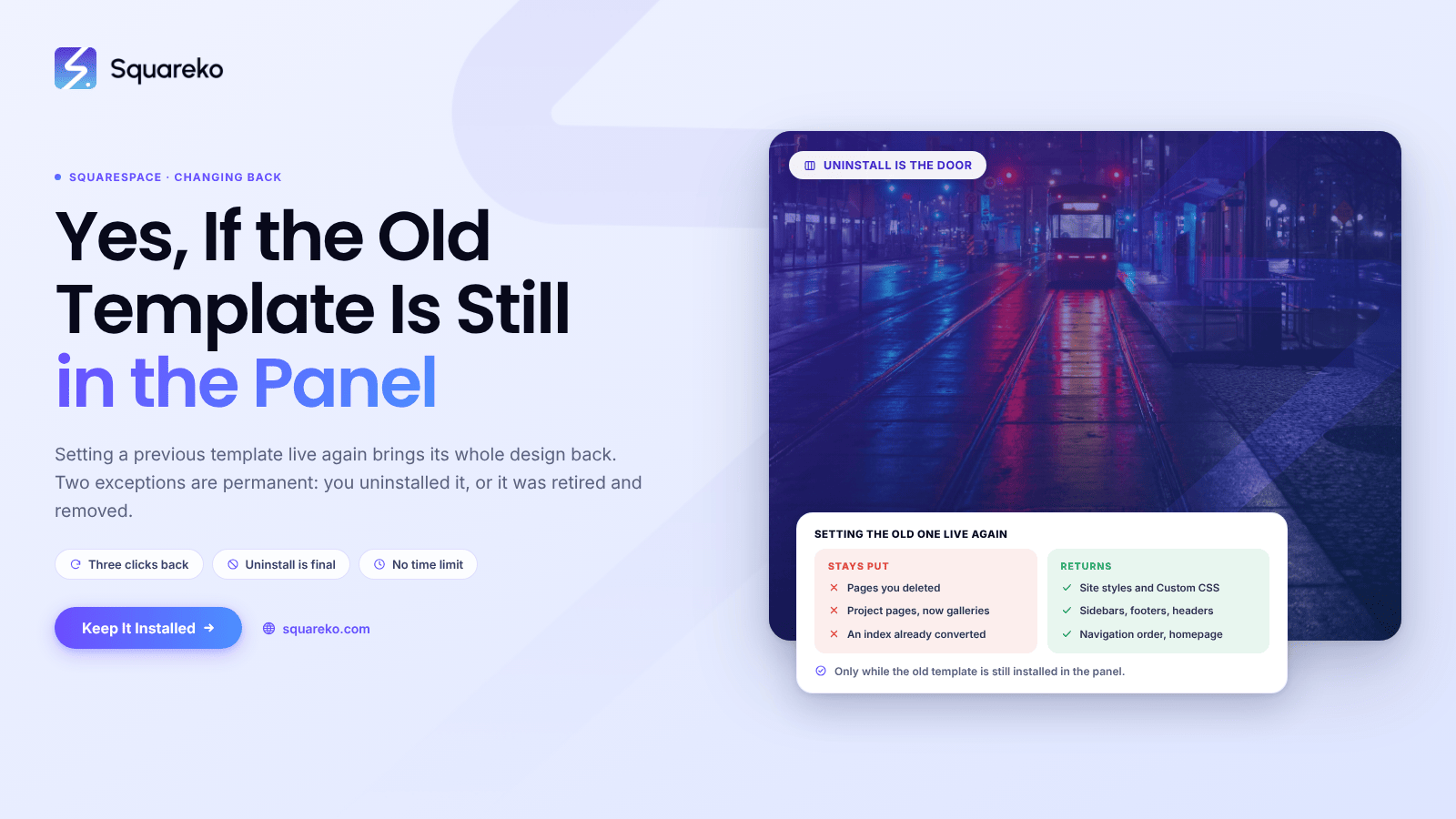
If I Change My Squarespace Template, Can I Change Back?
Yes — provided the old template is still installed in your Template panel. Squarespace stores site styles,
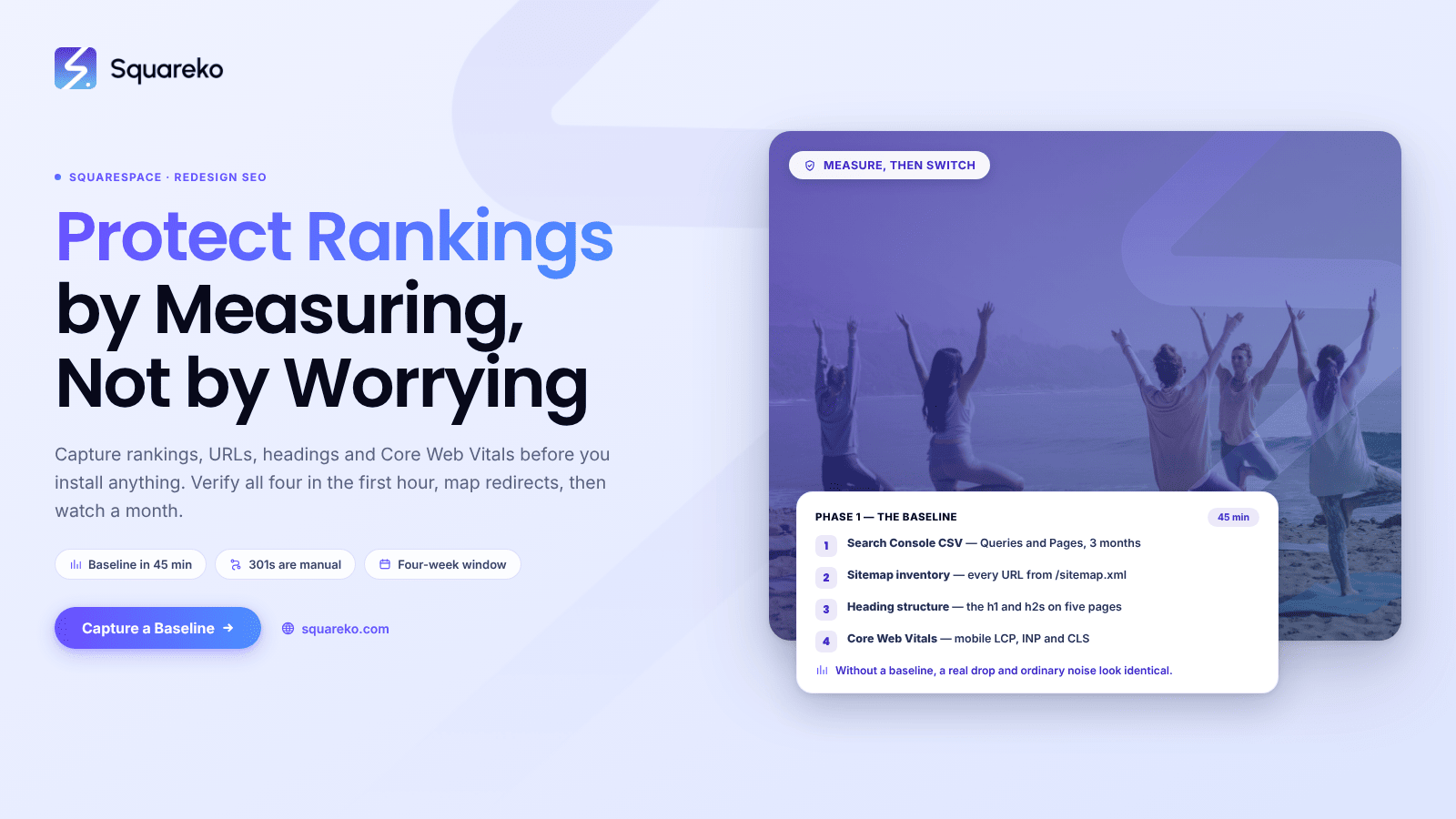
How to Change a Squarespace Template Without Hurting Your SEO
The whole job is measurement, not caution. Capture a baseline before you touch anything — rankings, URLs,
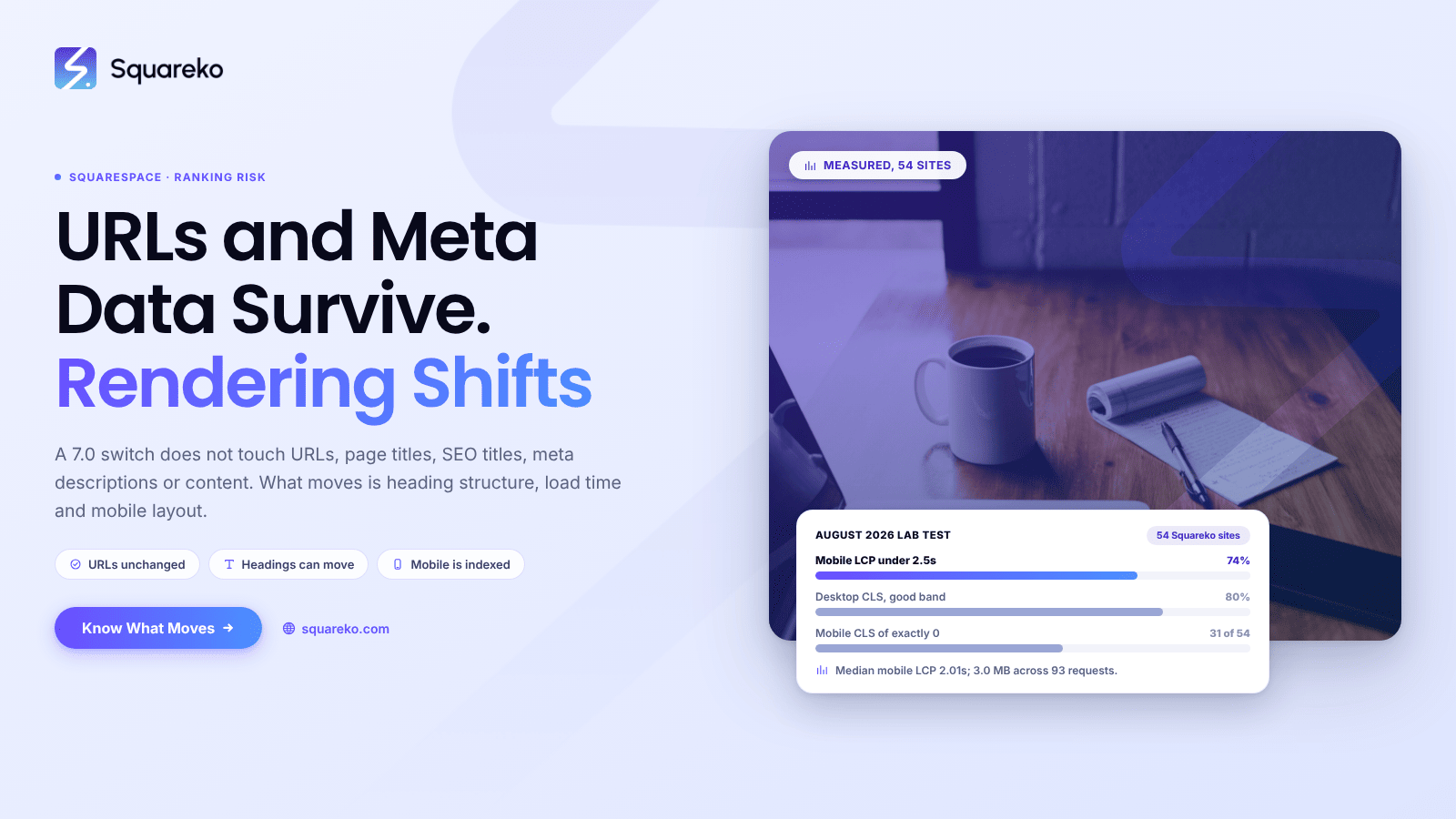
Does Changing a Squarespace Template Affect SEO?
Yes, but less than most people fear, and not in the way they expect. A Squarespace 7.0 template switch
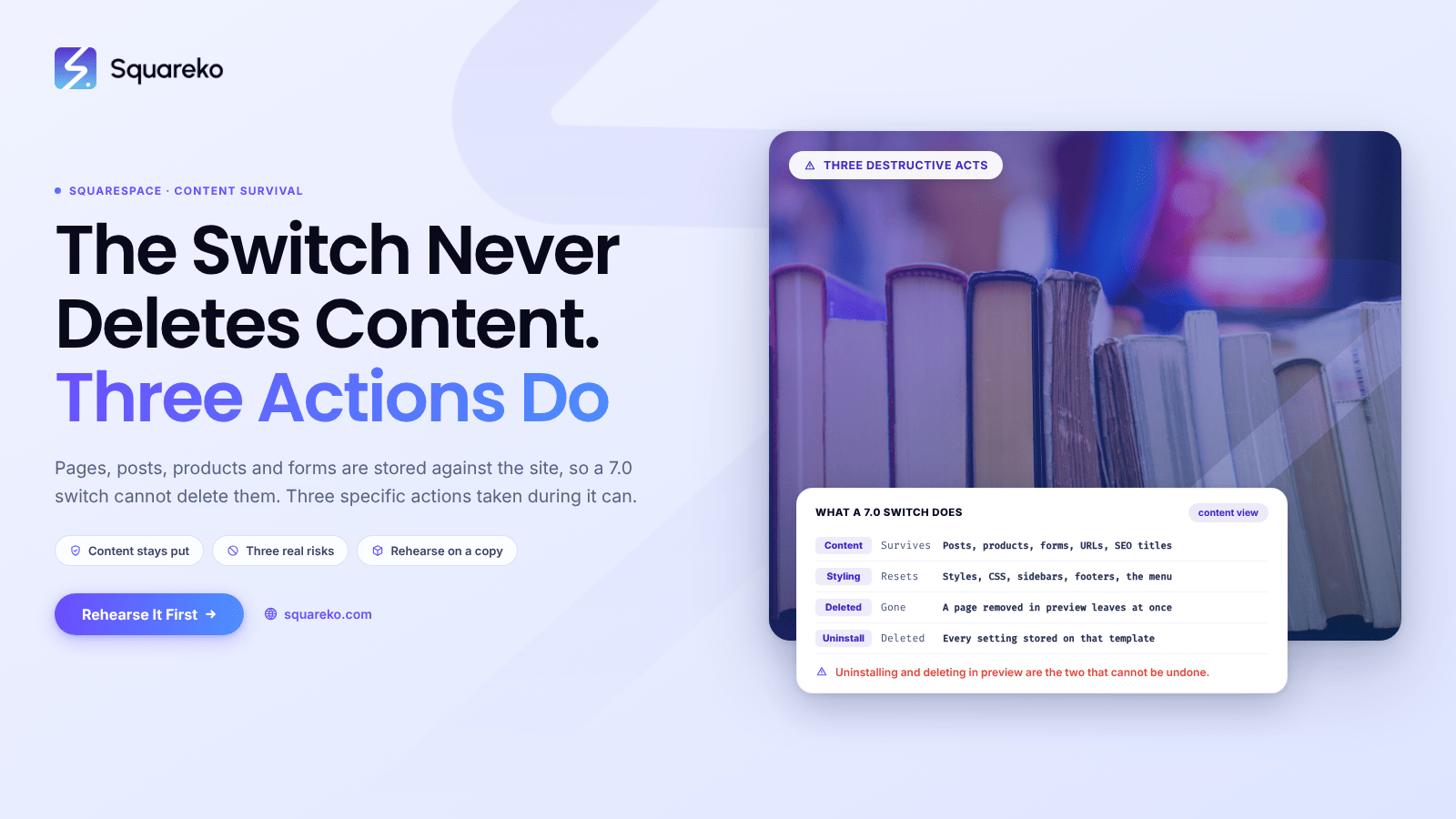
How to Change a Squarespace Template Without Losing Content
Changing a Squarespace 7.0 template does not delete content. It never has. Pages, blog posts, products,
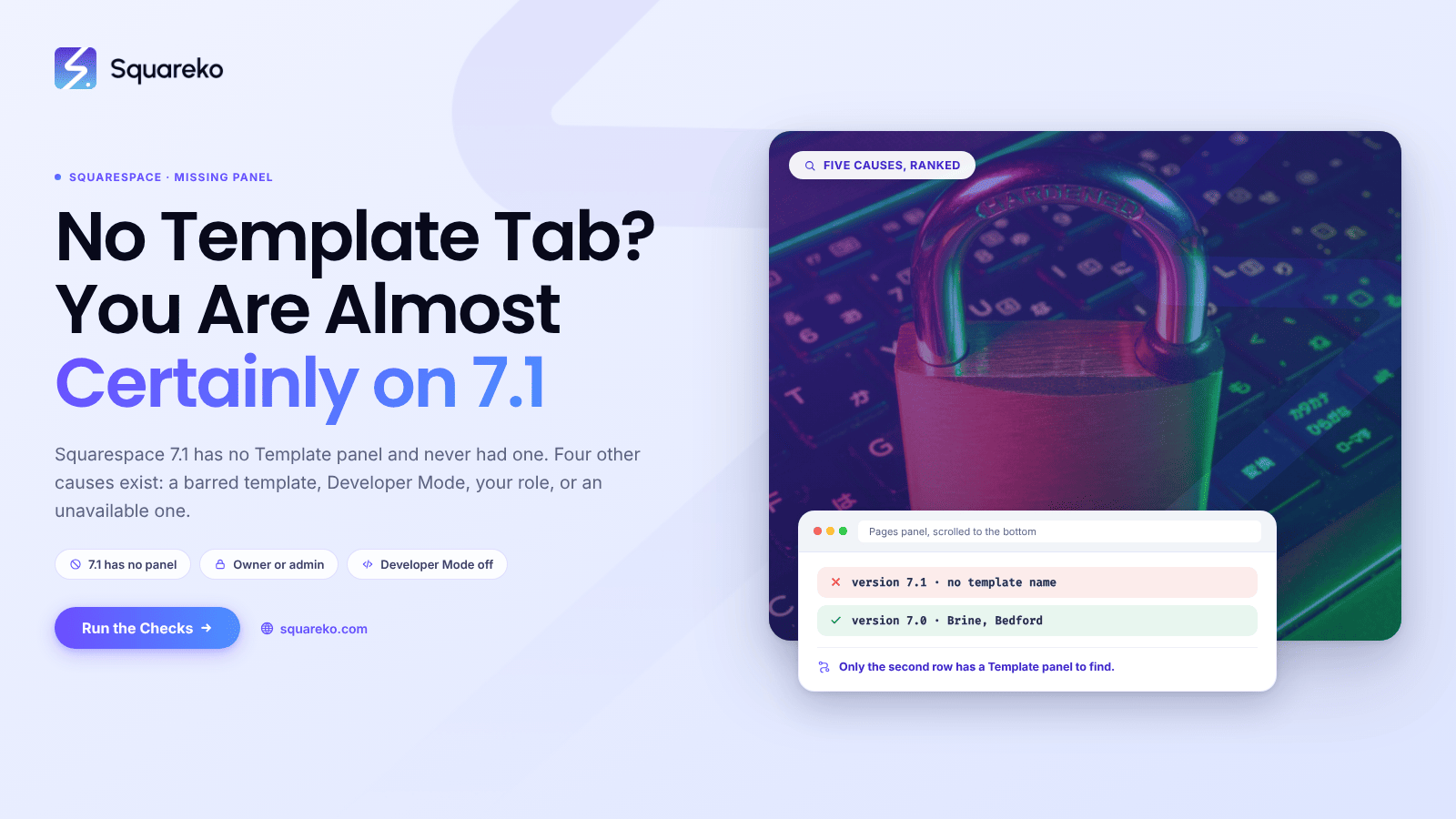
Why Can't I Change My Squarespace Template?
Almost always because you are on Squarespace 7.1, where the feature does not exist. Squarespace's own documentation…
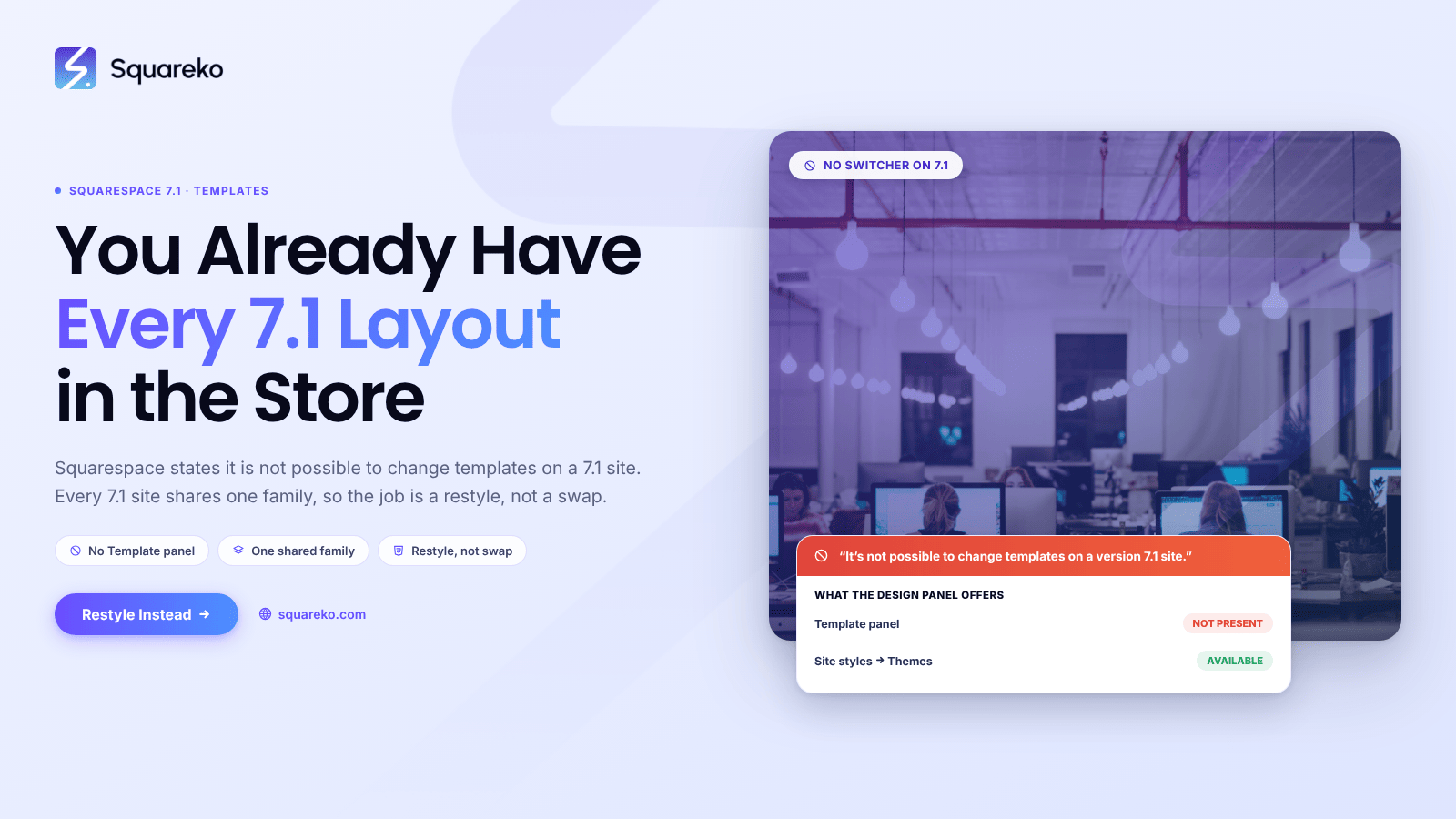
Can You Change Templates in Squarespace 7.1?
No, and there is no workaround, because there is nothing to switch to. Every Squarespace 7.1 site belongs
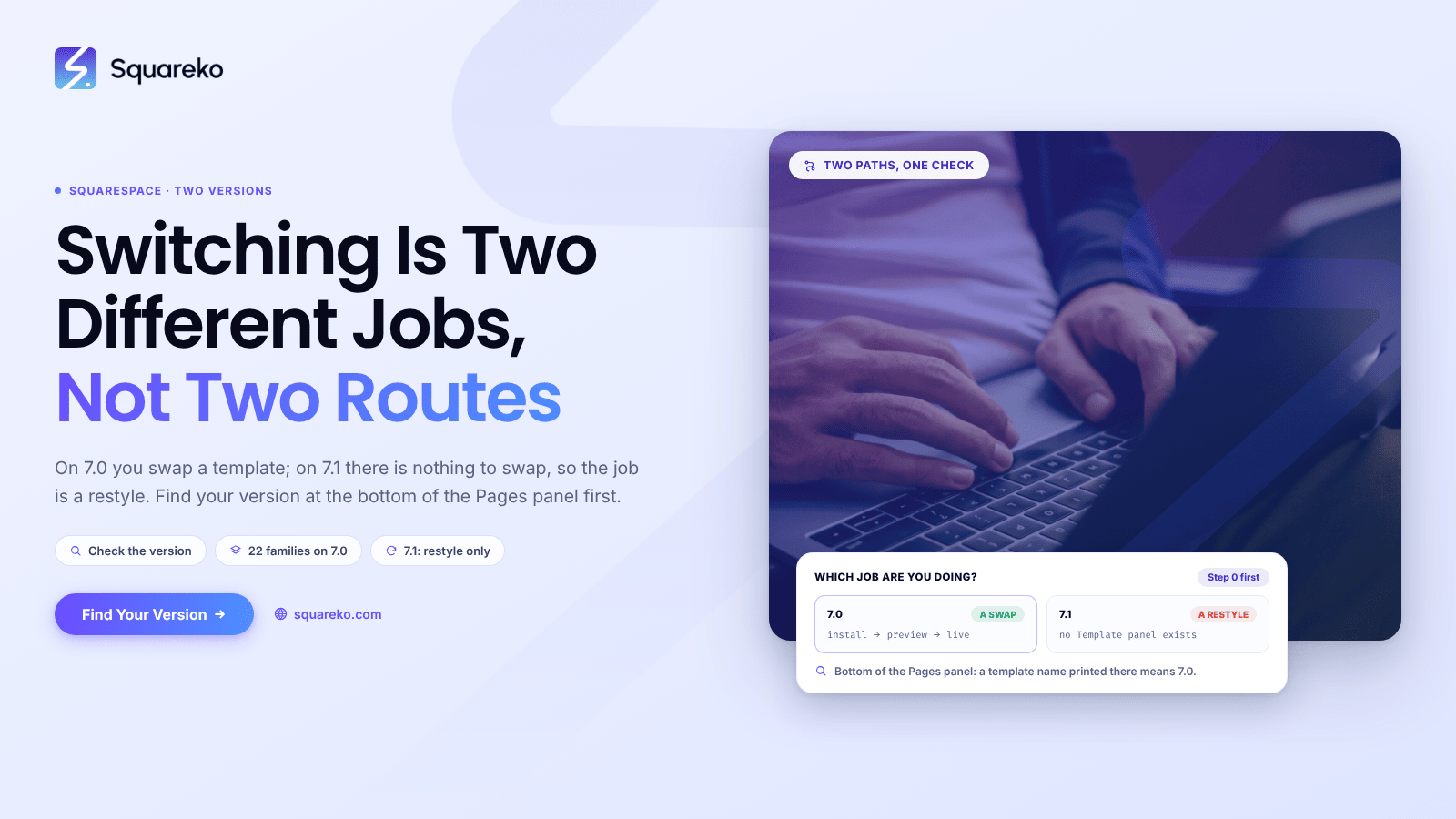
How to Switch Templates in Squarespace (7.0 and 7.1)
These are two different jobs, not two routes to the same one. On Squarespace 7.0, switching templates is a real feature…

See If Squareko Is Right For You.
Schedule a call with us to discuss your project in detail and receive a tailored solution. Let's turn your vision into reality - book your FREE consultation today!