Explore Our Website & SEO Guides For Your Business Success

Expert tips and tools to help you be more productive in Business, Web Design, Social Media, and More.
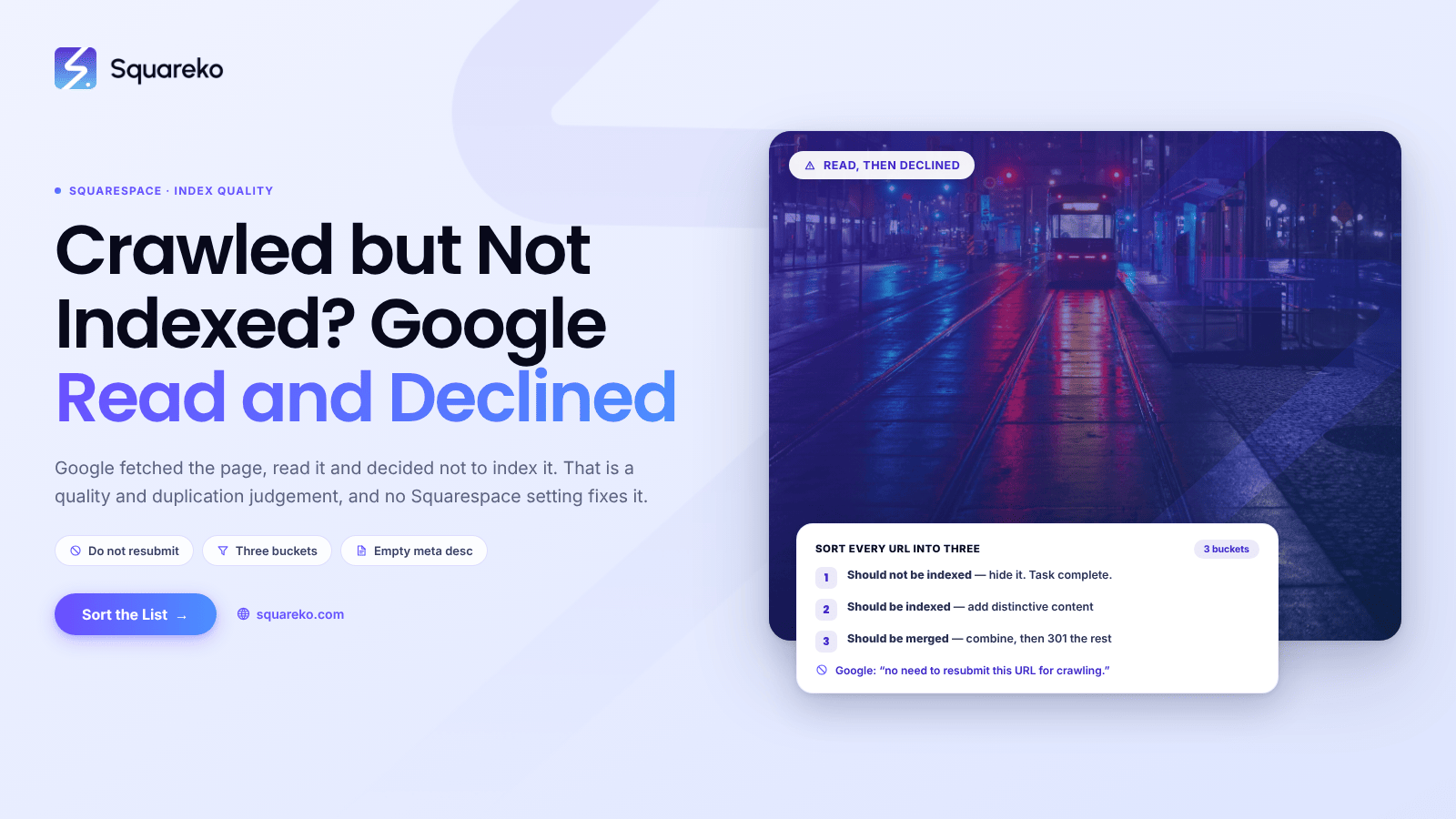
Squarespace "Crawled – Currently Not Indexed": What It Means and How to Fix It
Google fetched your page, read it, and decided it was not worth adding to the index. Google's own definition is "the page was crawled by Google but not indexed. It may or may not be indexed in the future; no need to resubmit this URL for crawling." Nothing on your Squarespace site is technically broken. This is a judgement about content — usually thinness or near-duplication — and on Squarespace 7.1 it lands most often on pages the platform generated for you rather than pages you wrote.
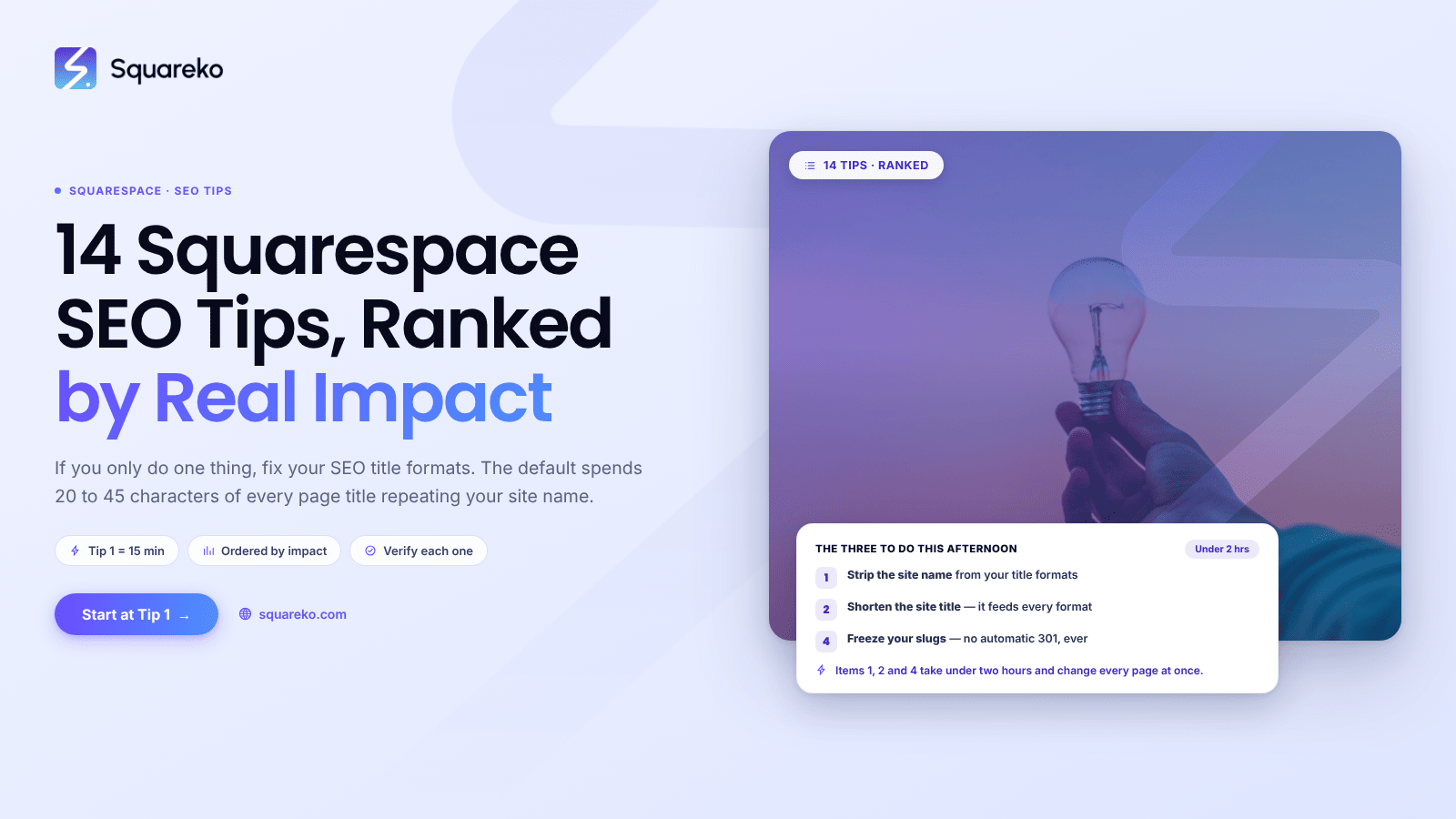
14 Squarespace SEO Tips, Ordered by What Actually Moves the Needle
If you only do one thing, fix your SEO title formats. On most Squarespace 7.1 sites the default Page Title — Site Name format spends 20 to 45 characters of every single page title repeating the site name, and Google only displays about 60. Everything below is ordered the same way — by how much ranking change we see per hour of work across client sites, not by how easy it is to explain.
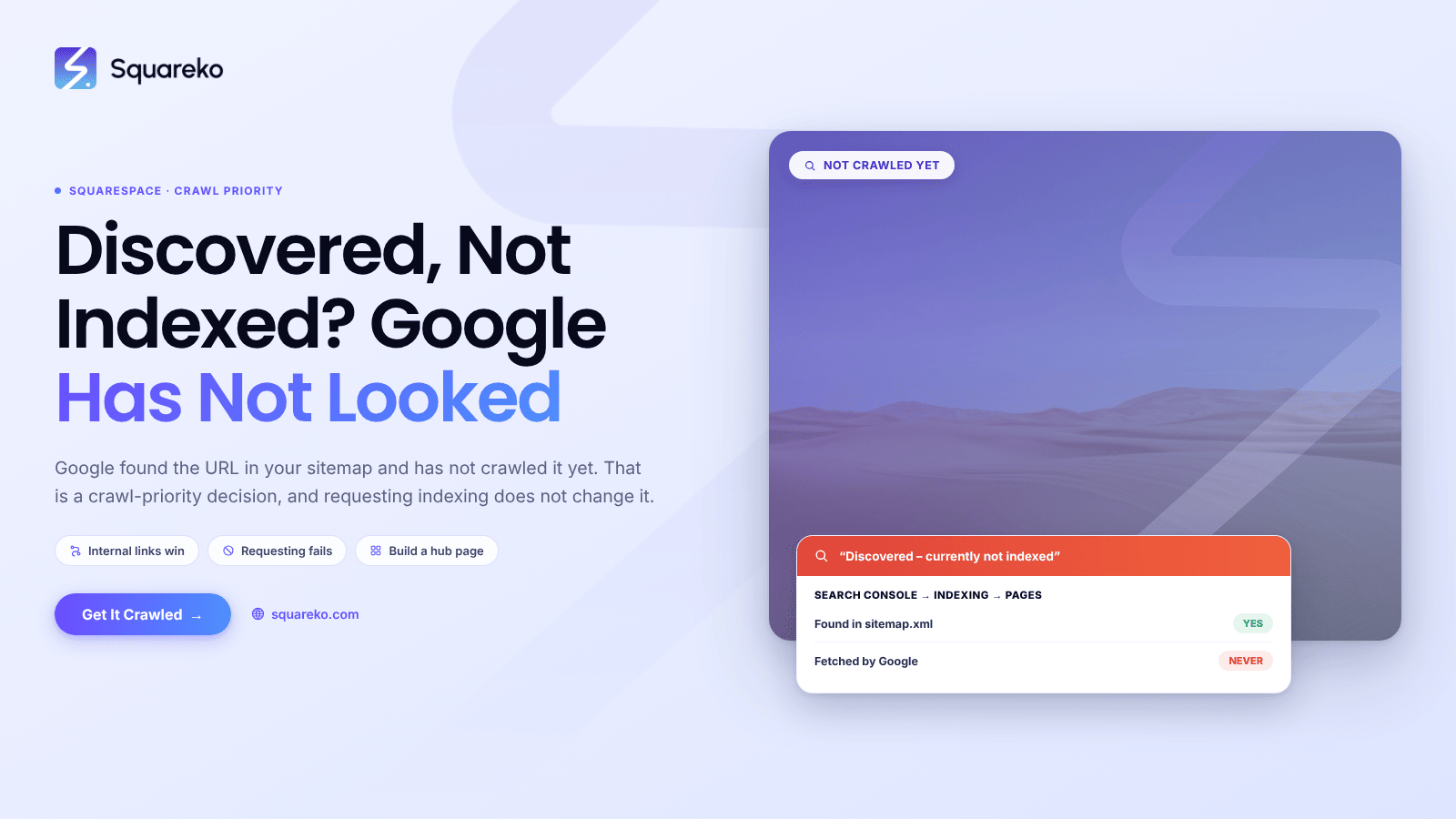
Squarespace "Discovered – Currently Not Indexed": What It Means and What Actually Fixes It
Google knows your URL exists — it read it in your Squarespace sitemap — and has decided not to spend a crawl on it yet. Google's own definition is "the page was found by Google, but not crawled yet." That is a priority decision, not a technical fault, and requesting indexing does not change it. What changes it is internal links from pages Google already crawls regularly, and a page substantial enough to justify the fetch.
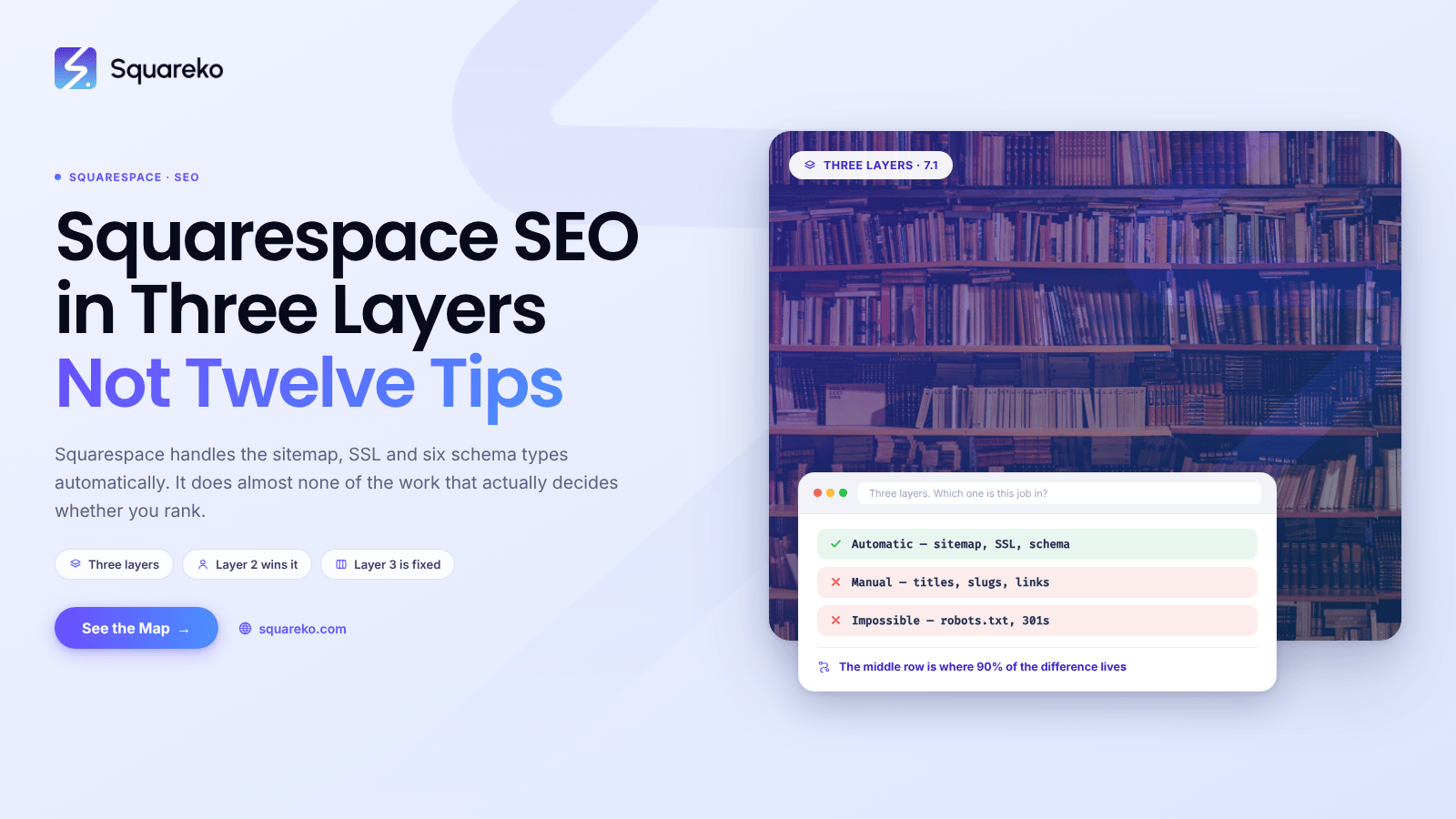
Squarespace SEO: What Works, What Doesn't, and What You Can't Do
Squarespace handles more technical SEO automatically than most people assume — sitemap, canonical tags, static URLs, SSL, structured data for six content types — and almost none of the things that actually decide whether you rank. What decides ranking on Squarespace 7.1 is the same thing that decides it anywhere: title formats, page-level descriptions, URL policy set once and never changed, internal linking, and content that answers a real query in depth. The platform is not your bottleneck. The unedited default title format usually is.
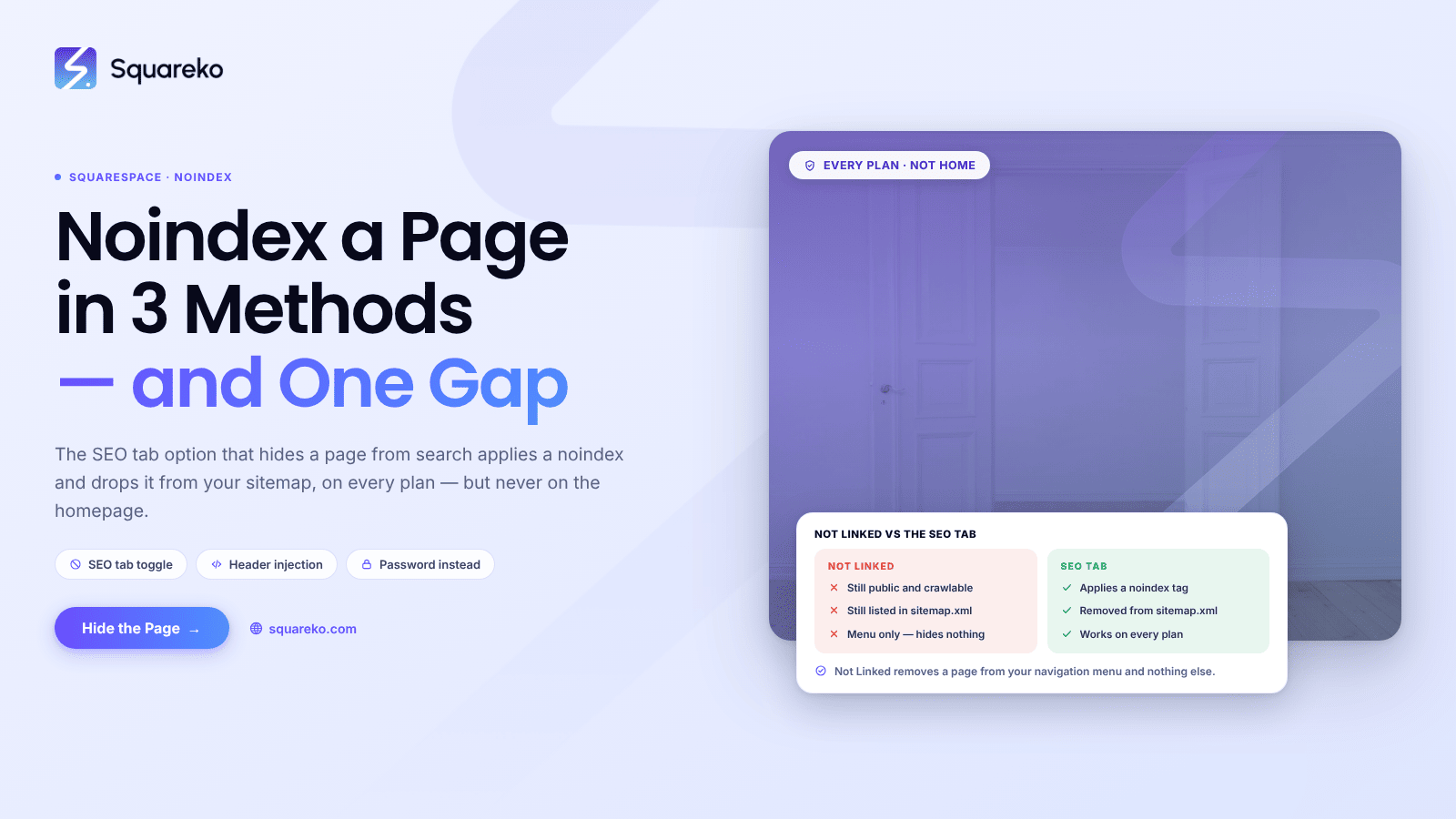
How to Noindex a Page on Squarespace (3 Methods, and One Gap)
For an ordinary page, open the Pages panel, click the page's settings, open the SEO tab, and turn on the option to hide the page from search results. That applies a noindex tag and removes the page from your sitemap, and it works on every plan — but not on the homepage. For a single blog post there is no equivalent control at all, and the workarounds are covered below.
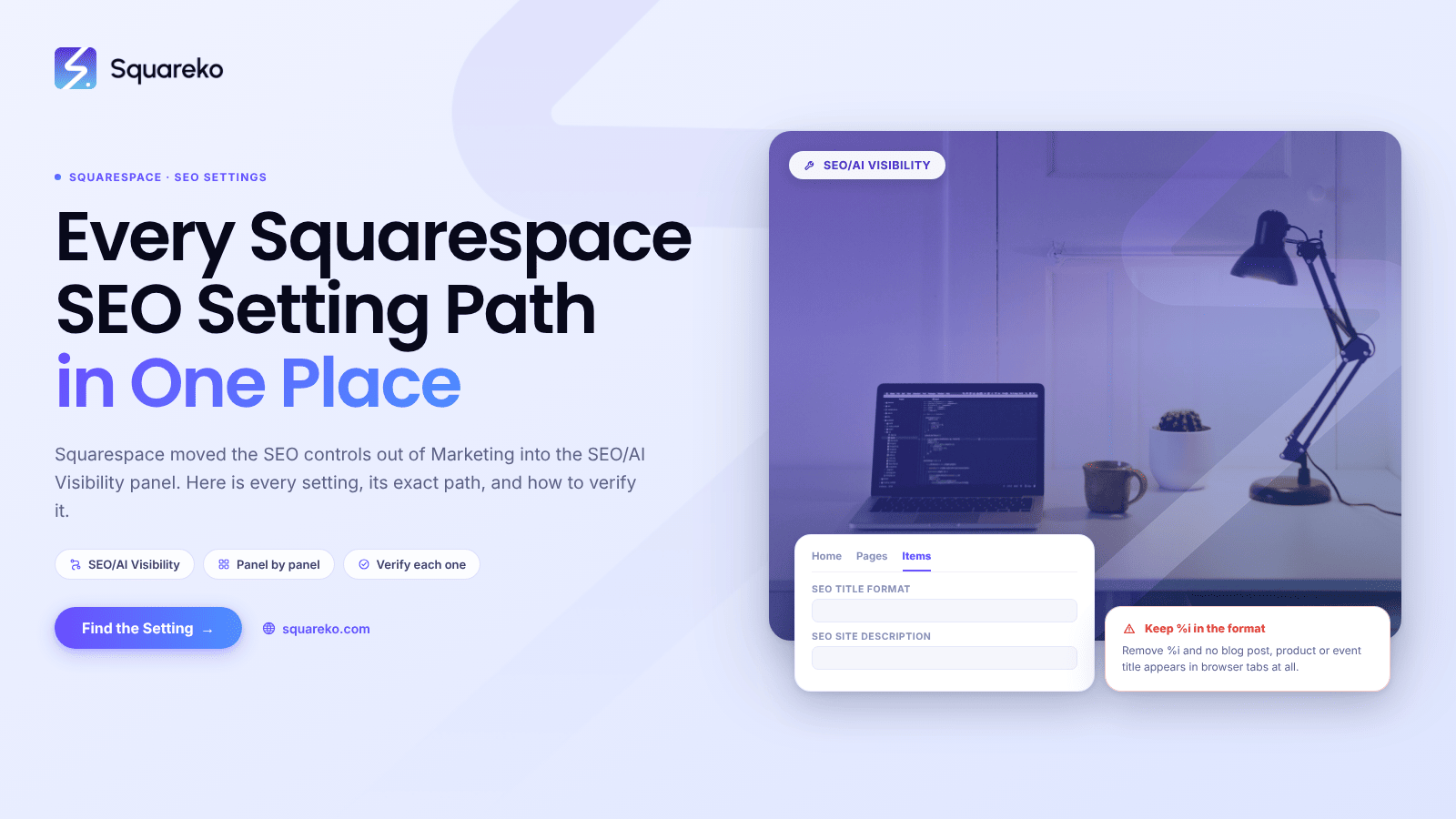
Squarespace SEO Settings: Every Panel, Path and Field in 7.1
Squarespace 7.1's SEO controls are not in one place, and the main panel has been renamed. Site-wide title formats, the site description and llms.txt now live in the SEO/AI Visibility panel under SEO Settings — not Marketing → SEO, where most tutorials still send you. Everything else sits in page settings, item settings, Settings and Analytics.
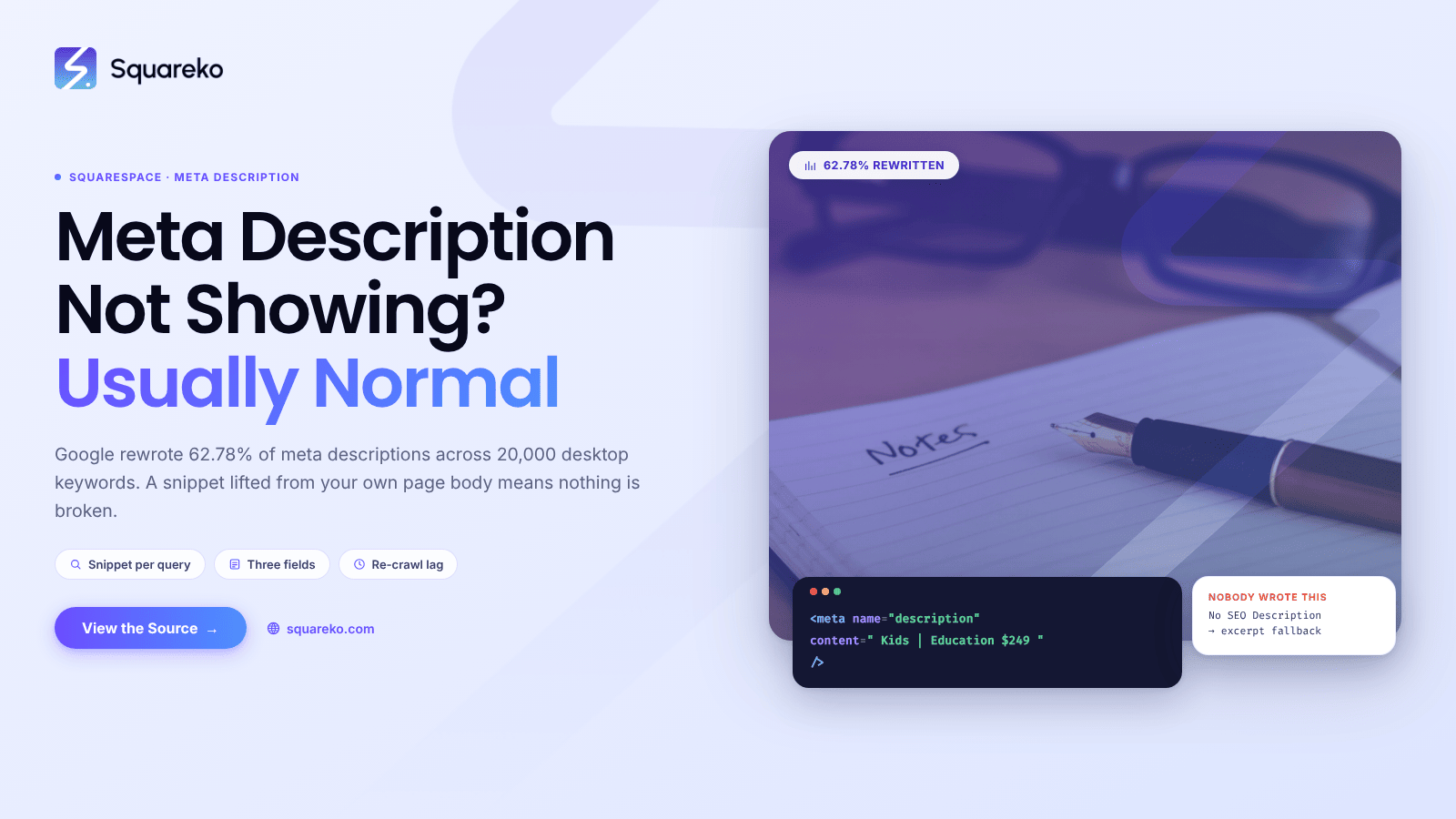
Squarespace Meta Description Not Showing in Google: Why, and When It Is Actually a Problem
Google usually ignores your meta description on purpose. Ahrefs measured Google rewriting 62.78% of hardcoded meta descriptions across 20,000 desktop keywords, because snippets are generated to match the specific query, not the page. If Google is showing a sentence lifted from your page body, nothing on your Squarespace site is broken. The cases that genuinely are your fault are narrower — and all four of them show up in the page source, not in the search result.
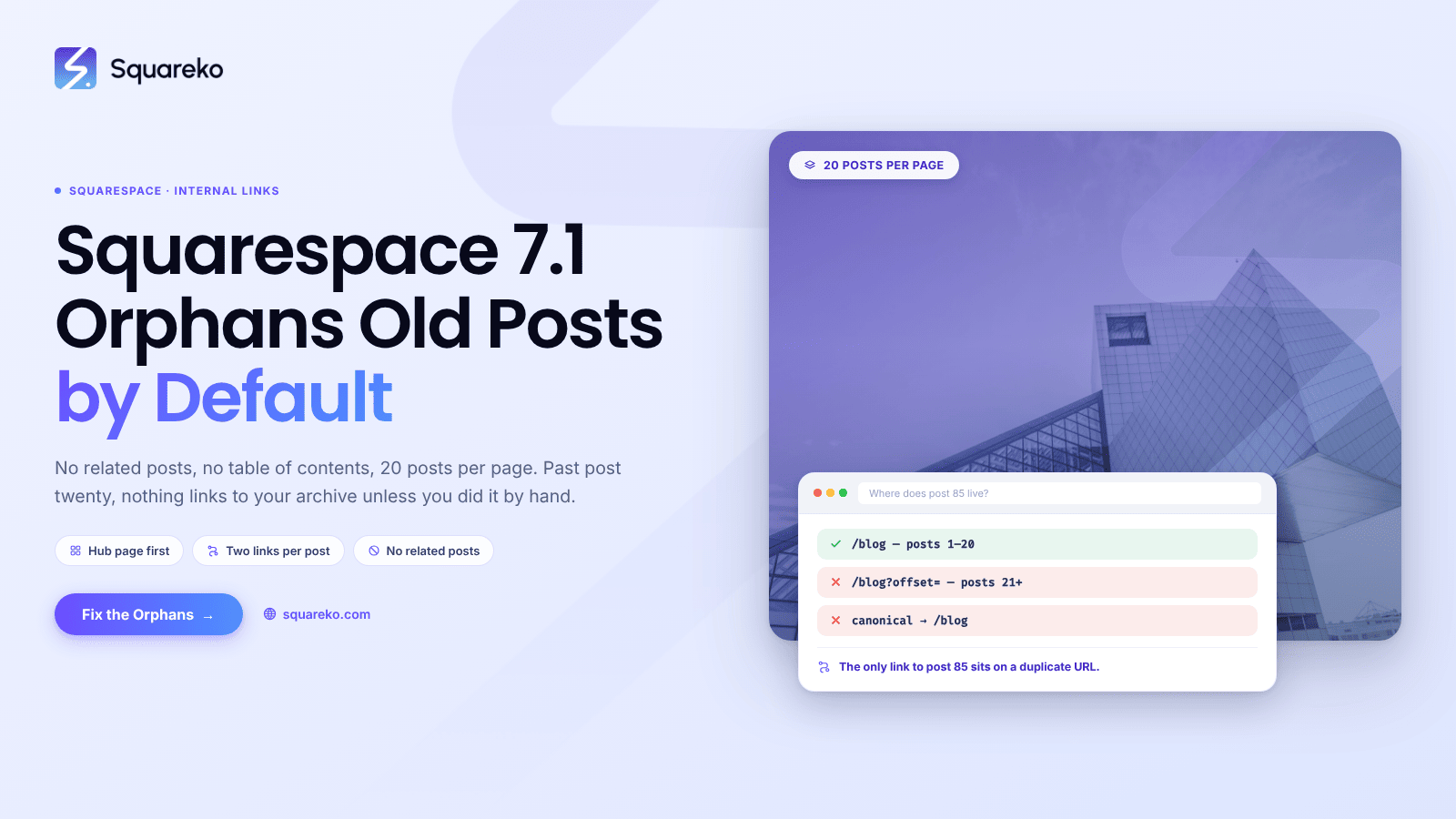
Squarespace Internal Linking Strategy: Why Orphan Posts Are the Default State
on Squarespace 7.1, a blog post older than about twenty posts has no internal links pointing at it unless you added them by hand. The platform has no related-posts feature, no native table of contents, and cursor-based pagination capped at 20 posts per page with no numbered pages — and those paginated URLs canonical back to page one. So the only link to an older post sits on a URL Google treats as a duplicate. Orphaning is not something you did wrong. It is the default, and internal linking on this platform is the work of undoing it.
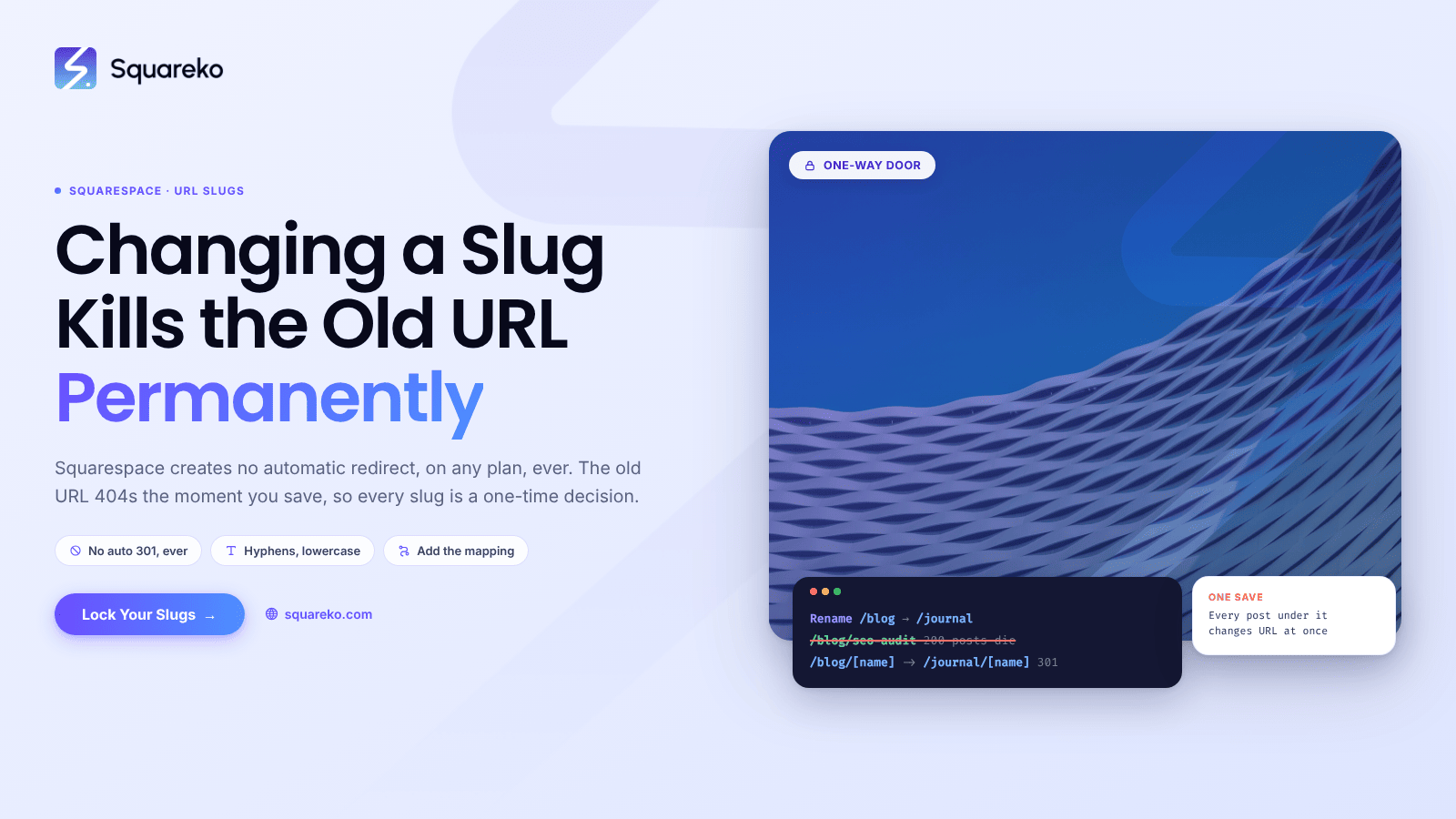
Squarespace URL Slug Best Practice: Why It Is a One-Time Decision
On Squarespace, changing a URL slug breaks the old URL immediately and permanently. There is no automatic redirect on any plan, ever. Squarespace's own documentation states it directly: "If you change a page's URL slug, traffic won't automatically redirect to the new URL... a 404 error will appear." Every slug is therefore a decision you make once, before publishing — which makes slug policy a governance question about who is allowed to edit them, not a formatting question about hyphens.
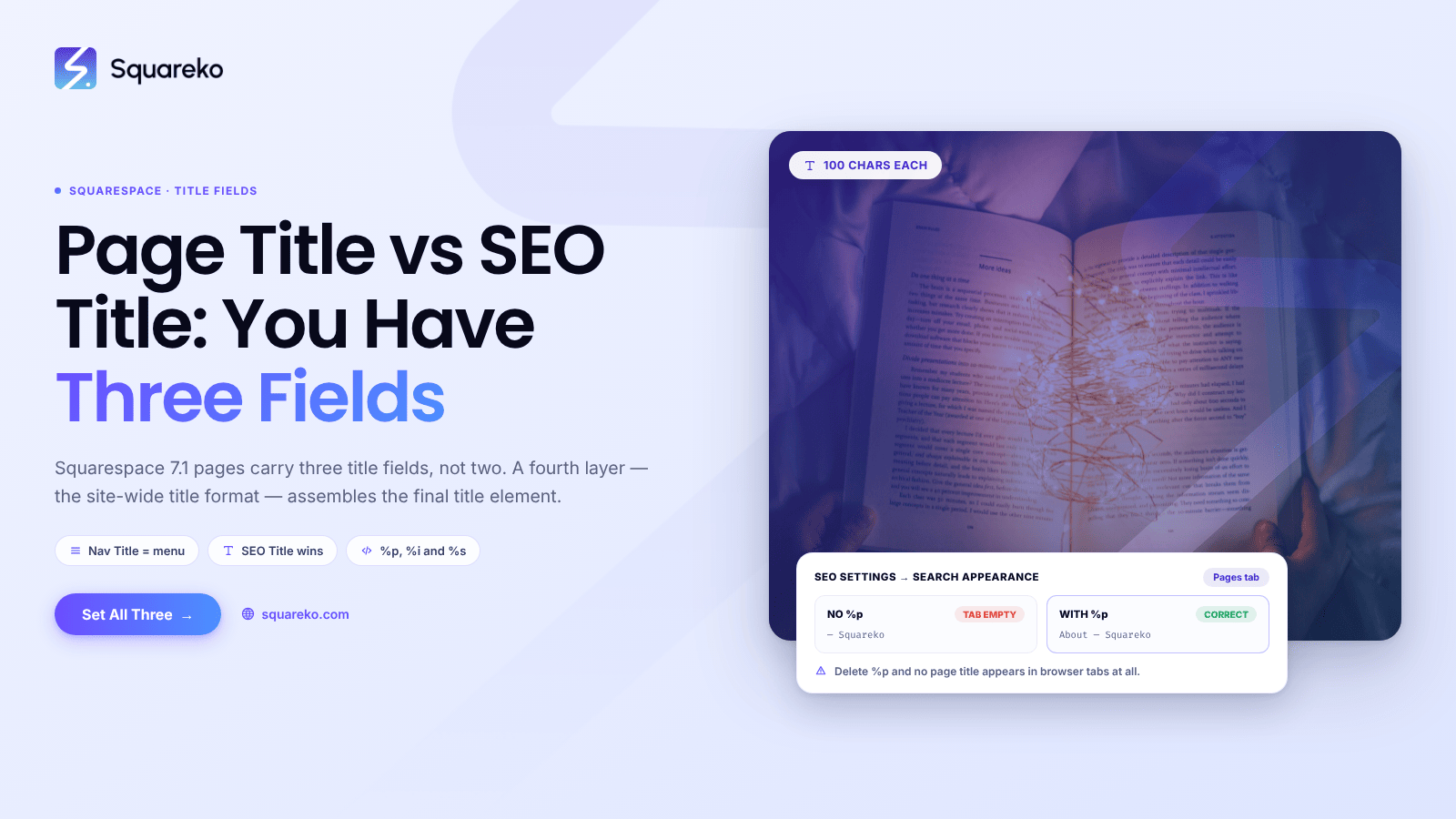
Squarespace Page Title vs SEO Title: What Each of the Three Fields Actually Controls
Squarespace 7.1 pages have three title fields, not two. Navigation Title sets the link text in your menu. Page Title is the underlying name of the page and the fallback for search results. SEO Title is what search engines and browser tabs use when it is filled in. A fourth layer — the site-wide title format in SEO Settings — assembles the final <title> from those fields plus your site title. All three page fields cap at 100 characters, and Squarespace's own documentation is clear that they "don't need to match exactly."
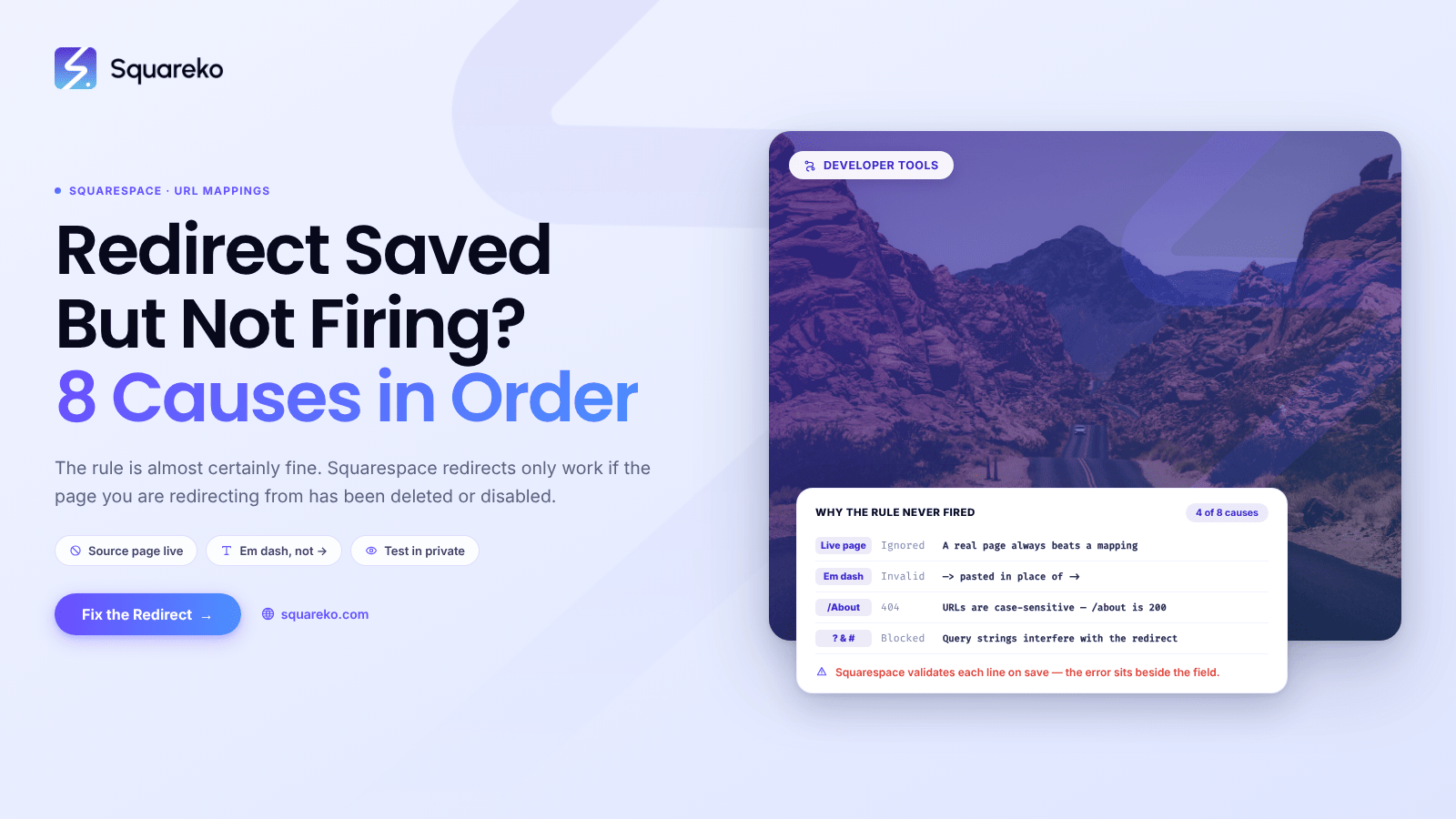
Squarespace URL Mappings Not Working: 8 Causes, Ranked by Frequency
The rule is almost certainly fine and the source page is still live. Squarespace states the constraint directly — "Redirects only work if the page you're redirecting from has been deleted or disabled." A real page always wins over a mapping. After that, the usual culprits are a syntax error that silently invalidates the line, a capitalisation mismatch, and a browser that cached the 404 before you added the rule.
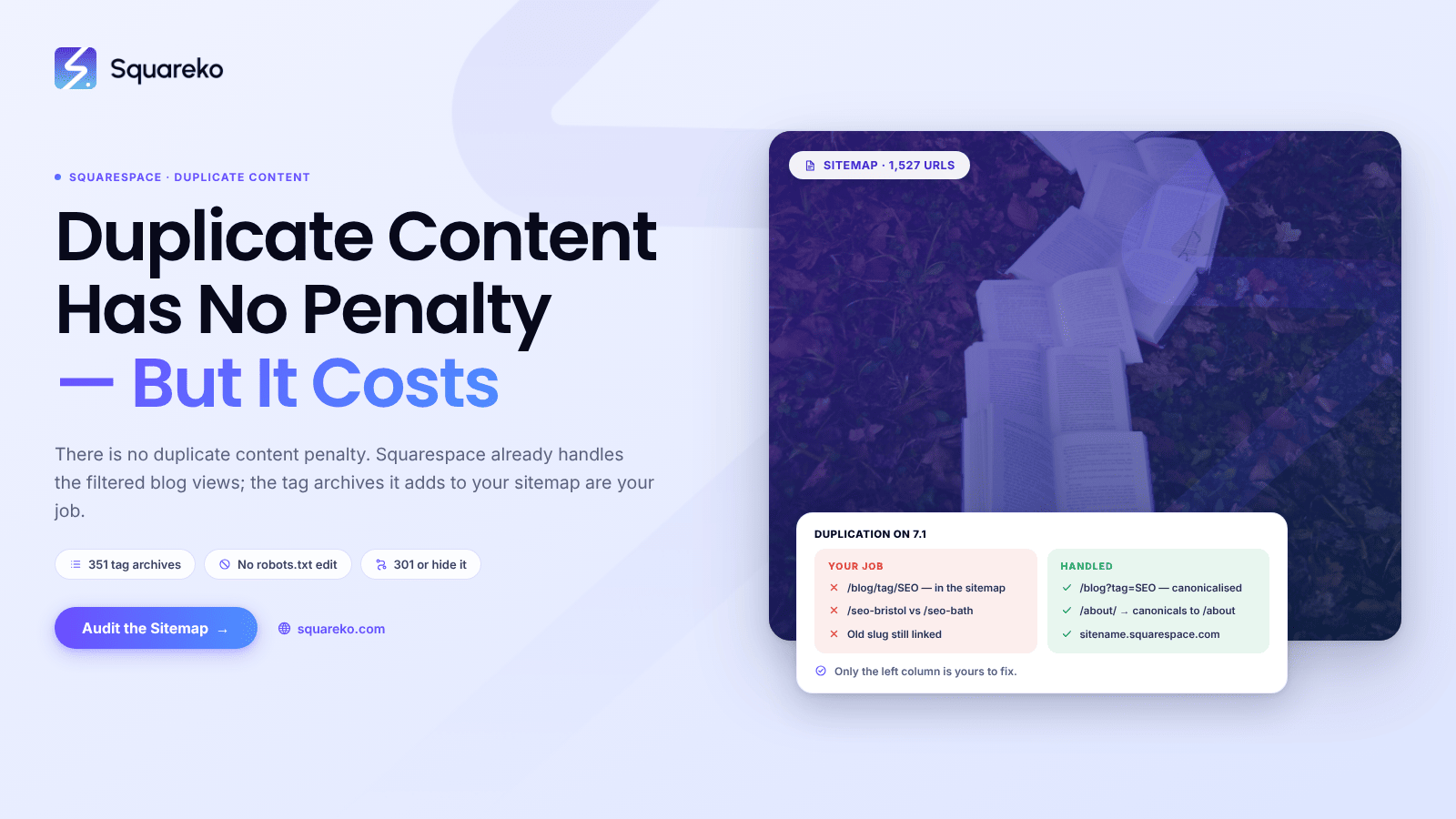
Squarespace Duplicate Content: What Is Real, What Is Folklore, and What You Can Actually Fix
There is no duplicate content penalty, and most of what looks like duplication on a Squarespace 7.1 site is already handled by the platform. Filtered blog views are both canonicalised and blocked in robots.txt; trailing-slash URLs canonicalise to the clean version. The two sources that genuinely cost you are near-identical service or location pages, and the tag and category archives Squarespace adds to your sitemap automatically.
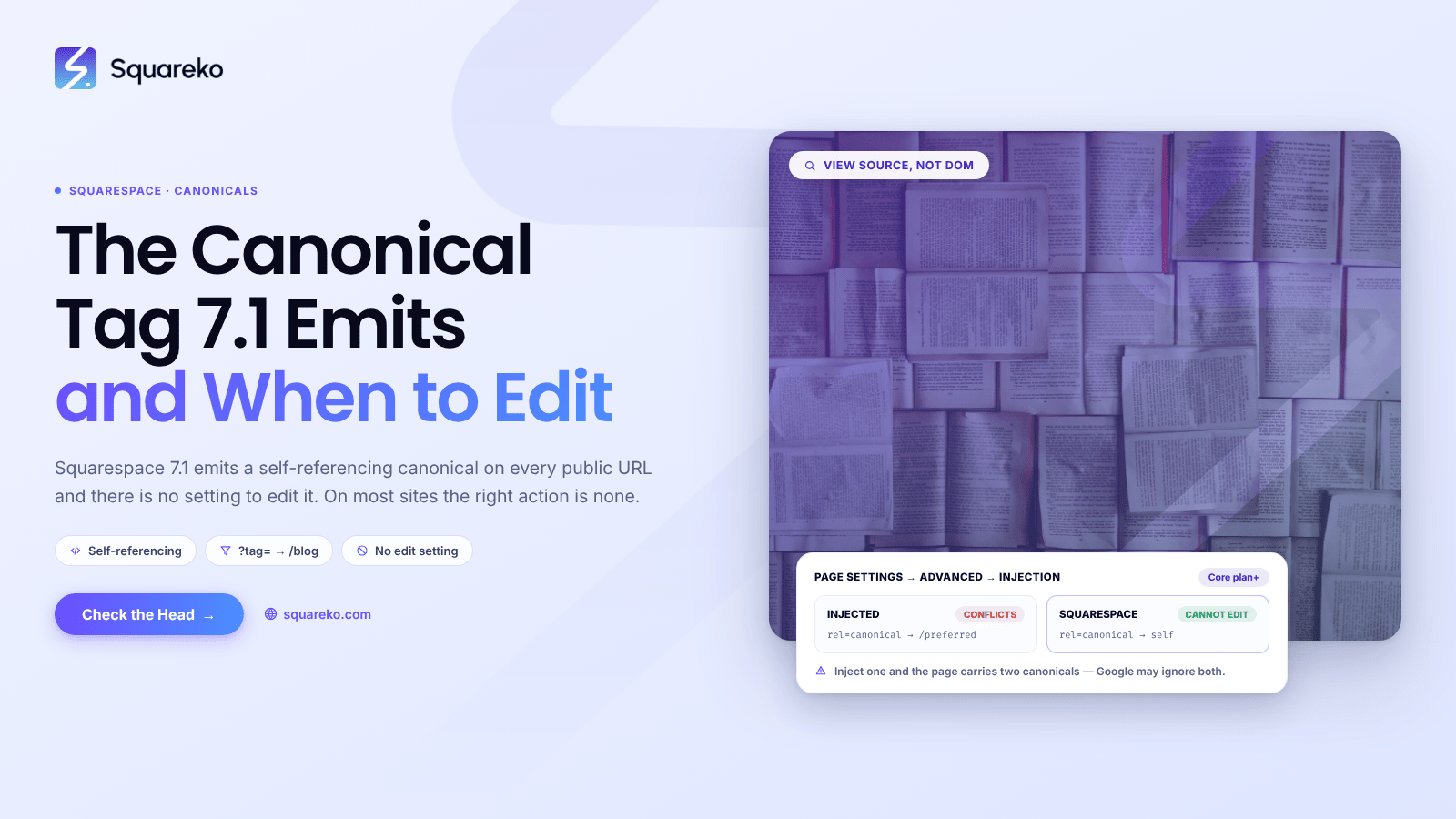
The Squarespace Canonical Tag: What Gets Emitted, and When to Override It
Squarespace 7.1 emits a self-referencing <link rel="canonical"> on every public URL automatically, and it points filtered blog views, paginated views and trailing-slash variants back at the clean URL. There is no setting to edit it. On the vast majority of sites the correct action is none — and the common advice to inject your own canonical creates two competing tags in the <head>, which is worse than the problem it claims to solve.
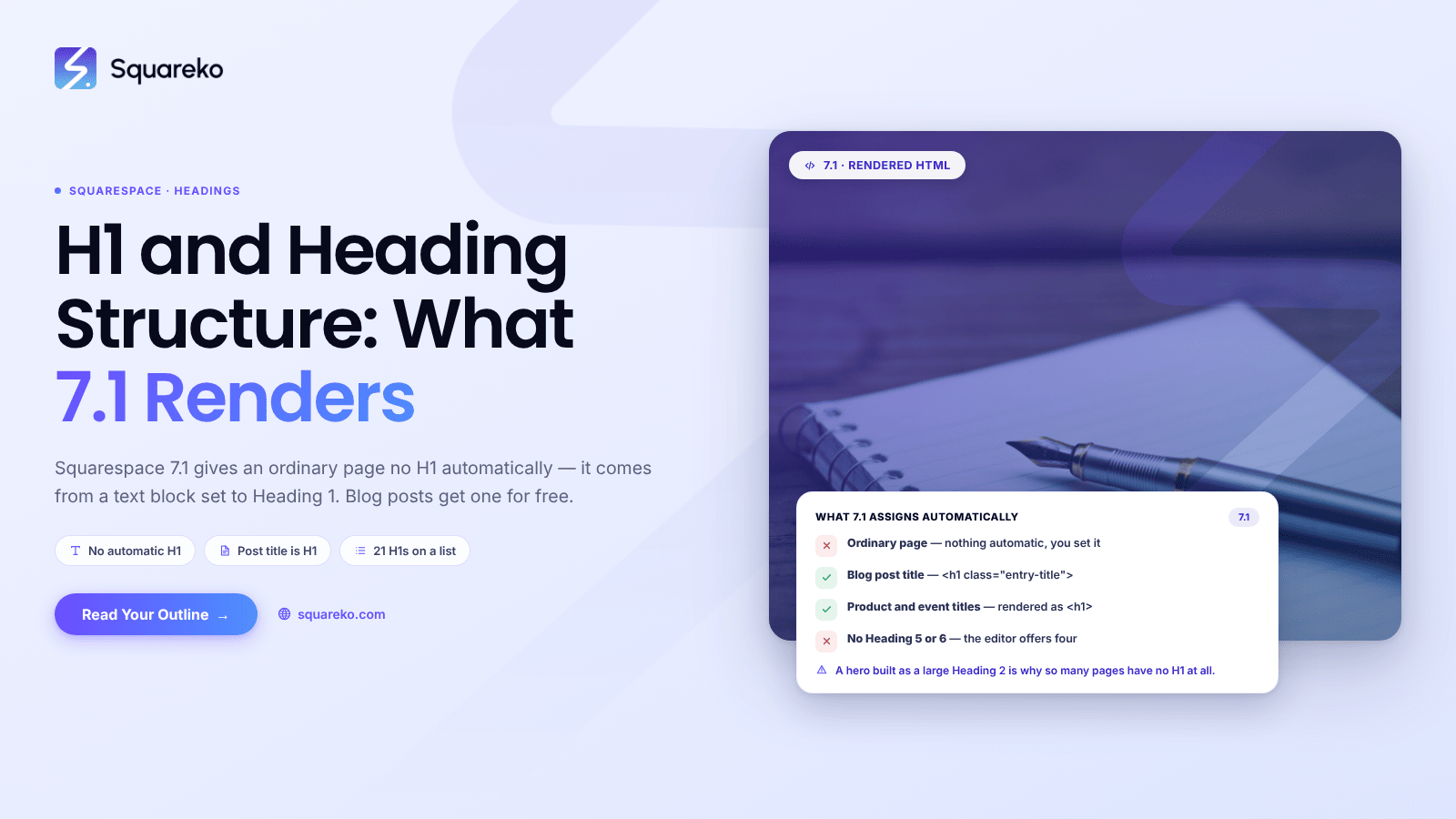
Squarespace H1 and Heading Structure: What 7.1 Actually Renders
Squarespace 7.1 does not give an ordinary page an H1 automatically — the H1 comes from whichever text block you set to Heading 1, and a page with no Heading 1 block ships with no H1 at all. Blog posts are the opposite: the post title is rendered as an <h1> for you, so adding a Heading 1 inside the post body creates a second one. And blog listing pages emit an H1 for every post in the list, which is normal and not a fault.
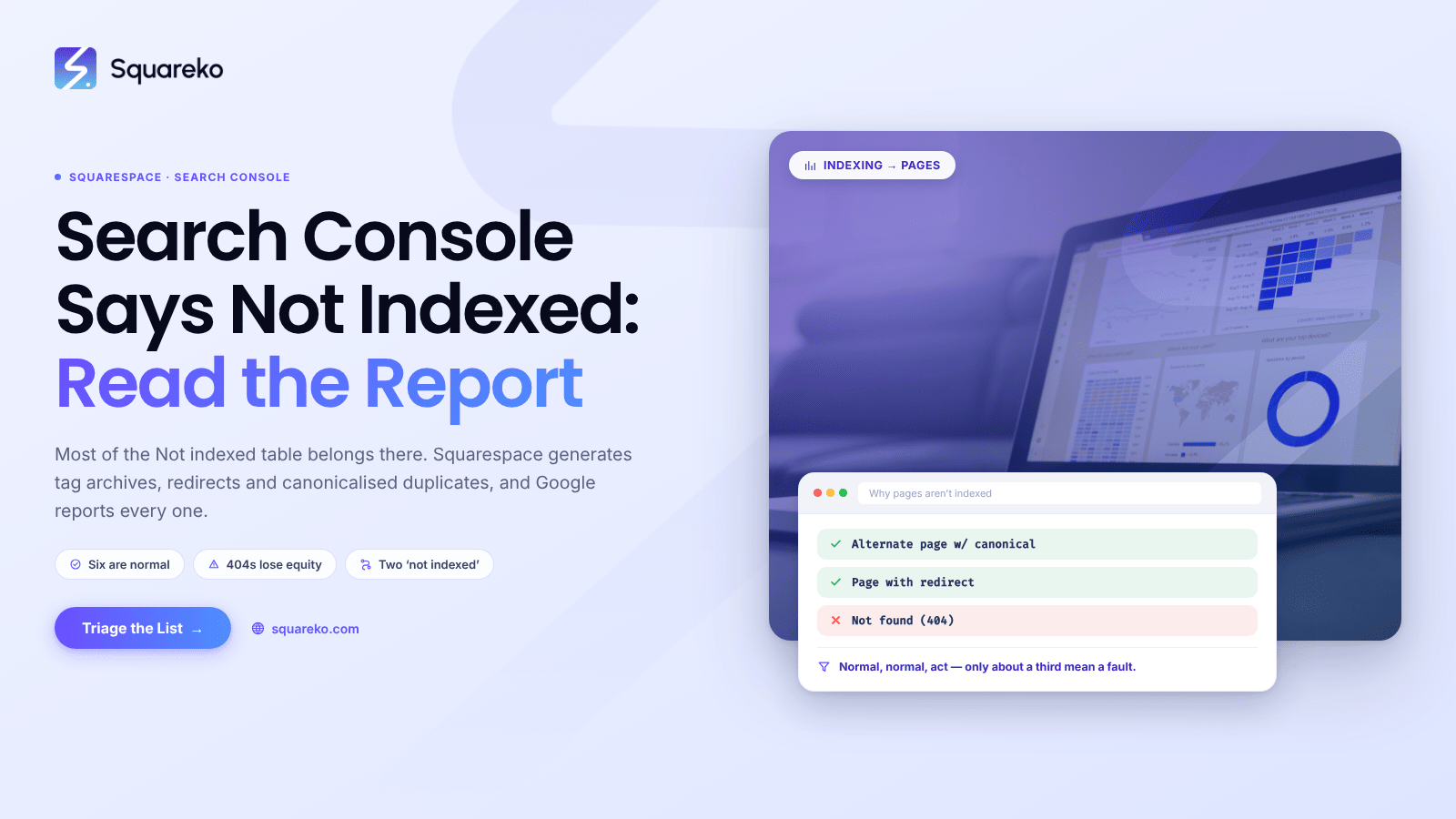
Squarespace Pages "Not Indexed" in Google Search Console: How to Read the Report
Most of what sits in the Not indexed table of a Squarespace site is supposed to be there. Squarespace auto-generates tag and category archive URLs, redirect targets and canonicalised duplicates, and Google reports every one of them. Before you fix anything, sort the statuses into "normal", "act now" and "decide", because only about a third of them mean something is wrong.
Squarespace Pages "Not Indexed" in Google Search Console: How to Read the Report
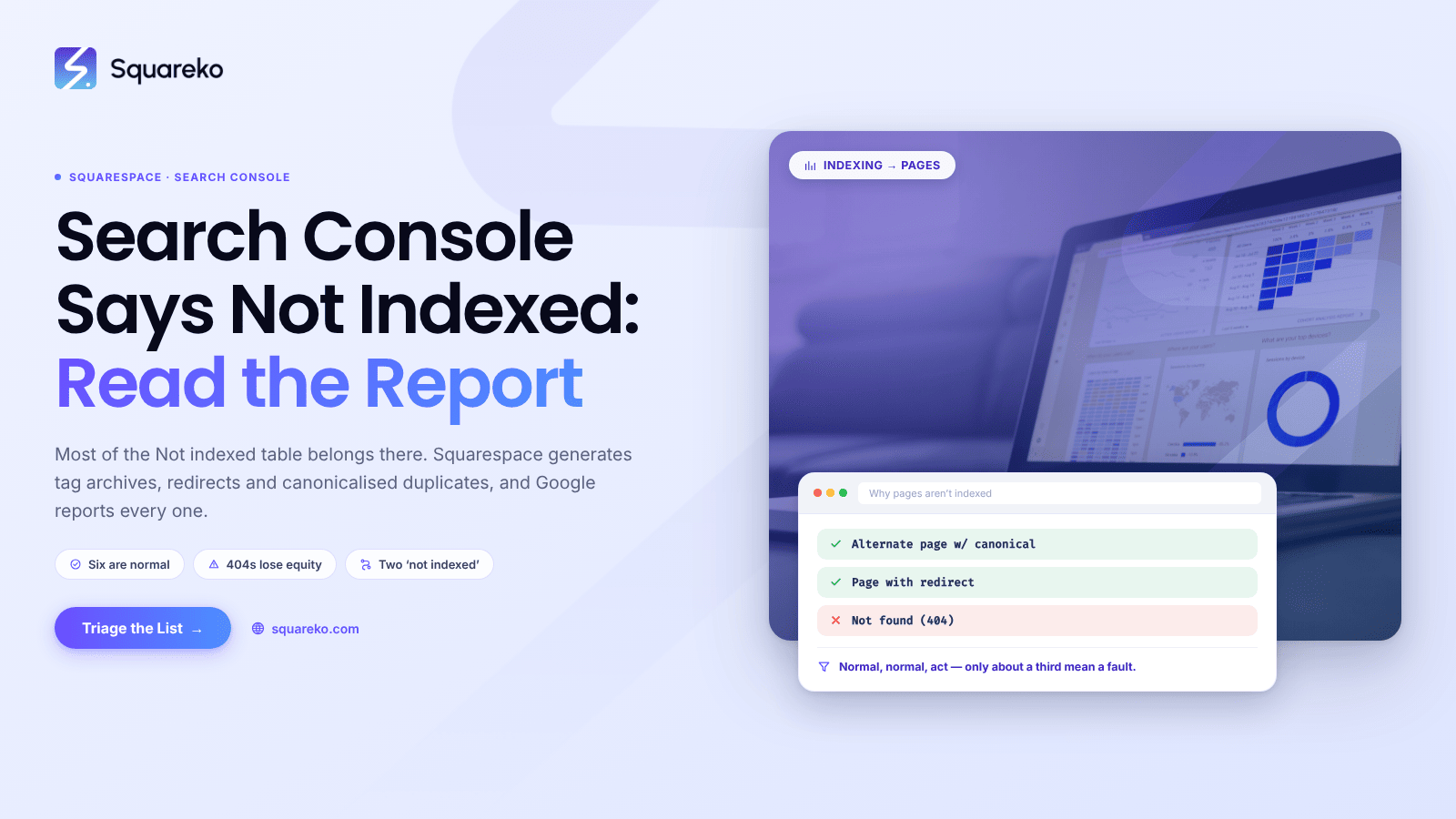
Most of what sits in the Not indexed table of a Squarespace site is supposed to be there. Squarespace auto-generates tag and category archive URLs, redirect targets and canonicalised duplicates, and Google reports every one of them. Before you fix anything, sort the statuses into "normal", "act now" and "decide", because only about a third of them mean something is wrong.
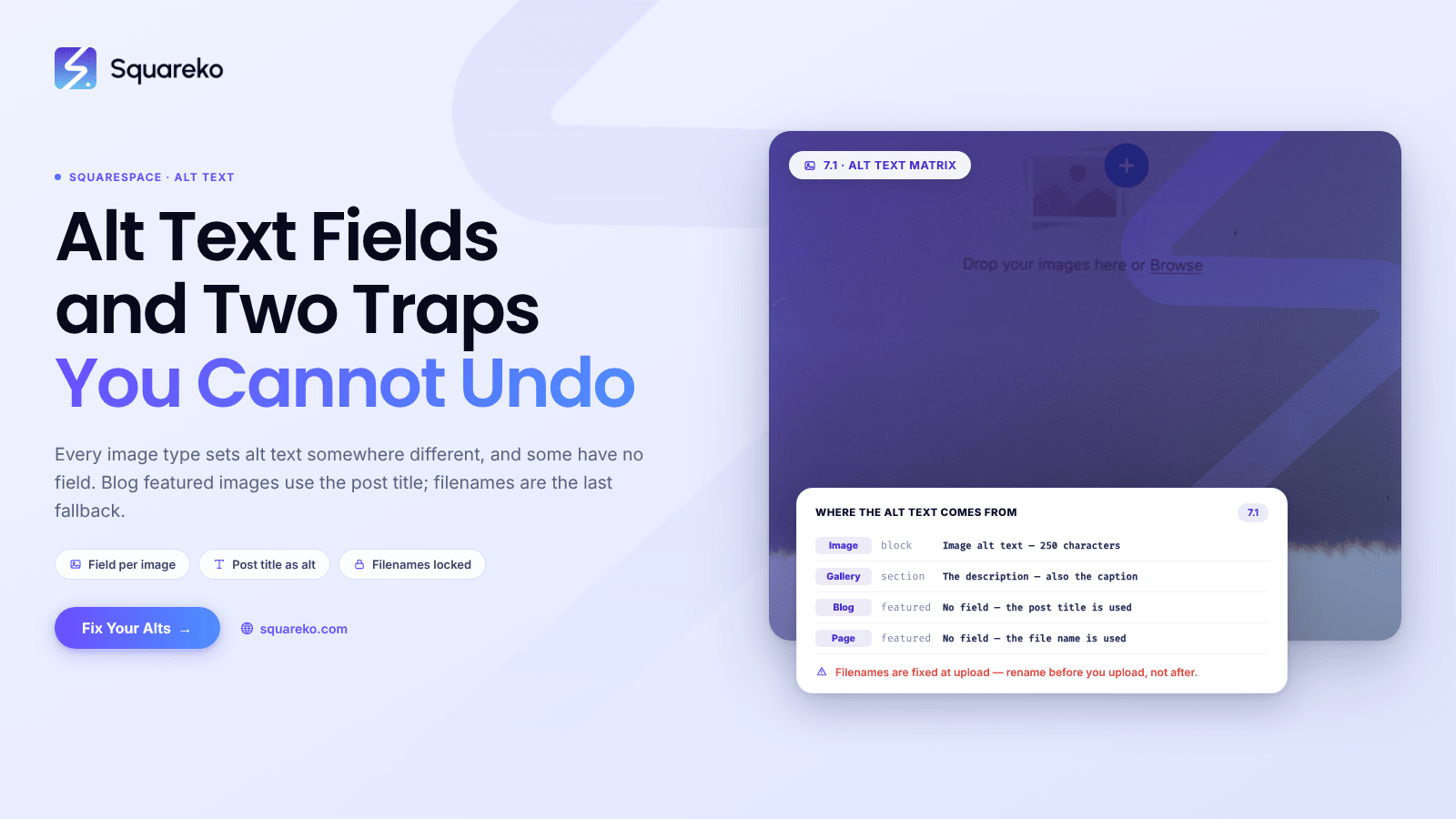
Squarespace Image Alt Text: Where Every Field Is, and the Two Traps
in Squarespace 7.1 alt text is set in a different place for every image type, and for some image types there is no field at all. Image blocks have a proper Image alt text field on the Content tab. Gallery sections use the image description. Blog featured images have no alt-text field — Squarespace uses the post title. And where nothing is set, the file name becomes the alt text, which matters because filenames cannot be changed after upload.
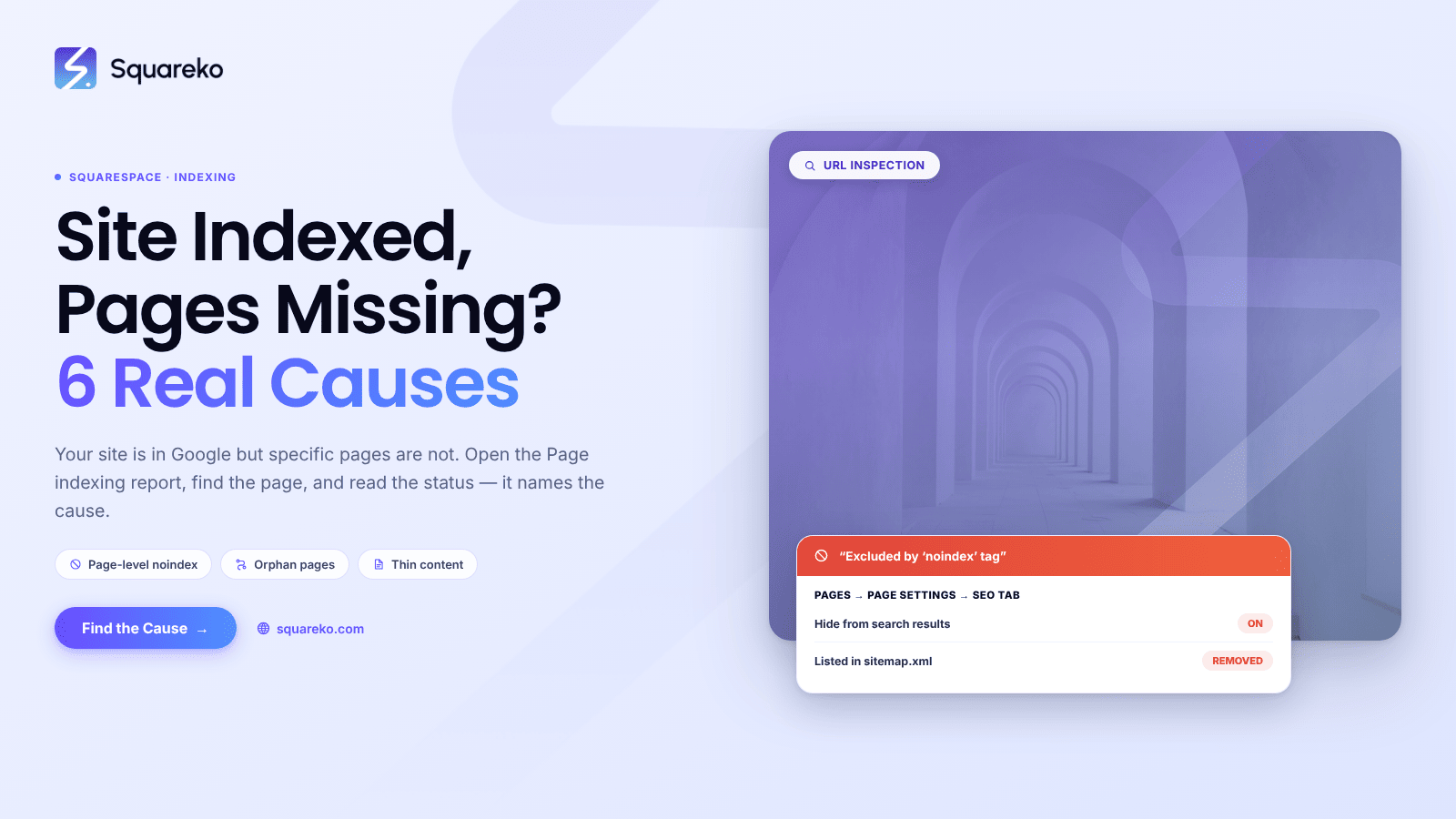
Squarespace Pages Not Indexing: 6 Causes on an Otherwise-Indexed Site
If your Squarespace site is indexed but specific pages are not, the cause is almost always one of three things — the page carries a noindex from the SEO tab, nothing on your site links to it, or Google has crawled it and judged it too thin to store.
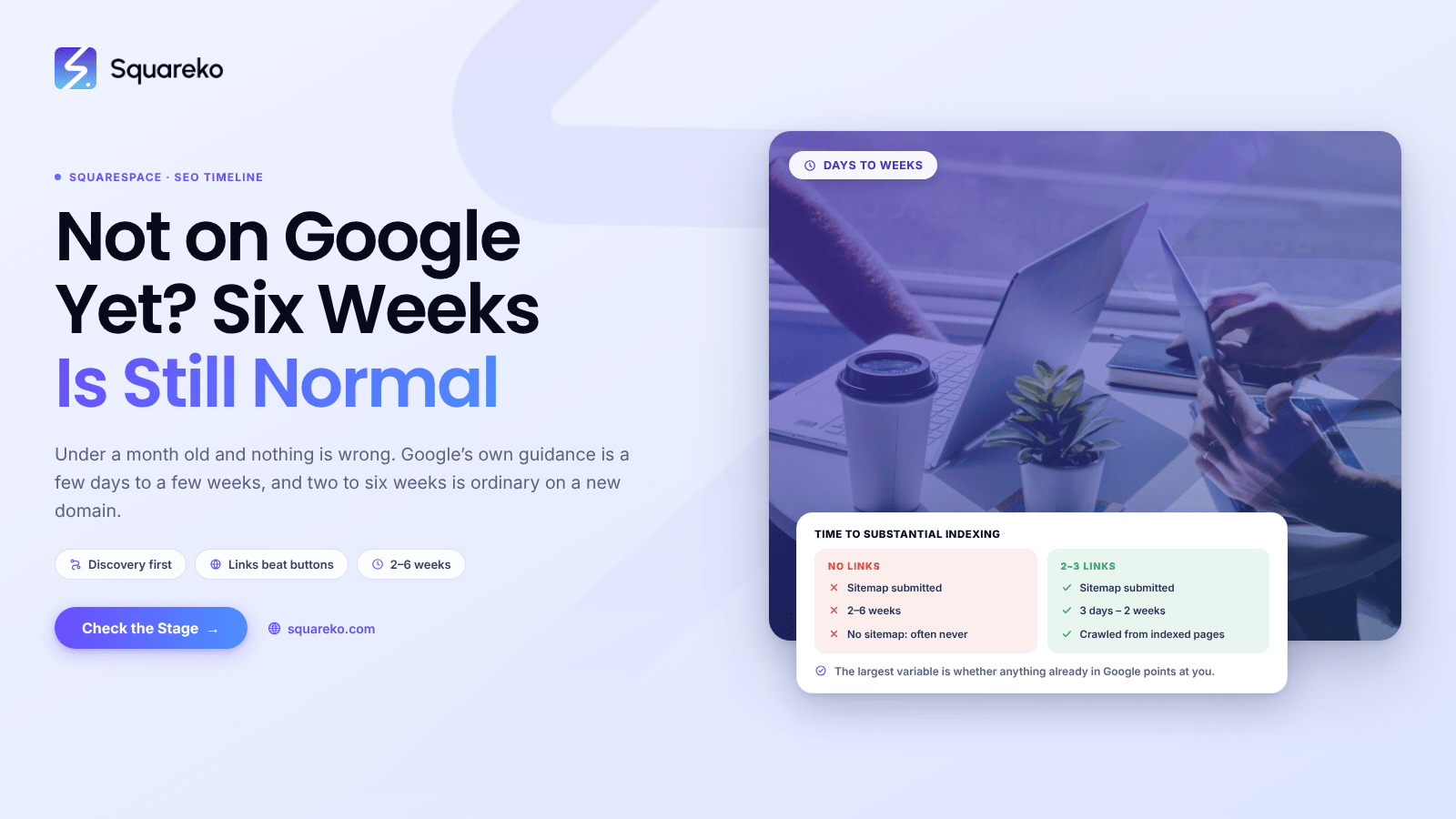
Why Isn't My Squarespace Site on Google? How Indexing Really Works
If your Squarespace site has been live for less than a month, nothing is wrong. Google discovers, crawls and indexes on its own schedule, and its own guidance is that this takes anywhere from a few days to a few weeks — longer on a new domain with no links pointing at it. Two to six weeks to full indexing is ordinary. There is no button that shortens it.
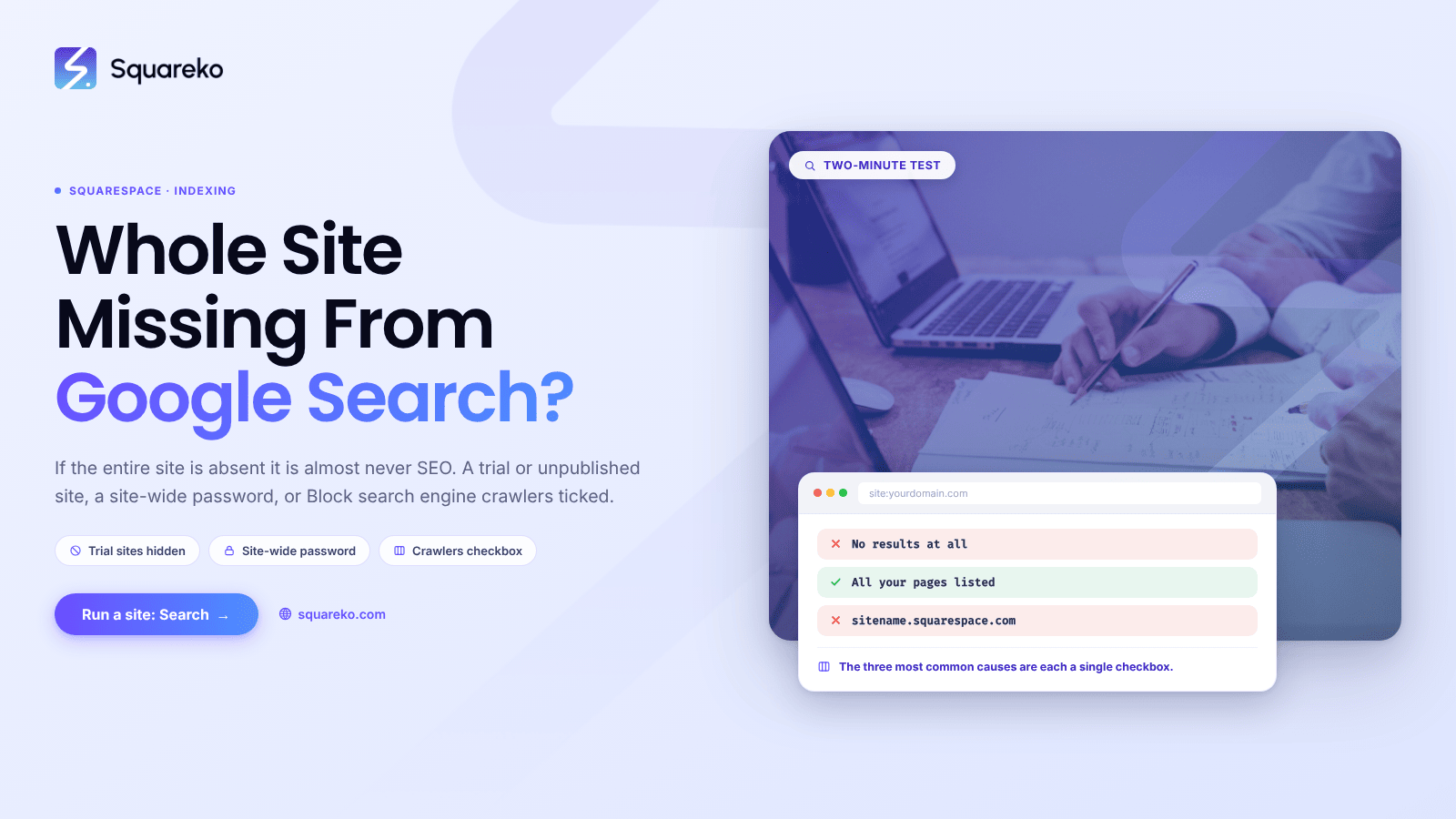
Squarespace Site Not Showing on Google? 8 Causes, Ranked by Frequency
If your entire Squarespace site is missing from Google, it is almost never an SEO problem. In order of how often it turns out to be the cause: the site is still on a trial or unpublished, a site-wide password is switched on, Settings → Crawlers → Block search engine crawlers is ticked, or the site is simply too new to have been crawled yet. Run the two-minute test below before changing anything.

See If Squareko Is Right For You.
Schedule a call with us to discuss your project in detail and receive a tailored solution. Let's turn your vision into reality - book your FREE consultation today!