
Best Squarespace Templates for Accountants and CPA Firms in 2026
Introduction
Choosing the right website template is one of the most critical decisions for an accounting firm or CPA practice. Your site is often the first impression potential clients have of your business, and in a profession built on trust and precision, appearance matters enormously. A professional, well-designed website signals competence, stability, and attention to detail—qualities every client wants in their accountant.
The challenge? Not all Squarespace templates work equally well for accounting practices. Some lack the sections needed to display credentials. Others feel too creative or playful for a profession that demands gravitas. This is where understanding which templates suit which accounting niches becomes invaluable. Whether you're a solo CPA, a tax specialist, a virtual bookkeeper, or running a full-service accounting firm, Squarespace offers templates specifically suited to your practice type. This guide reviews the best Squarespace templates for accountants and CPA firms in 2026, segment by segment, so you can select a design that reinforces trust from the moment visitors arrive.
Key Takeaways Best Squarespace Templates for Accountants and CPA Firms in 2026
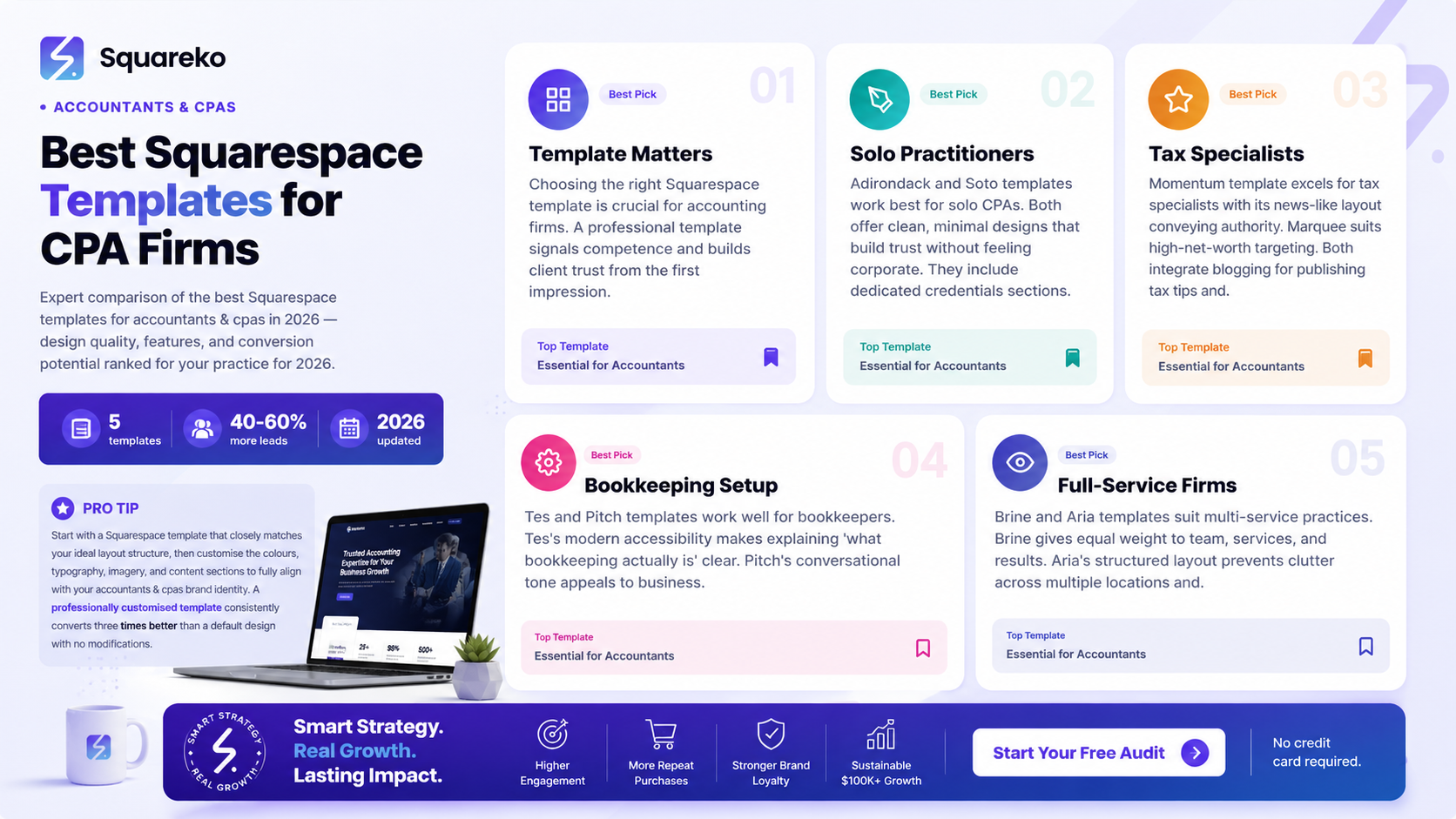
Five template categories exist, each optimised for different accounting niches—from solo practitioners to multi-service firms
Professional tone, credential display, and trust signals are non-negotiable for accounting websites
Scheduling integration and client portal readiness separate average templates from excellent ones
Template selection should reflect your niche, not simply follow popularity
Quick customisation on Squarespace allows you to implement brand colours like #1E5631 and maintain consistency
Mobile responsiveness is essential, as 67% of clients research accountants on mobile devices
Squareko specialises in optimising Squarespace templates specifically for professional services, including accounting firms
Why Template Choice Matters for Accounting Firms
The Trust Factor
Unlike sectors such as hospitality or retail, accounting is inherently trust-dependent. Clients don't choose accountants based on excitement or trend—they choose based on competence, reliability, and professionalism. Your website template sets the emotional tone before a single word is read. A template with excessive animations, unclear hierarchy, or unprofessional typography undermines your credibility before you've had a chance to prove your expertise.
The right template for your accounting niche does several things simultaneously:
Displays credentials prominently (qualifications, licenses, years in practice)
Clarifies your service offerings with digestible sections
Incorporates social proof through testimonials and case studies
Reduces friction in the client journey—from first visit to consultation booking
Niche-Specific Design Needs
A solo CPA working from home has different visual needs than a 15-person full-service firm. A tax specialist needs different website sections than a bookkeeper. Squarespace recognises this, and their template library is diverse enough to support each accounting sub-niche effectively.
Choosing a template designed for your specific accounting niche—rather than a generic professional template—means:
Pre-built sections align with your actual business model
Industry conventions are already baked in (where to put credentials, how to display service categories)
Client expectations are met without constant workarounds
Solo CPAs and Self-Employed Accountants
Best Templates
Squarespace Template: Adirondack
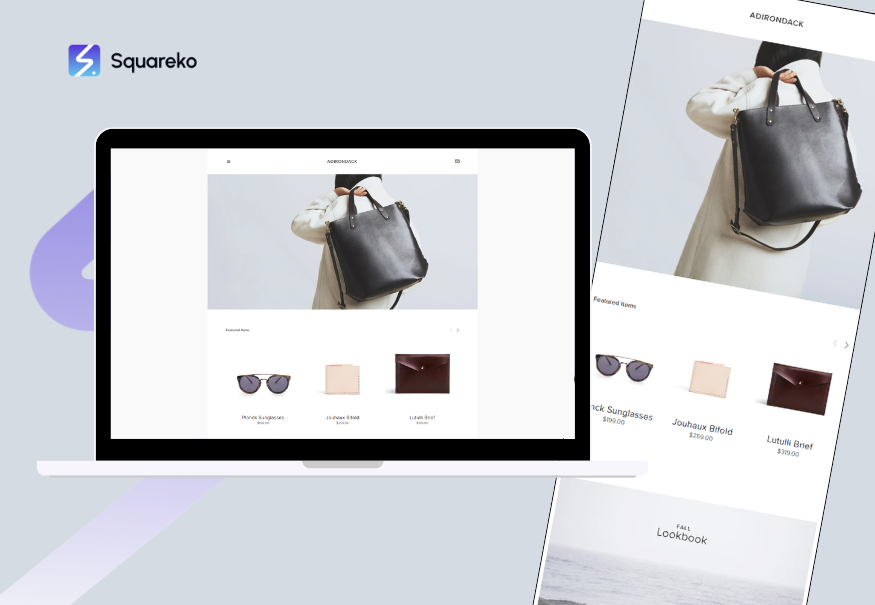
Best For: Solo CPAs, self-employed tax preparers, independent bookkeepers
Professional Tone: High—minimal design, clear typography, ample white space
Scheduling Integration: Full integration with Squarespace Scheduling (free consultations)
Trust Signals: Dedicated credentials section, client testimonials sidebar, clear service list
Why It Works: Adirondack's clean, minimal approach feels trustworthy without feeling corporate. A solo practitioner feels neither lonely nor overshadowed by template design. The template gives equal weight to your name, credentials, and services.
Squarespace Template: Soto
Best For: Solo CPAs positioning as high-touch, personalised advisors
Professional Tone: Very high—modern but traditional
Scheduling Integration: Native Squarespace Scheduling support
Trust Signals: Large space for client testimonials, service detail pages, credentials display
Why It Works: Soto's larger hero section allows solo practitioners to make a bold, personal first impression. Ideal if you're competing on relationship-building rather than brand name.
Customisation Tip for Solo Practitioners
Use your brand colour (#1E5631 dark green, or your own professional palette) consistently across the header, buttons, and accent elements. This reinforces that you're a serious, established practice, not a side operation.
Tax Specialist Templates
Best Templates
Squarespace Template: Momentum

Best For: Tax specialists, tax CPAs, seasonal tax preparation firms
Professional Tone: High—news-like layout conveys authority and current knowledge
Scheduling Integration: Excellent (Scheduling + Calendar)
Trust Signals: Blog integration (perfect for tax updates), credential space, client case studies
Why It Works: Tax specialists benefit enormously from regularly publishing tax tips, deadline reminders, and changes in tax law. Momentum's built-in blog and content calendar make this natural. The template's news-focused design reinforces expertise.
Tax Season Client Capture
Tax specialists should include a seasonal section on their homepage: Peak tax season is January–April. Book your consultation now to secure your spot. Momentum's blog lets you publish weekly tax tips in November, December, and January to capture early-season traffic.
Full-Service Accounting Firm Templates
Best Templates
Squarespace Template: Brine
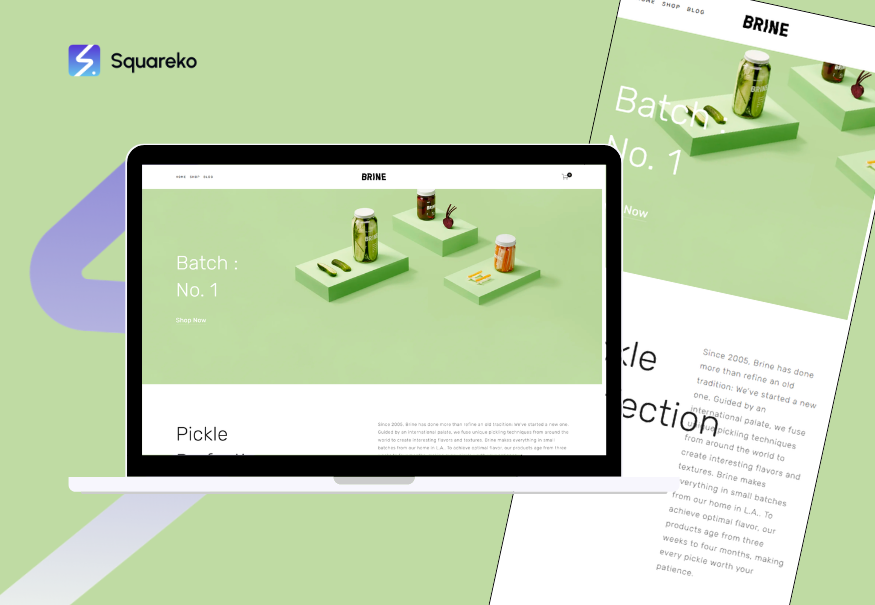
Best For: 5–50 person accounting firms, multi-service practices
Professional Tone: Very high—corporate but not cold
Scheduling Integration: Full Scheduling + Calendar for multiple team members
Trust Signals: Team member profiles, service category pages, client testimonials, case studies, credentials
Why It Works: Brine gives equal visual weight to your team, your services, and your results. Clients want to know who they'll work with—Brine makes this natural. Multiple service categories can be displayed without overwhelming visitors.
Squarespace Template: Aria
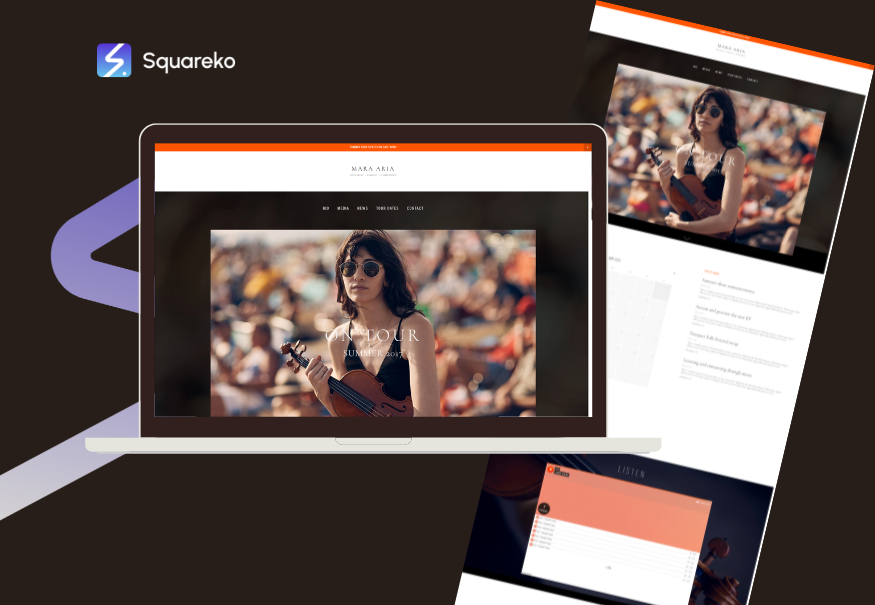
Best For: Large or growing accounting firms, firms with multiple locations
Professional Tone: Very high—enterprise-level feel
Scheduling Integration: Excellent (multiple team scheduling)
Trust Signals: Locations map, team directory, full service menu, case study section
Why It Works: If your firm has multiple partners, locations, or service lines (tax, audit, payroll, CFO services), Aria's structured layout prevents your website from feeling cluttered. Each service, team member, and location gets dedicated space.
Virtual and Online Accountant Templates
Best Templates
Squarespace Template: Horizons
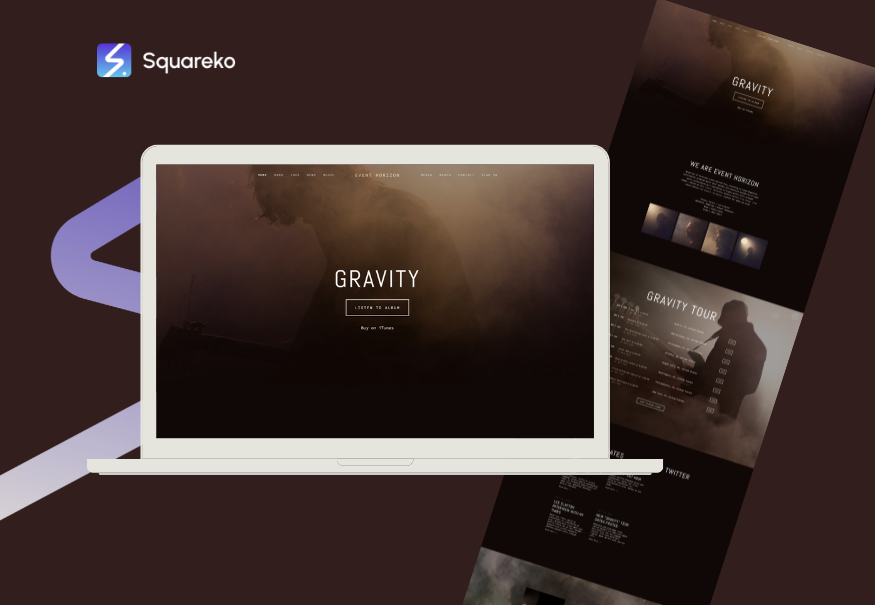
Best For: Virtual accountants, remote-first practices, online-only accounting services
Professional Tone: High—modern, tech-forward but still professional
Scheduling Integration: Excellent (especially for time-zone management)
Trust Signals: Case studies showing remote client results, technology stack display, credentials, testimonials
Why It Works: Virtual accountants must address an unspoken client concern: How do I work with someone I've never met? Horizons' modern aesthetic and emphasis on clear communication paths reassure online clients that remote doesn't mean impersonal.
Squarespace Template: Pacific
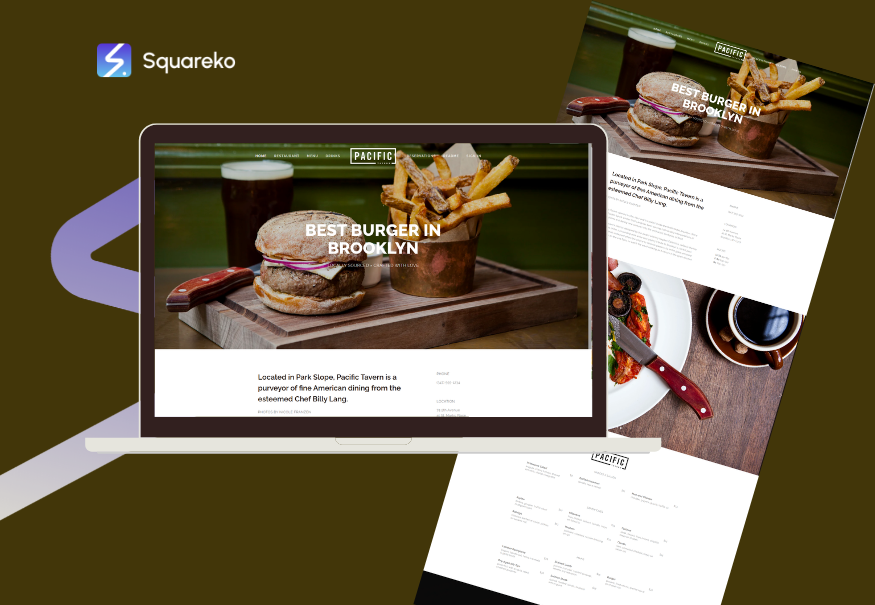
Best For: Online accountants, remote bookkeepers, accountants targeting nationwide clients
Professional Tone: High—clean and tech-savvy
Scheduling Integration: Seamless for geographic scheduling (client across time zones)
Trust Signals:Testimonials, service menu, credentials, clear contact/consultation pathways
Why It Works: Pacific's minimalist design loads quickly (important for clients in areas with slower internet), and its clear navigation makes it easy for potential clients to understand how to start working with you.
Essential Features in Accounting Templates
Scheduling and Consultation Booking
Every accounting template worth considering should integrate natively with Squarespace Scheduling. This feature allows potential clients to book a free consultation, initial discovery call, or tax review without back-and-forth email.
Why this matters: Accounting clients expect friction-free booking. If your site requires them to email you for a consultation, 40–50% will abandon and contact a competitor instead.
Credentials and Qualifications Section
Your template must have a dedicated section for:
Professional designations (CPA, Enrolled Agent, AICPA member)
Relevant certifications (QuickBooks certification, tax specialisations)
Years in practice
Educational background (if prestigious)
This builds trust immediately.
Client Testimonials and Case Studies
Social proof is especially critical in accounting. Include space for:
Short video testimonials (even 30 seconds is powerful)
Written testimonials with client name and business type
Brief case studies: How we reduced our client's tax liability by £15,000
Before/after financial clarity stories
Mobile Responsiveness
Over two-thirds of accounting website visitors browse on mobile. Your template must:
Display credentials and trust signals on mobile without clutter
Make scheduling buttons obvious on small screens
Ensure forms are easy to complete on a phone
All Squarespace templates are mobile-responsive by default, but test yours thoroughly.
Blog or Knowledge Hub
Regular publishing of tax tips, accounting updates, and business advice:
Improves SEO
Demonstrates ongoing expertise
Gives clients reasons to stay on your site longer
Captures seasonal search traffic (especially important for tax specialists)
Customisation and Branding
Using Your Brand Colour
Squarespace templates allow unlimited colour customisation. If your brand colour is #1E5631 (dark green) or another professional palette:
Apply it consistently to headers, buttons, links, and accents
Use it in testimonial callouts and service highlights
Ensure sufficient contrast for accessibility
Professional colours for accounting websites typically include:
Dark greens (#1E5631, #2D5016)
Deep blues (#003366, #004B87)
Charcoal greys (#333333, #2C2C2C)
Navy blacks (#001F3F)
Typography and Font Pairing
Most Squarespace accounting templates use professional font pairings:
Headers: Modern sans-serif
Body: Readable serif or sans-serif
Avoid scripts, decorative fonts, or anything that feels creative in accounting contexts.
Logo Placement and Header Design
Your logo should:
Be prominently placed in the header
Be clearly visible on both desktop and mobile
Link back to the homepage
The header itself should feel spacious and professional—not cramped or cluttered.
Integrating Squareko Support
If you're working with Squareko (Squarespace web design specialists), we can handle template customisation, colour application, credential integration, and scheduling setup. This ensures your site not only looks professional but converts potential clients into booked consultations.
Frequently Asked Questions
-
The best template depends on your accounting niche. Solo CPAs should consider Adirondack or Soto for their minimalist, trust-focused design. Tax specialists benefit from Momentum, which includes a powerful blog for publishing tax updates and tips. Bookkeepers should try Tes or Pitch for their accessibility and clarity. Full-service firms typically prefer Brine or Aria for their ability to showcase multiple team members and service lines. Virtual accountants should lean toward Horizons or Pacific for their modern, tech-forward aesthetics. The right choice aligns with how you want to present your practice to potential clients.
-
Yes, absolutely. Squarespace is purpose-built for service-based businesses, including CPA practices. The platform offers native scheduling integration, client portal readiness, mobile responsiveness, and blogging capabilities. Squarespace templates are designed to build trust and display credentials prominently—exactly what CPAs need. Thousands of successful CPA practices worldwide use Squarespace, from solo practitioners to 20-person firms. The real advantage is that Squarespace removes technical barriers, allowing you to focus on content and client relationships rather than website maintenance.
-
Momentum is widely considered the most professional template for tax specialists. Its news-inspired layout and built-in blog make it ideal for publishing regular tax tips, deadline updates, and tax law changes. The template's visual hierarchy emphasises authority and expertise. Alternatively, Marquee suits tax firms targeting high-net-worth clients or businesses, as its premium aesthetic signals sophistication and high-level service.
-
Yes, but with important caveats. Squarespace allows you to switch templates after launch, though it's smoother if done early. Your content transfers, but layout and section placement may shift. We recommend choosing your template carefully before publishing, or if switching, plan for a review and adjustment period. Squareko can guide you through template transitions to minimise disruption.
-
Extremely important. Studies show that 60–70% of small business owners research accountants and bookkeepers on mobile devices. If your site doesn't look professional on a phone—if buttons are hard to tap, text is hard to read, or the scheduling form is frustrating—you'll lose prospects. All modern Squarespace templates are mobile-responsive by default, but test yours thoroughly before launch.
-
Completely customisable. Beyond template selection, you can adjust colours, fonts, spacing, sections, and layouts. You can add custom code blocks, integrate third-party tools, and build bespoke sections if needed. Many Squareko clients use a standard Squarespace template as the foundation and then customise heavily to reflect their unique positioning, service offerings, and brand identity. The template is a starting point, not a limitation.
Ready to Build Your Accounting Firm Website on Squarespace?
Choosing the right template is just the first step. The real work—and reward—comes from filling that template with compelling content, professional photography, clear service descriptions, and authentic client testimonials. A beautiful template means nothing if visitors don't trust your credentials or understand how to work with you.
This is where Squareko specialises. As Squarespace web design specialists, we've built dozens of accounting firm websites, each customised to reflect the unique value of the practice. We handle:
Template selection based on your niche and goals
Branding and colour application (your #1E5631 dark green, or your own palette)
Credential integration so your qualifications are impossible to miss
Scheduling setup to turn website visitors into consultation bookings
Copywriting that builds trust and clarifies your services
SEO optimisation so potential clients find you through Google
Whether you're a solo CPA launching your first website, a tax firm looking to modernise, or a bookkeeping practice building a virtual presence, Squarespace has a template that works—and Squareko can optimise it for maximum client conversion.
Ready to get started? Visit squareko to see examples of our accounting firm websites, or contact us for a free consultation about which template and approach is right for your practice.

From custom website design to SEO strategy, we help businesses launch a site that looks professional and performs better.

Author Bio
I'm Walid Hasan, a Certified Squarespace Expert and Squarespace Circle Platinum Partner with over 12 years of hands-on experience designing and optimizing high-performing websites. Over the years, I've had the privilege of building more than 2,000 Squarespace websites for clients around the world, always focusing on clean design, strong user experience, and conversion-driven results.
