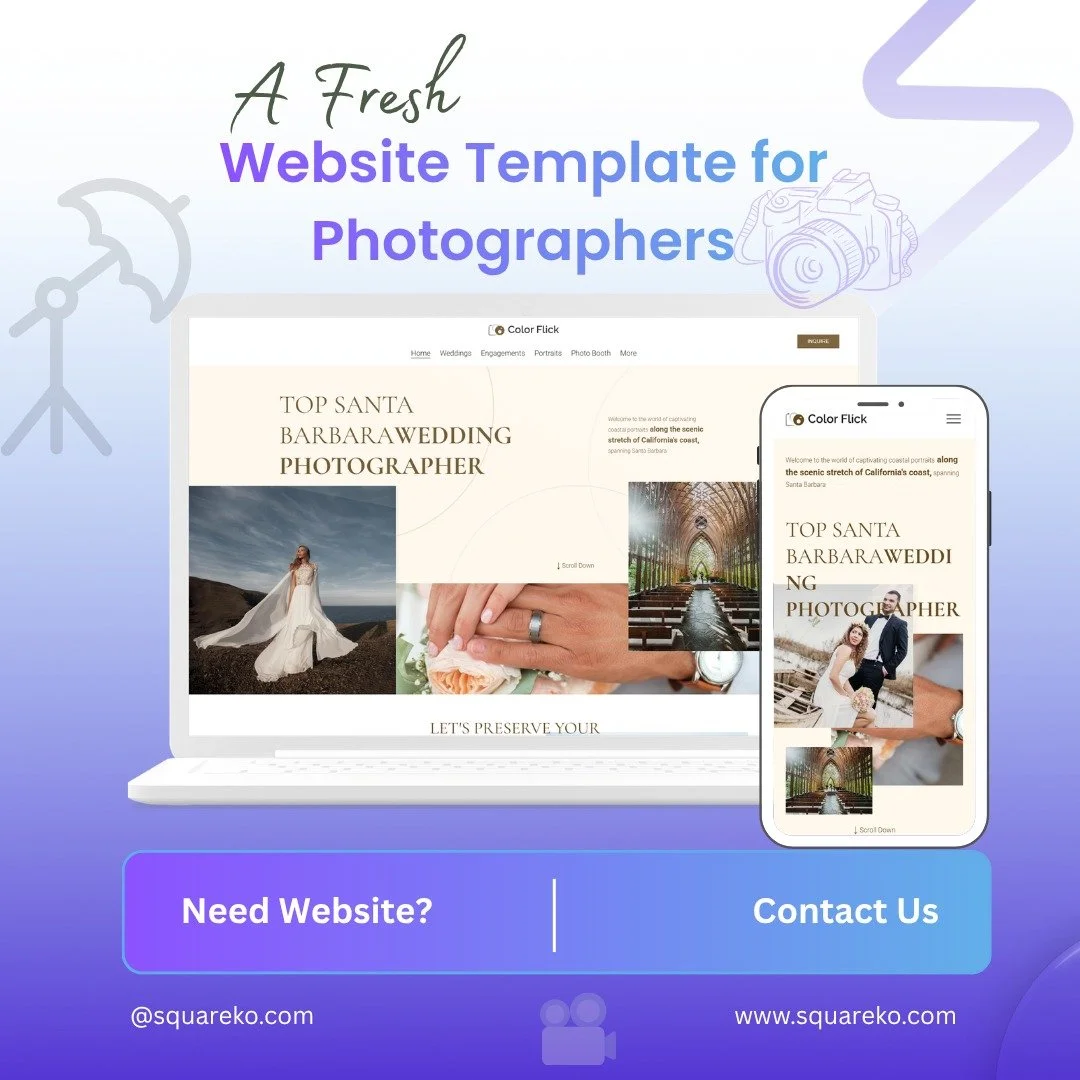
Explore Our Squarespace Tutorials & Grow Your Website

Expert tips and tools to help you be more productive in Business, Web Design, Social Media, and More.

Gallery Slideshow Transitions in Squarespace 7.1 (What’s Possible & How to Improve Them)
Want smoother or more dynamic slideshow effects in your Squarespace 7.1 gallery? This guide walks you through adjusting slideshow transitions and timing so your images feel more polished, engaging, and aligned with your brand’s overall style.
Font Size Scaling Problem in Squarespace 7.1 (Causes & Fixes)
Struggling with font size scaling in Squarespace 7.1? Learn why text appears too large or too small across devices and how to fix responsive typography issues using Site Styles, fluid scaling settings, and custom CSS for better readability and design consistency.
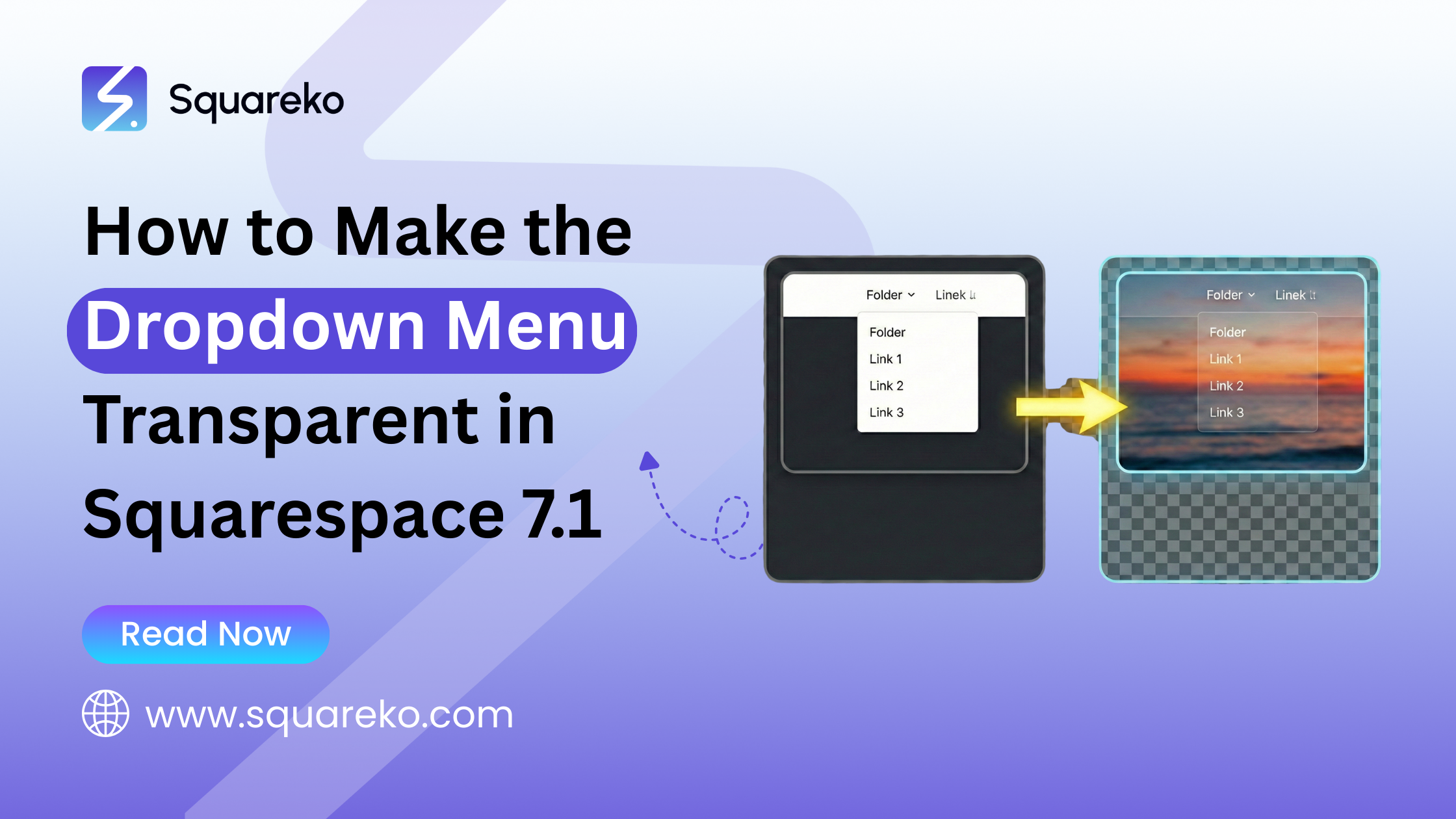
How to Make the Dropdown (Folder) Menu Transparent in Squarespace 7.1
Learn how to make the dropdown (folder) menu transparent in Squarespace 7.1 using custom CSS. This quick customization helps create a cleaner, modern navigation style while maintaining readability, brand consistency, and a seamless user experience across desktop and mobile devices.

How to Edit the Shopping Cart Page in Squarespace 7.1 (What You Can & Can’t Customize)
Learn how to edit the Shopping Cart page in Squarespace 7.1 using built-in settings, Site Styles, and custom CSS. While the cart is system-generated, you can customize text, design, and functionality to improve user experience and boost conversions.

Squarespace Store Filters Explained: A Big Upgrade for Squarespace Ecommerce
Squarespace 7.1 Ecommerce just received a major upgrade with the new Store Filters. This powerful feature allows customers to filter products by categories, tags, and combined selections—making product discovery faster, easier, and more strategic for growing online stores.

Create a ‘Featured’ Blog Header | Pseudo Header Trick
When it comes to showcasing your blog content on Squarespace, the default layout options, grid, list, or column, work beautifully. But, say you want to do a little more.

AI-Generated Text on Squarespace | Step-by-Step Guide
Artificial intelligence is changing how we create and manage websites, and Squarespace has jumped on the bandwagon. Its newest iteration includes AI-generated text that enables people.

Fixing Mobile View Issues on Squarespace
Designing a beautiful Squarespace website is one thing; making sure it looks perfect on mobile is another. One of the biggest mistakes you can make as a site owner is overlooking.

Can You Build a Squarespace Website with AI? | Squarespace Blueprint Explained
In recent years, the promise of “just answer a few questions and get a ready-to-go website” has become closer to reality thanks to AI. If you’re wondering whether it’s possible to build a website.

How to Choose a Squarespace Template in 2025
One of the most important steps in creating a successful website is selecting the right Squarespace template. A wonderful template goes beyond looks: It also comes down to its structure.

How to Hire the Right Squarespace Expert for Your Business in 2025
Building a website that looks professional and performs well takes time, skill, and experience. Squarespace makes it easier to get started, but for businesses that want more than a template.

How to Add a Self-Hosted Video That Plays on Hover in Squarespace 7.1
Interactive video enables the creation of a richer user experience, increases engagement, and lends your brand a unique personality. Though Squarespace allows you to embed video.

How to Prevent Image Cropping in Gallery Slideshows on Squarespace 7.1
Squarespace’s full-screen and slideshow galleries look beautiful and are immersive, but often they crop your images, cutting off important visual content. As a photographer, artist.

How to Fix “Manage Custom Files” Not Working in Squarespace
The “Manage Custom Files” feature in Squarespace is truly a lifesaver when it comes to uploading PDFs, images, videos, and any other downloadable resources.
How to Show Image Alt-Text on Hover in Squarespace
Squarespace is an incredible website-building platform for photographers, creatives, and small business owners, but sometimes it doesn’t make it easy to find important information>
How to Show Different Galleries on Desktop vs Mobile in Squarespace 7.1
Squarespace’s native gallery blocks are gorgeous and functional, but in some cases, one gallery layout might not be the perfect fit for all screen sizes. Maybe your desktop users would be great.

How to Fix Stretched or Cropped Images on Product Pages in Squarespace 7.1
Are your merchandise photos appearing clipped, enlarged, or weird in your Squarespace shop? You're not alone. By standard, Squarespace applies layout rules.

How to Change Gallery Slideshow Simple Arrows with Icons in Squarespace
Slide arrows may be a little thing, but they have a massive impact on how your users engage with your galleries and image sliders. Squarespace 7.1 comes with plain white SVG arrows by default,

How to Open a Full Section in a Lightbox-Style Modal (No Plugins Needed)
Looking to make a Squarespace section really pop like a proper modal window? Although Squarespace doesn’t have a native lightbox feature for full sections.
How to Add a Background Image to a Gallery Section in Squarespace
Squarespace 7.1 comes with a gorgeous, slimmed-down interface for building galleries, but one thing that it doesn’t have built in is the ability to place a custom background image.

See If Squareko Is Right For You.
Schedule a call with us to discuss your project in detail and receive a tailored solution. Let's turn your vision into reality - book your FREE consultation today!