Explore Our Blog For Your Business Success

Expert tips and tools to help you be more productive in Business, Web Design, Social Media, and More.

How to Keep the Full Banner Image Visible on Mobile (Squarespace 7.1)
If your banner image looks cropped on mobile in Squarespace 7.1, this guide shows you how to keep the full image visible. Learn simple layout adjustments and CSS tweaks to make sure your hero section looks balanced and intentional on smaller screens.
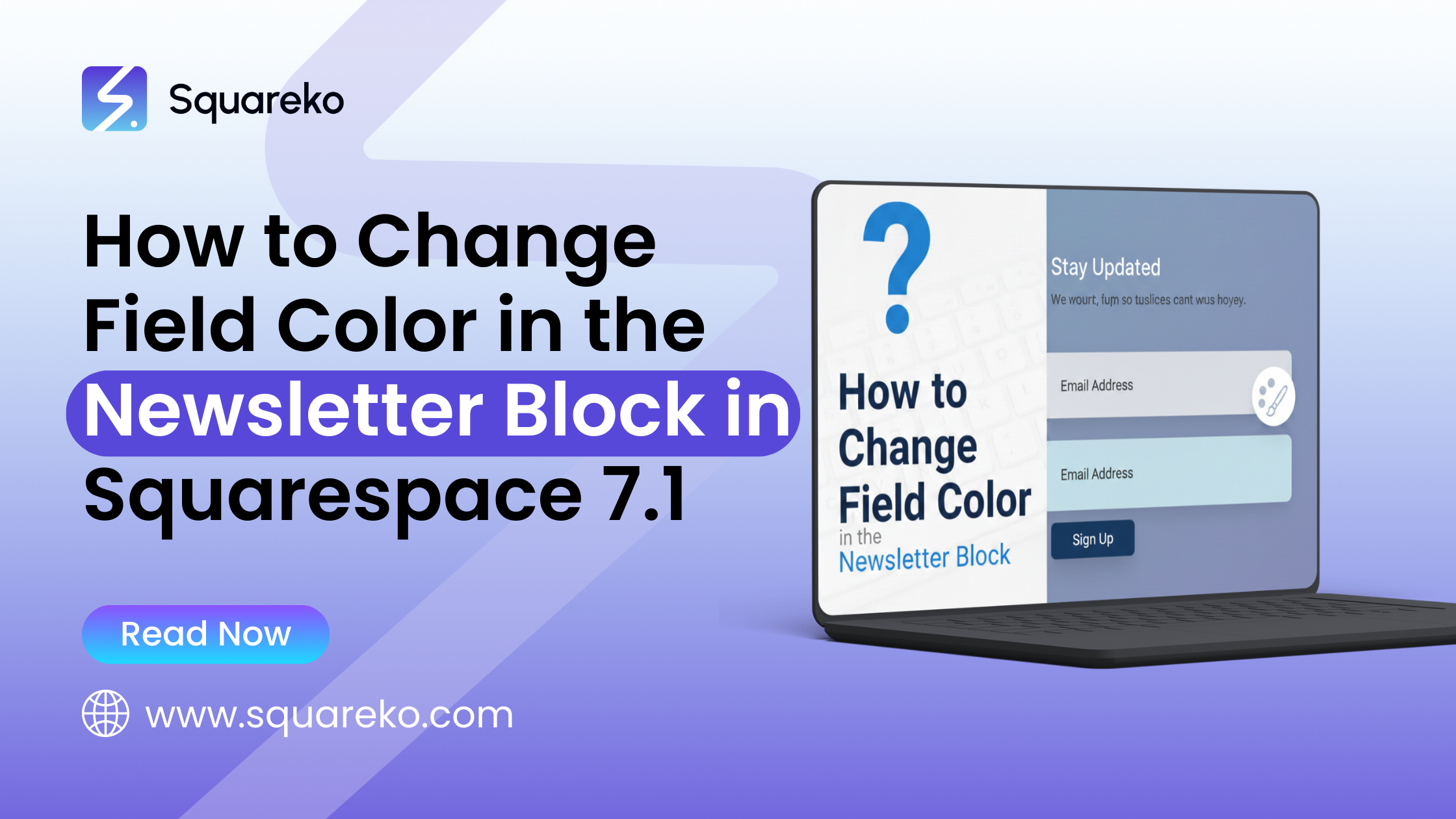
How to Change Field Color in the Newsletter Block in Squarespace 7.1 (Complete Guide)
Need to change the field color in a Newsletter Block in Squarespace 7.1? This quick guide shows you how to adjust input background, text, and button colors using Site Styles or simple custom CSS so your form matches your brand perfectly.
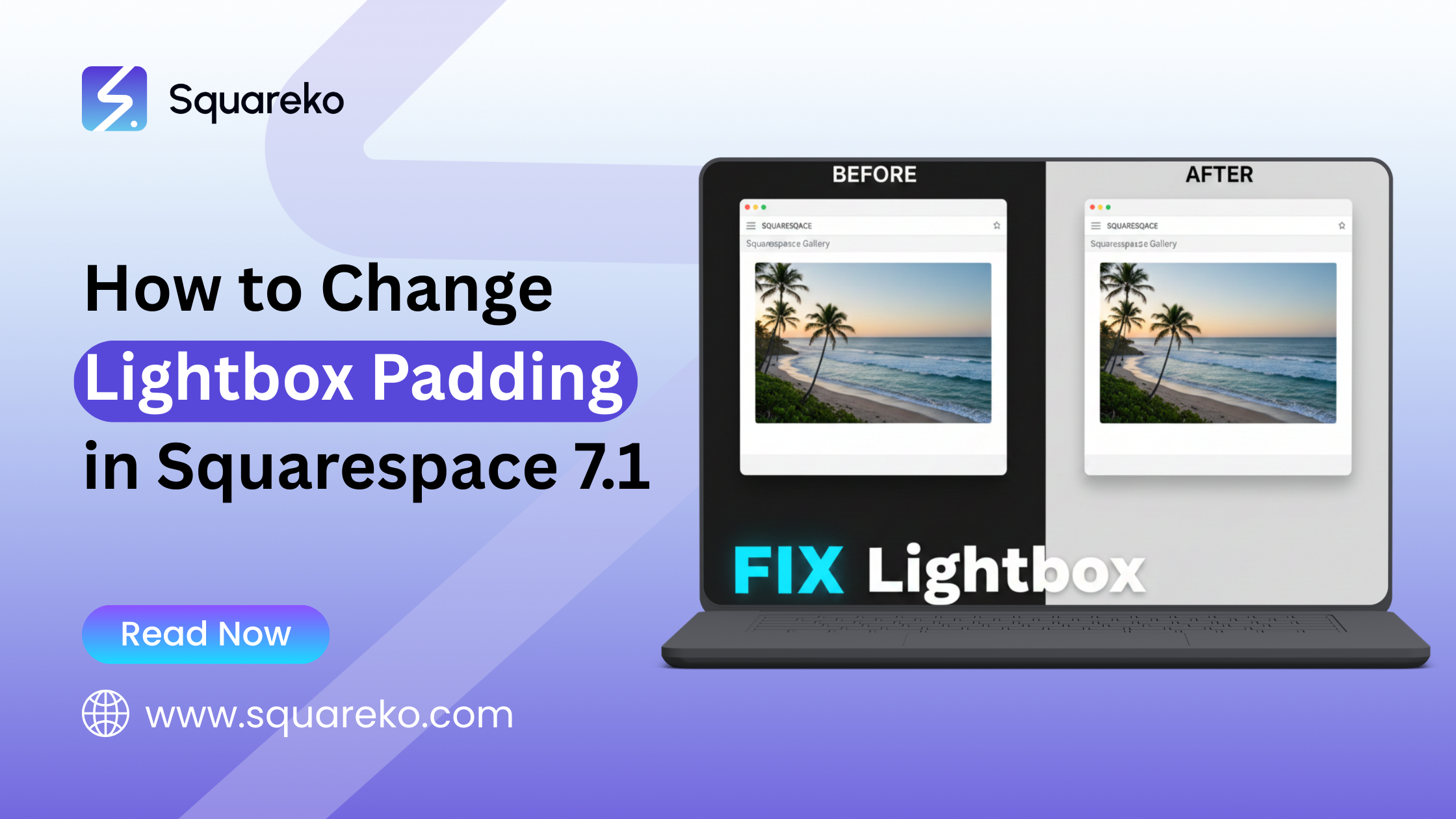
How to Change Lightbox Padding in Squarespace 7.1 (Complete Guide)
Want to adjust the spacing inside your image lightbox in Squarespace 7.1? This guide shows you how to change lightbox padding using simple custom CSS, helping you create a cleaner viewing experience that better fits your layout and brand style.
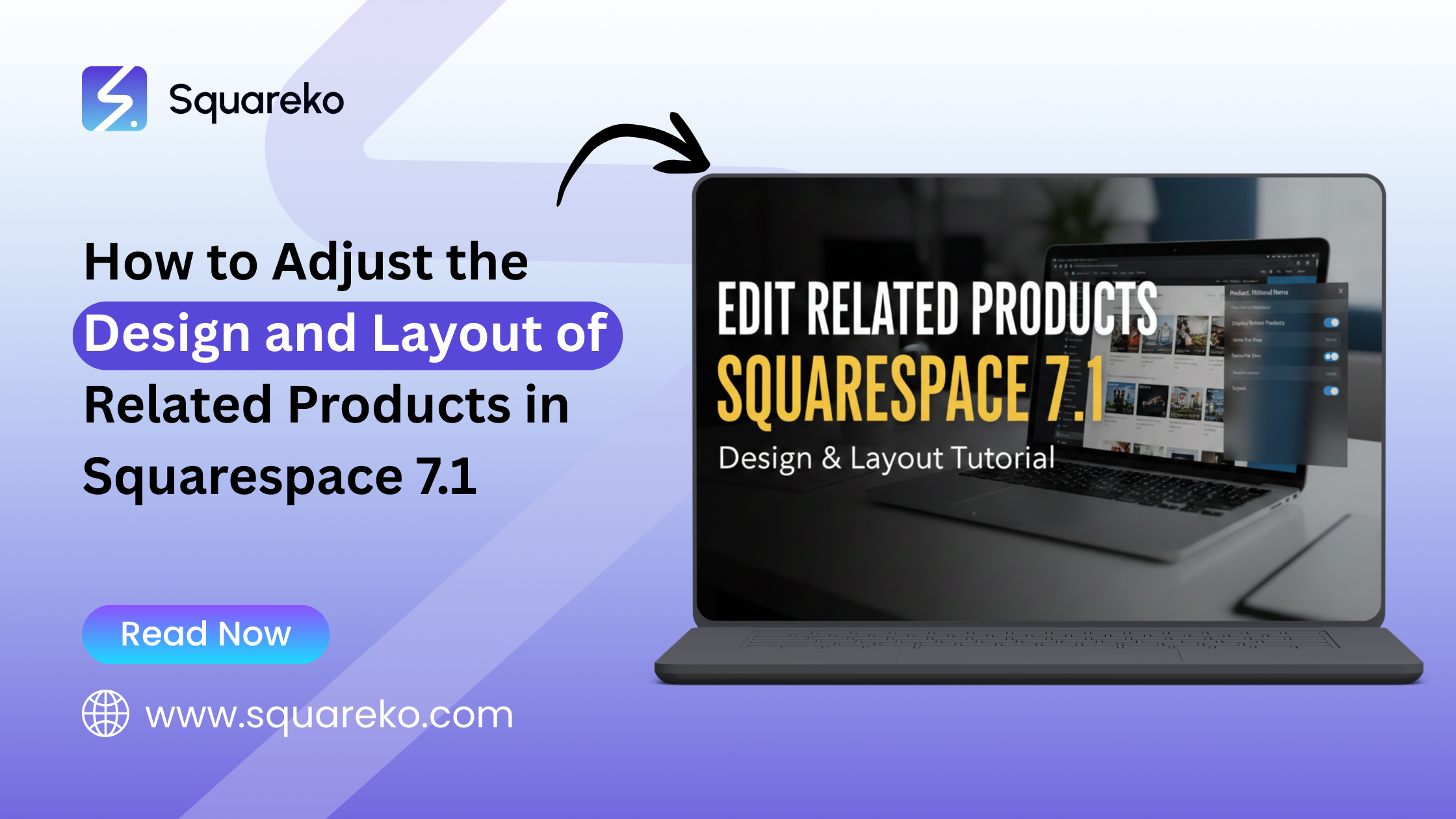
How to Adjust the Design and Layout of Related Products in Squarespace 7.1 (Complete Guide)
Want your Related Products section to look cleaner and more polished in Squarespace 7.1? This guide walks you through simple layout and style tweaks — from spacing and image sizes to button styling — so your product pages feel more intentional and easier to shop.
How to Hide the Hamburger Menu on Mobile in Squarespace 7.1 (Complete Guide)
If you’d rather not show the hamburger menu on mobile in Squarespace 7.1, this guide walks you through an easy way to hide it using a small CSS tweak. It’s a simple adjustment that can help you keep your mobile layout clean and distraction-free.

How to Move a Section Above the Site Header in Squarespace 7.1 (Complete Guide)
Want to place a section above your site header in Squarespace 7.1? This guide explains how to reposition content using layout settings and simple code tweaks, helping you create bold announcements, top banners, or unique hero designs that instantly grab attention.
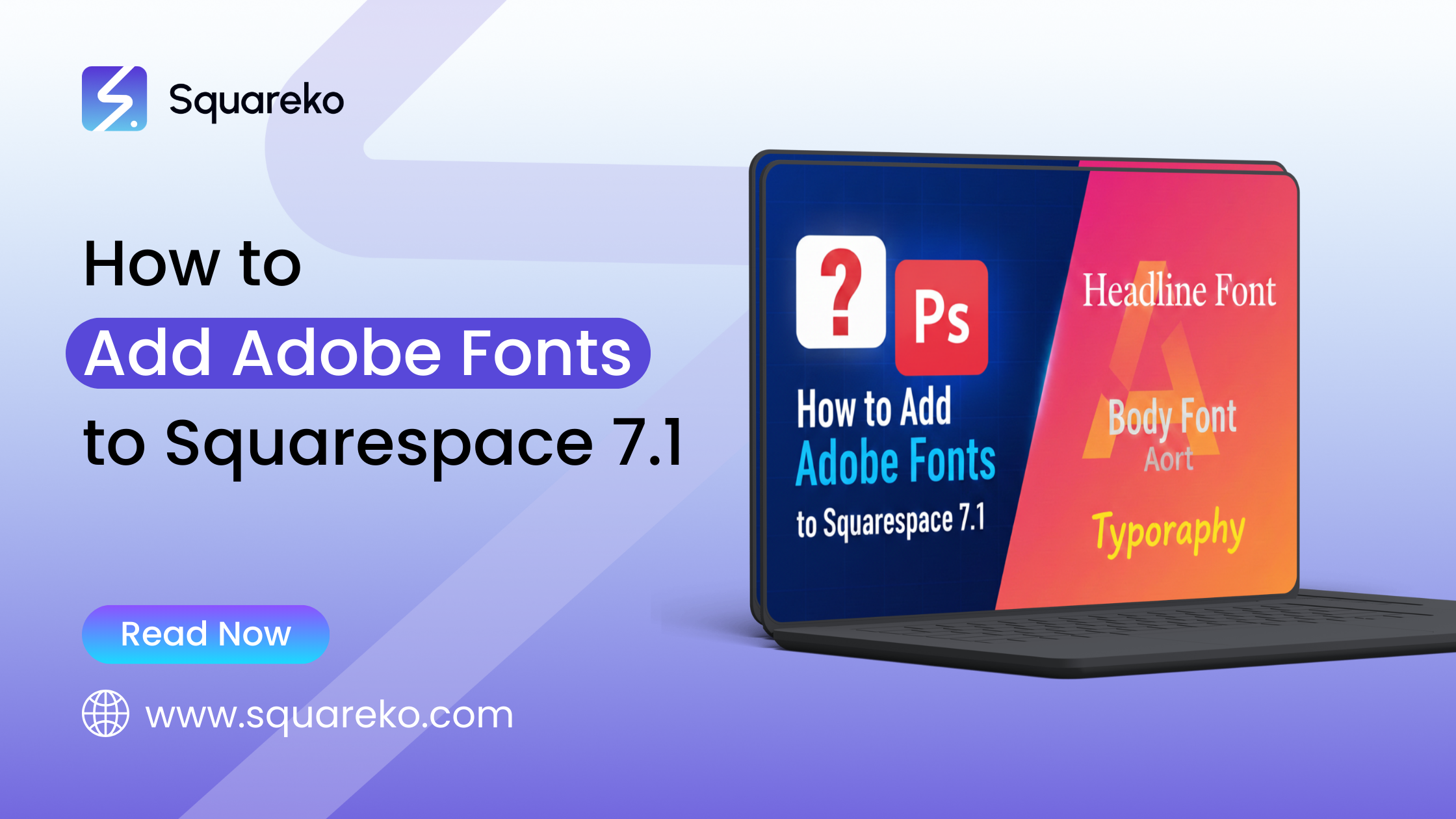
How to Add Adobe Fonts to Squarespace 7.1 (Complete Guide)
Want to use Adobe Fonts on your Squarespace 7.1 site? This guide walks you through connecting your Adobe Fonts kit and applying custom fonts step by step, so you can give your website a more distinctive, polished look that truly reflects your brand.
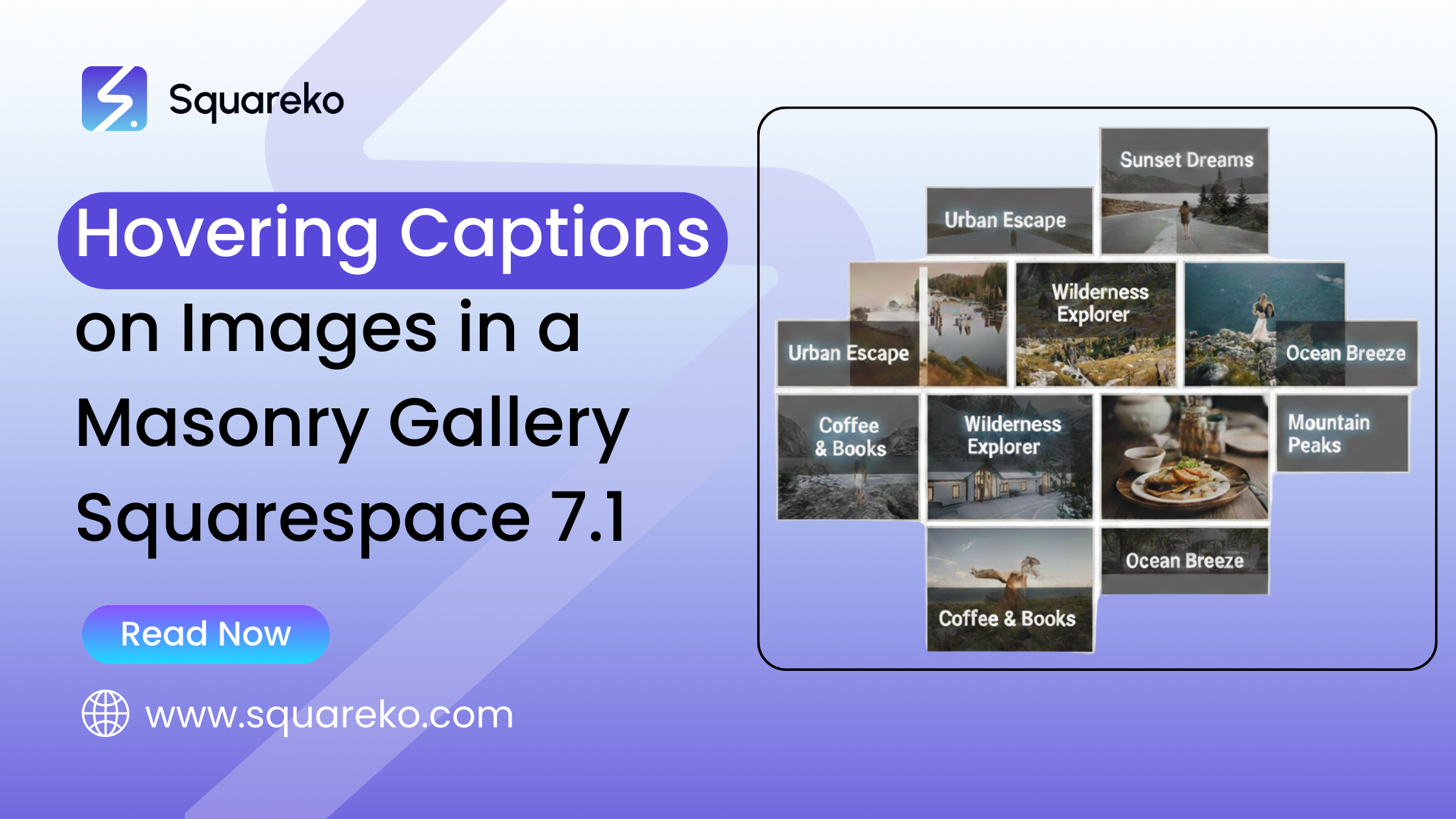
Hovering Captions on Images in a Masonry Gallery (Squarespace 7.1)
Want captions to appear when someone hovers over images in a Masonry Gallery? This guide shows you how to create clean, smooth hover effects in Squarespace 7.1 using built-in settings and simple CSS tweaks to make your gallery feel more interactive and engaging.

Display a Fallback Image on Mobile Instead of Video in Squarespace 7.1
Using a video background but want a static image to show on mobile instead? This guide explains how to display a fallback image in Squarespace 7.1, helping your site load faster and look polished on smaller screens without losing visual impact.

Resize Video Block Ratio for Mobile View in Squarespace 7.1
Is your Video Block looking awkward on mobile? This guide shows you how to adjust the video ratio in Squarespace 7.1 using simple layout settings and CSS tweaks, so your content fits the screen better and feels clean, balanced, and intentional.
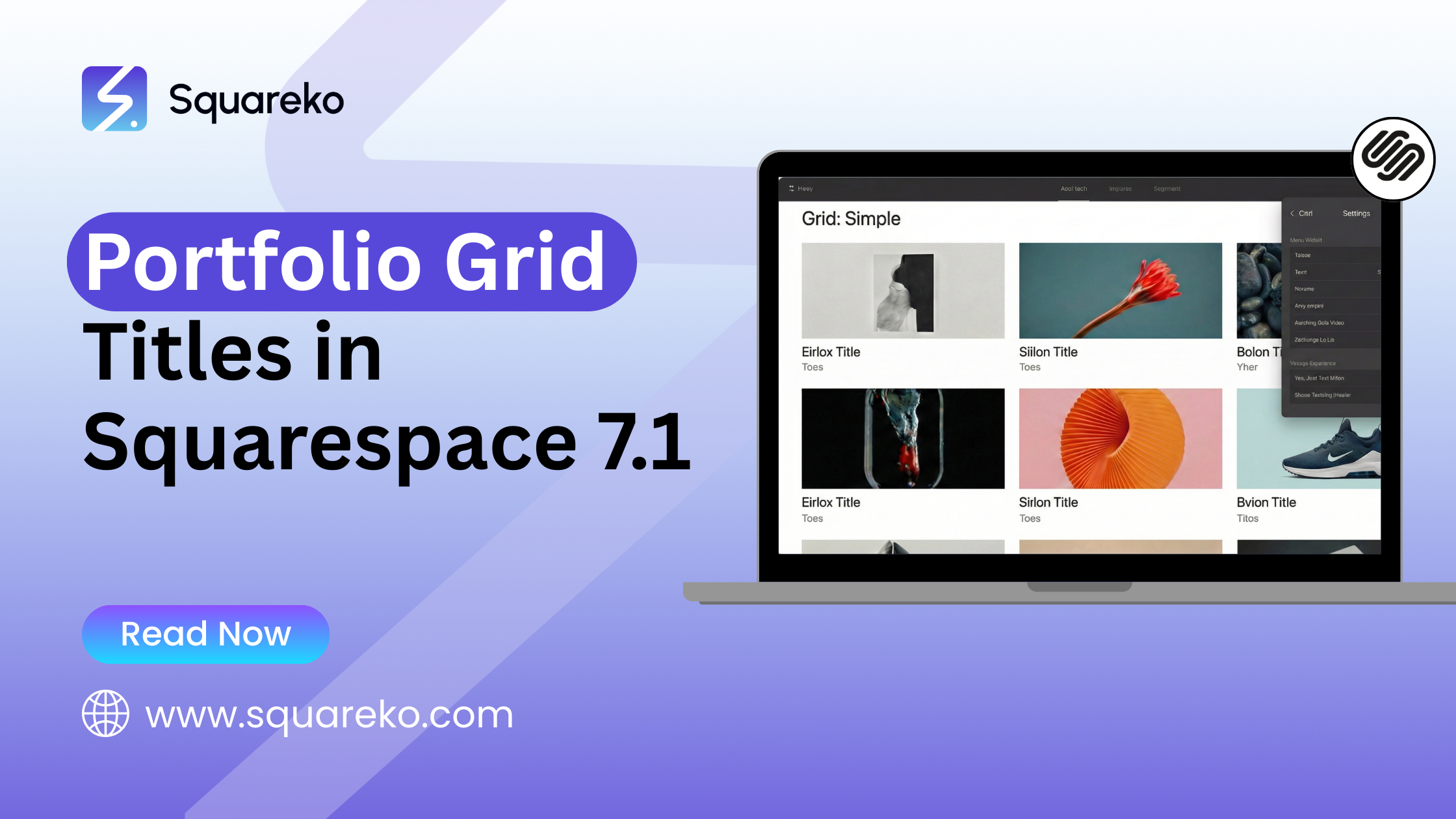
Portfolio Grid Titles in Squarespace 7.1 (How to Style, Resize & Control Them)
Want to customize the titles in your Portfolio Grid on Squarespace 7.1? This guide shows you how to adjust font size, spacing, alignment, and styling so your project titles look clean, consistent, and aligned with your overall brand design.
Gallery Slideshow Transitions in Squarespace 7.1 (What’s Possible & How to Improve Them)
Want smoother or more dynamic slideshow effects in your Squarespace 7.1 gallery? This guide walks you through adjusting slideshow transitions and timing so your images feel more polished, engaging, and aligned with your brand’s overall style.

See If Squareko Is Right For You.
Schedule a call with us to discuss your project in detail and receive a tailored solution. Let's turn your vision into reality - book your FREE consultation today!