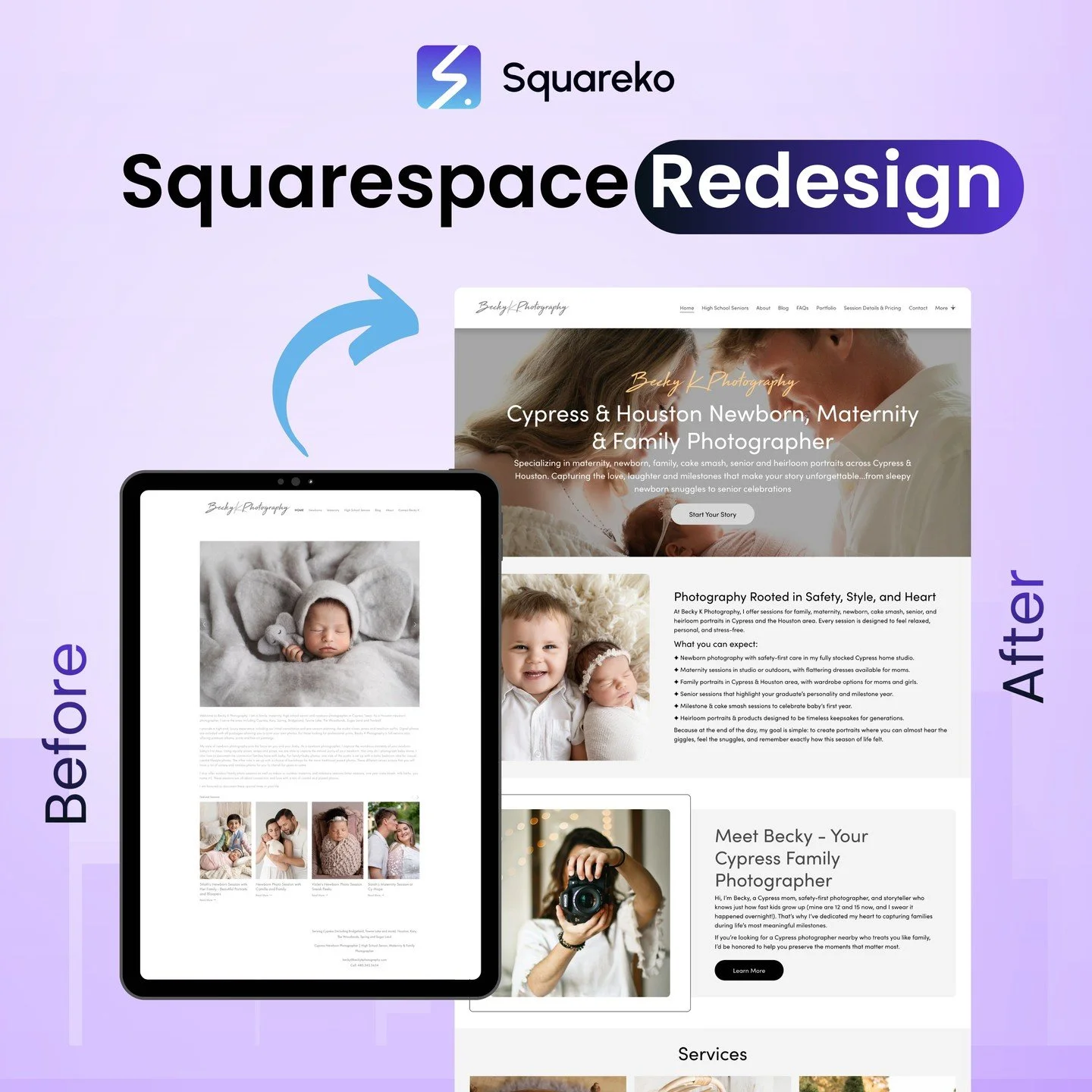
Explore Our Blog For Your Business Success

Expert tips and tools to help you be more productive in Business, Web Design, Social Media, and More.
How to Add a Second Logo to Your Squarespace 7.1 Header (Step-by-Step Guide)
Squarespace’s 7.1 templates are slick, and the editor is easy, but its native logo settings only allow one logo upload. Whether you're co-branding with a partner or just want to display.
How to play different Background Video Desktop and Mobile in Squarespace 7.1
Easily add a background video to your Squarespace website, but what if you only want the background video to display on mobile? When it comes to Squarespace, the platform.
How to Replace 'Required' Text with Red Asterisk in Squarespace 7.1 Forms
Squarespace form fields automatically display the word "required" adjacent to the label for required fields. Although it is technically accurate, it’s a damn ugly statement
How to Create a Floating Button or Navigation in Squarespace 7.1
Floating buttons or sticky navigation menus on websites are a design element that makes it easier for users to click on an important button, no matter where they are in the viewport.

Dynamic Hover Effects to Portfolio Page in Squarespace 7.1
Interactive portfolio grids are one of the most effective ways to display your creative work on the web. Instead of static images, add dynamic hover effects, like image zooms and sliding text.

How to Change the Cart Page Background Color in Squarespace 7.1
Changing your Cart Page background color in Squarespace 7.1 is one of the easiest ways to create a more immersive shopping experience as well as to make it more visually appealing.
Adding simple animated numbers that count up to the Squarespace website
Counters with numbers are stunning, engaging components that count up from zero to any number. They’re commonly used on portfolio sites, agency homepages
How to Make the Header Transparent on Front Page Only (Squarespace 7.1)
Your website’s home page is often the first thing that a person sees, and a transparent header can quickly make your site look more professional. It helps enhance your brand as a clean.

How to Create a Page Loading Animation or Page Transition Effect in Squarespace 7.1
Those first few seconds when someone lands on your site are crucial. One thing you can do to make your site more professional and improve its user experience.
How to Change the Logo Link Using Code in Squarespace 7.1 (Step-by-Step Guide)
In Squarespace 7.1, your logo is set to link to the homepage by default. But what if you want it to be redirected somewhere else (for instance, a promo page, a different domain.

How to Change the Date Display Format on All Pages in Squarespace 7.1
Changing the date format on your website is a big part of ensuring that your site feels professional, local, and consistent in how it displays dates. Whether it’s a blog, event site.

How to Add Image Hover Effects with Links Using Default Squarespace Classes (7.1)
If you are putting together a beautiful site on Squarespace 7.1, one of the fastest ways to make your design and user experience more powerful is by using image hover effects

See If Squareko Is Right For You.
Schedule a call with us to discuss your project in detail and receive a tailored solution. Let's turn your vision into reality - book your FREE consultation today!